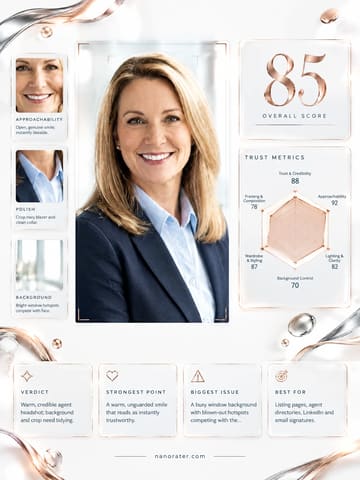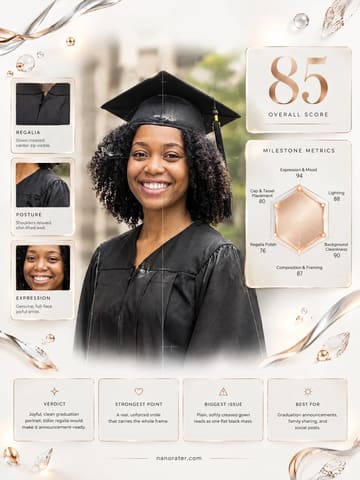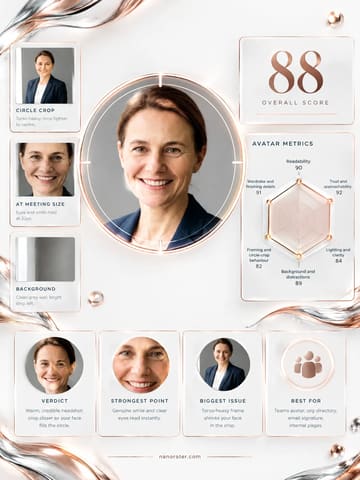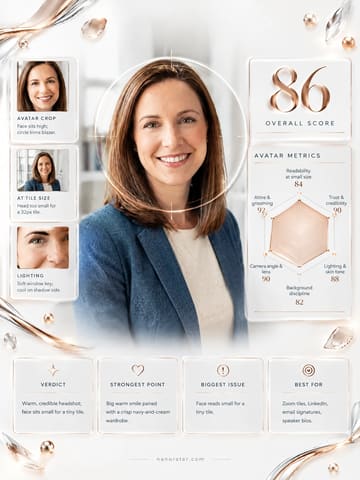

A real report, captured
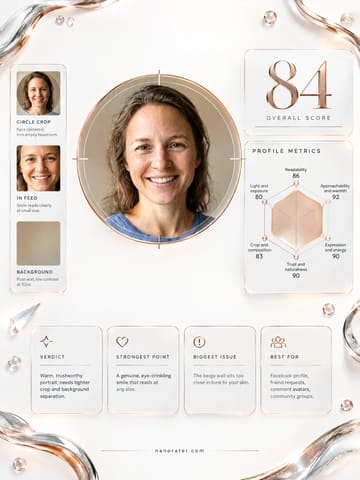
This is a genuinely lovely headshot — that open, unforced smile lands the second it hits a chat window, so you're already most of the way there; just give the curls a little more room in the circle and it's near-perfect.
Where this photo works
It works beautifully as a WhatsApp avatar for friends, family and everyday chats: front-on, eyes clear, expression warm, background plain, so it will read instantly in a contact list. It also passes fine for work-adjacent messaging and LinkedIn-style light professional use. It is slightly more 'polished headshot' than 'casual phone snap', so in a group of loose, playful selfies it may read a touch formal — and because the subject is square to camera with a neutral studio backdrop, it carries no visual hint of hobbies, humor or personality, which matters if you want your avatar to feel like a personality, not a portrait.
Quickest fixes
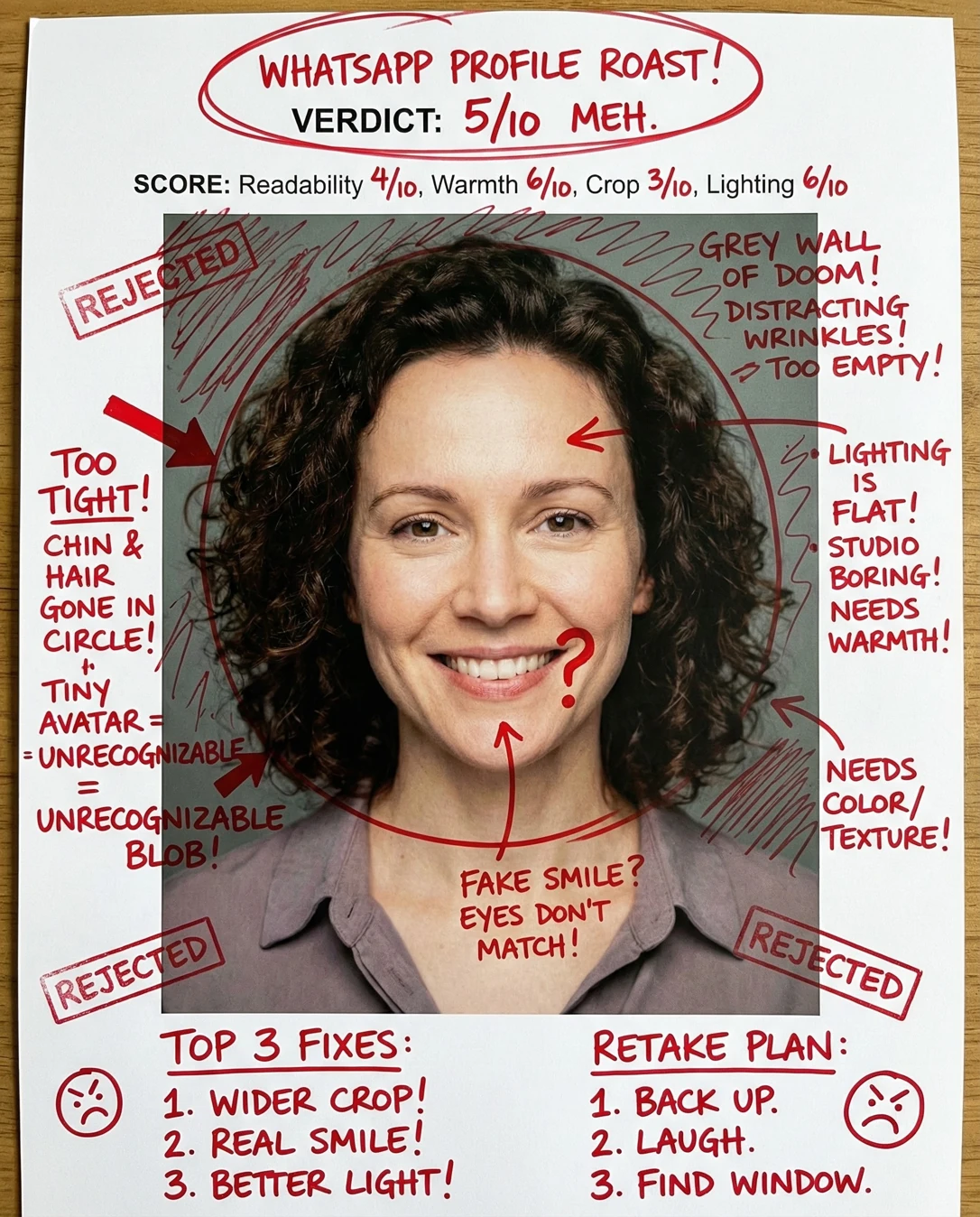
- Pull the crop wider around the hair so the curls sit fully inside the circle with a small backdrop margin at the top.
- Center the face so eyes land near the upper third of the circular mask, giving the smile the visual weight.
- Open the shirt collar one button or swap to a warmer-toned top to move the register from 'headshot' toward 'approachable'.
Retake plan
- 1.Set up roughly 1.5 metres from a plain, mid-to-light toned wall with soft daylight arriving from directly in front — a window works beautifully, no flash.
- 2.Place the camera at eye level, square to your face, and step back until the whole curl silhouette plus a sliver of wall above your head fits inside the frame.
- 3.Turn about 5–10 degrees off-axis — not enough to lose an eye, just enough to give the cheekbone some dimension.
- 4.Relax the shoulders, drop the chin a fraction, and think of someone who makes you laugh rather than 'posing' — recreate the exact open smile from this shot.
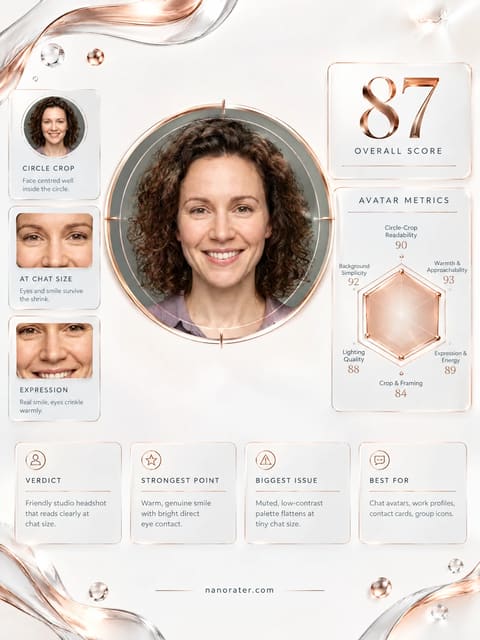
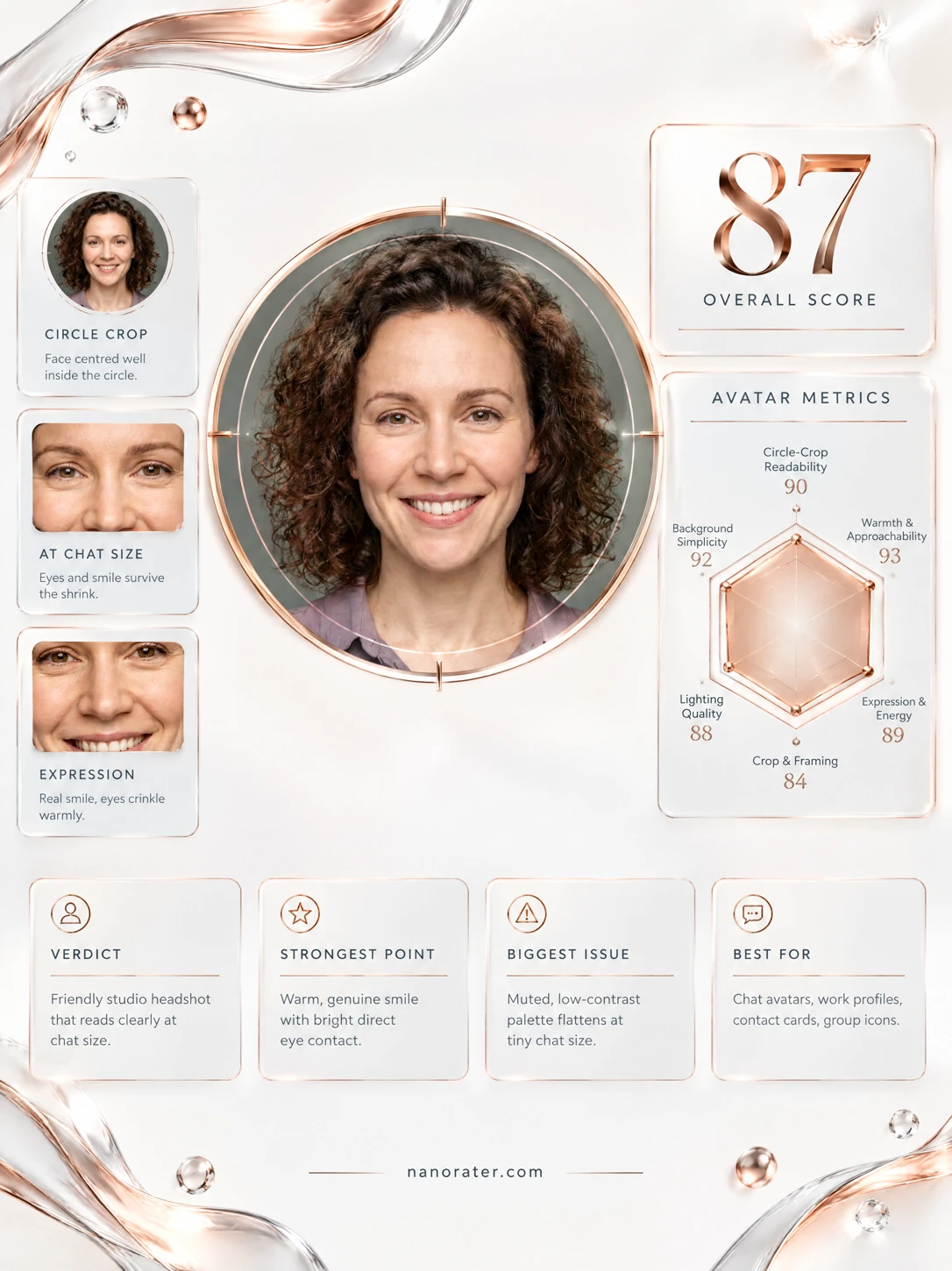
- Readability at chat size90
Eyes, brows, mouth and hair silhouette all separate cleanly from the backdrop; the face is centered and unobstructed. Because the hair mass occupies roughly half the frame width, the facial features compress slightly more than ideal when scaled to a 32px avatar.
- Warmth and approachability95
The smile is open with visible teeth, cheeks lifted, and the eyes narrowed in a genuine Duchenne pattern rather than a held pose. The head is level and front-facing, which reads as direct and available rather than guarded.
- Crop and circle compatibility80
The subject is centered, eye level sits above the vertical midpoint, and the crop is head-and-shoulders. Headroom is minimal — the top of the hair nearly meets the frame edge — and the curls are cropped at both left and right borders, so a circular mask will trim them.
- Lighting quality90
Light arrives from the front, softly diffused, with even illumination across the forehead and cheeks and no harsh specular hotspots or blown highlights. Mild fall-off on the neck and lower shirt creates gentle depth without shadowing the face.
- Background separation86
A plain, uncluttered mid-tone sage-grey backdrop with soft vignetting. Separation is good against the skin, but the darkest outer curls sit close in value to the backdrop in the corners, which slightly softens the hair edge.
- Expression and energy93
Mouth open in a broad but relaxed smile, brows lifted evenly, both eyes engaging the lens directly. The energy is warm and steady rather than performative, with no tension in the jaw or neck.
- Authenticity and natural finish91
Skin shows natural texture, visible pore detail, freckling across the nose and cheeks, and fine lines around the eyes. There is no evidence of heavy smoothing, warping or aggressive filter treatment.
- Angle and facial balance88
Straight front-on with the face perfectly centered and both eyes visible, symmetrical across the vertical axis. The fully frontal angle is flattering here but leaves the facial structure slightly flat, with the cheekbone contour less defined than a small three-quarter turn would give.
- Styling and finishing85
A muted mauve-taupe collared shirt sits in a low-saturation family that harmonizes with the sage backdrop. The collar is cut at the bottom frame edge, and the neckline is clean but businesslike rather than relaxed.
- Color story87
A cool sage-grey ground, warm neutral skin with rosy cheek undertone, chocolate-brown hair, and a desaturated mauve garment. The palette is cohesive and low-contrast, with no competing bright elements to distract the eye at small sizes.
What works
- Expression is the shot's engine and it fires on all cylinders
Broad, unforced smile with lifted cheeks, crinkled outer eyes and visible teeth; the mouth and eyes remain legible even at extreme downscale.
- Frontal, eye-level, centered framing reads instantly as a person
Eye level sits above the vertical center, subject is horizontally centered, both eyes visible, no tilt or off-axis distortion.
What holds it back
- Hair silhouette is clipped by the frame on three sides
The curls reach and slightly exit the left and right frame edges, and the top of the hair sits very close to the upper border, so a circular mask will trim the volume that currently frames the face.
- Headroom is too tight for a circular crop
The gap between the top of the hair and the frame's upper edge is minimal, leaving no margin for the circle mask's curvature.