
A real report, captured
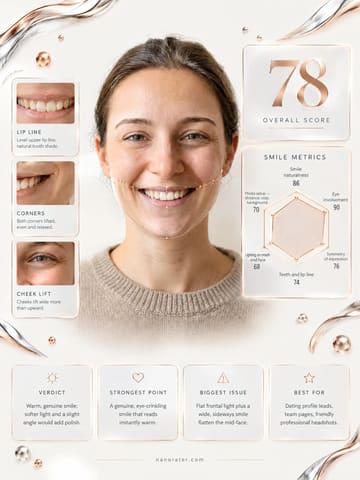
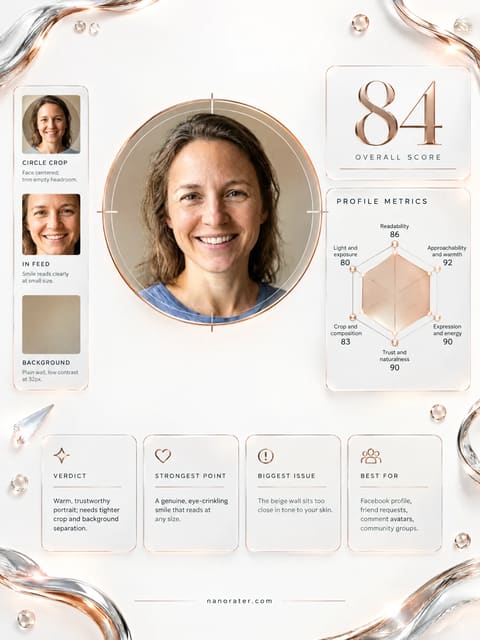
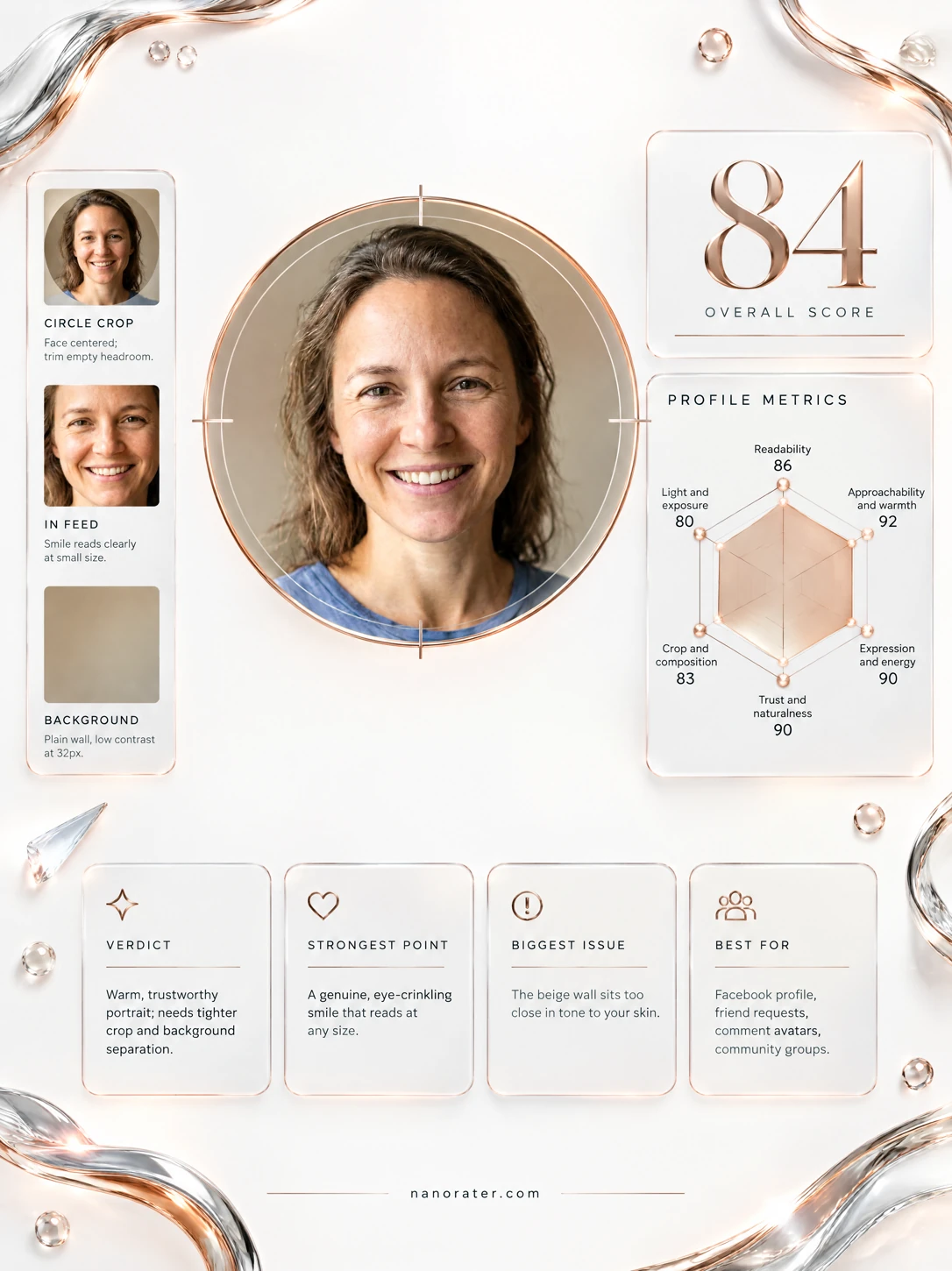
A warm, open, straight-to-camera headshot that will read as friendly and real the instant it lands in someone's feed — the smile is doing absolutely gorgeous work here.
Where this photo works
Works beautifully as a Facebook profile picture: the face fills the frame, the eyes are level with the lens, and the plain warm wall keeps the circle clean at 32px in comments and friend requests. It is slightly less suited to tall vertical placements (Stories, cover-adjacent crops) where the tight headroom at the crown leaves little room to zoom out, and the everyday tee reads casual, not corporate — so it is ideal for social, community and personal use rather than a formal business directory.
Quickest fixes
- Re-crop with 8-10% of clean wall above the crown so the circle crop never clips your hair
- Lift overall exposure very slightly and warm the white balance a touch to remove the faint cool cast in the shirt
- Add a small amount of clarity or contrast on the eyes only, so they stay crisp at avatar size
Retake plan
- 1.Position yourself beside a large window at roughly 45 degrees to the glass, about 1.5-2 metres away, and bounce a white card or foam board into the shadow side; keep at least 1.5 metres of wall behind you for soft background separation.
- 2.Set the camera at eye height with an 85mm-equivalent focal length (or a phone's 2x lens) and step back half a pace — the longer distance flattens the nose and jaw more flatteringly than holding the phone close.
- 3.Frame so the eyes sit on the upper third with 8-10% of empty wall above the crown and the chin clear of the bottom edge, turning the shoulders about 10-15 degrees off-axis for a slightly narrower silhouette.
- 4.Keep the blue crew-neck or another mid-tone, low-patterned top that separates cleanly from the wall and doesn't compete with your face.
- Small-Size Readability88
The face occupies roughly the central 60% of the frame width, eyes large and well-defined, with a high-contrast smile that survives downscaling to avatar size.
- Warmth & Approachability92
Open smile with visible upper teeth, cheeks raised, head level and shoulders squared to the camera, no barrier between subject and lens.
- Trust & Natural Editing91
Skin shows real texture — pores, freckling and fine lines around the eyes — with no evidence of heavy smoothing, liquify or filter artefacts.
- Crop & Composition82
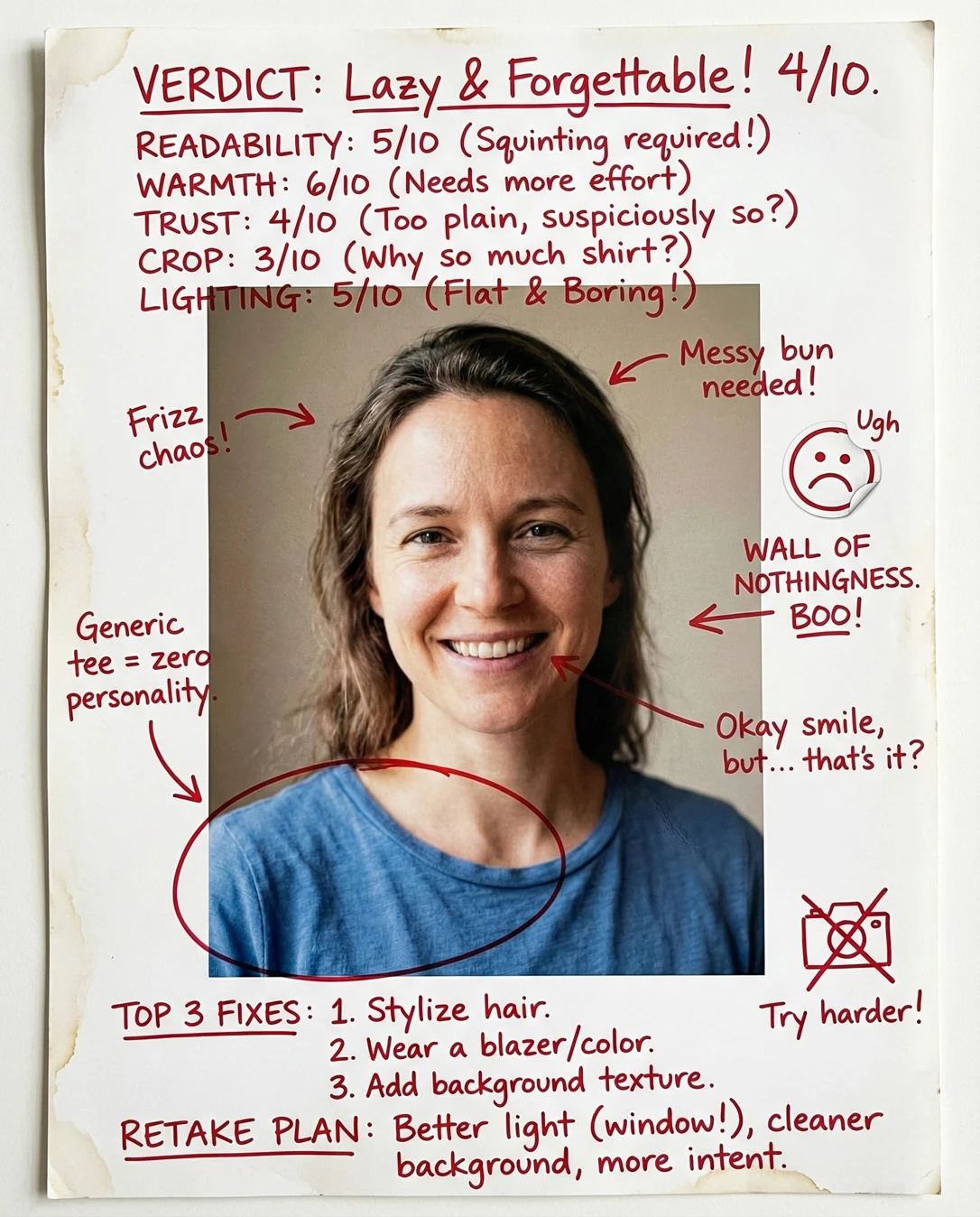
Head-and-shoulders framing with the chin clear of the bottom edge and shoulders included, but the crown of the hair sits only about 4% below the top edge, leaving thin margin for a circular crop.
- Lighting & Exposure86
Soft directional daylight from camera-left produces gentle modelling on the nose bridge and left cheek, with clean catchlights in both eyes; the right cheek falls about a third of a stop darker.
- Background Simplicity90
A plain warm grey-taupe wall with a soft gradient and no objects, high-contrast edges or bright spots competing with the face.
- Expression & Energy92
Direct gaze into the lens, genuine smile with the lower lid slightly raised, and a relaxed jawline — the expression reads as spontaneous rather than held.
- Sharpness & Technical Quality88
Eyes and eyelashes are crisply resolved, the shirt fabric shows weave detail, and there is no visible motion blur or noise in the shadow areas.
- Colour Harmony87
Heather-blue cotton sits as a cool counterpoint to warm neutral skin and a warm grey wall, with no colour cast through the whites of the eyes.
- Facial Scale in Frame85
Face height occupies roughly half the total frame height, generous enough for detail without crowding the edges, though the shoulders reach the bottom corners.
What works
- Expression is the anchor of the shot
A full, unforced smile with visible crow's-feet and raised cheeks communicates genuine pleasure rather than a performed grin.
- Clean separation from a plain backdrop
The uniform warm wall provides even tonal separation from both hair and shirt, so the head silhouette stays legible at thumbnail size.
What holds it back
- Tight headroom for a circular crop
Only a narrow strip of wall sits above the highest hair strands, so an automatic circle crop risks clipping the crown.
- Uneven left-to-right falloff
The camera-right cheek reads slightly darker than the left, and the background gradient deepens on that same side.