A real report, captured
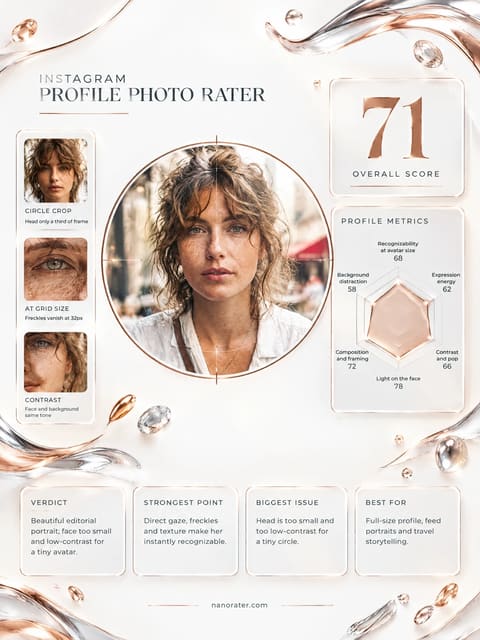
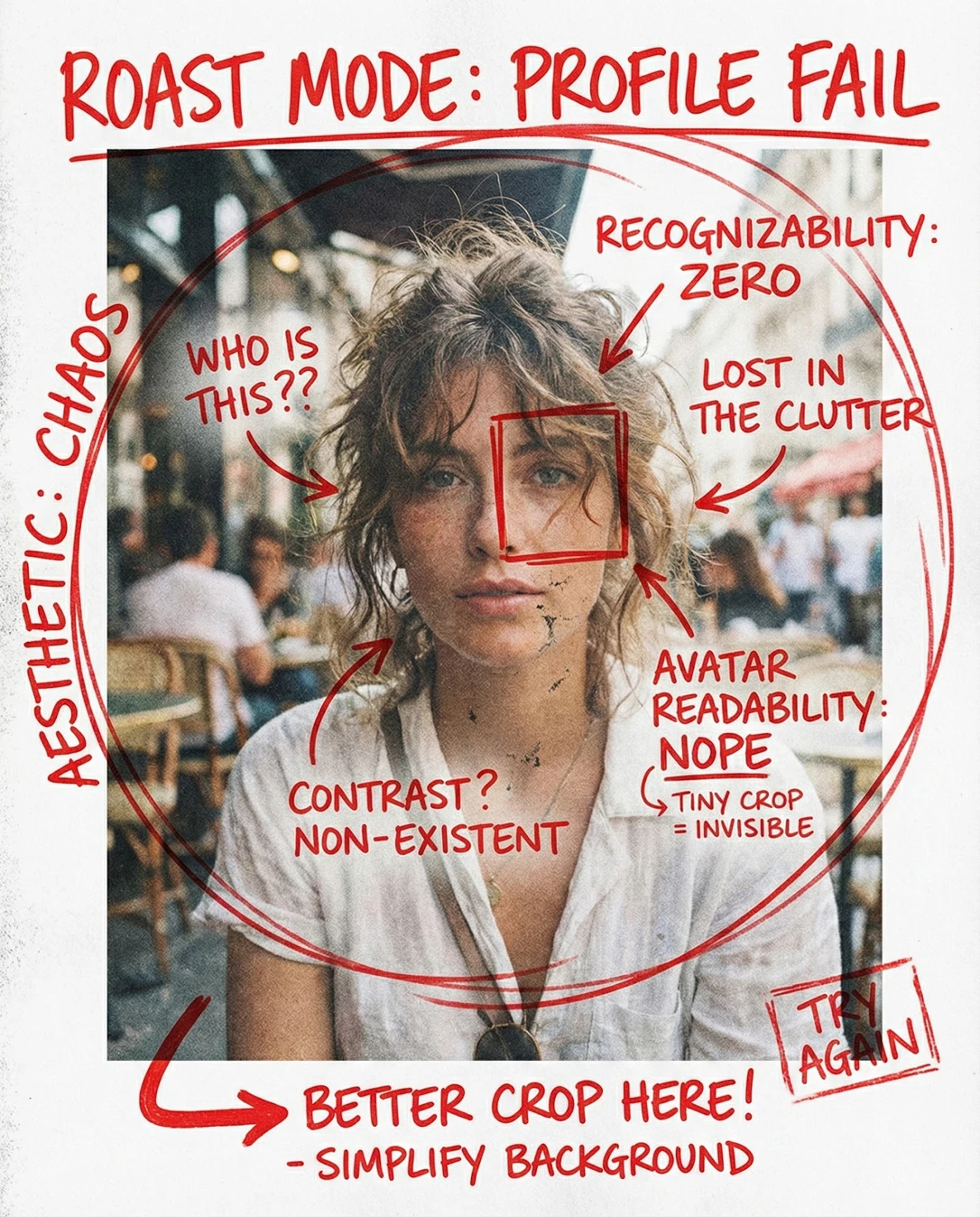
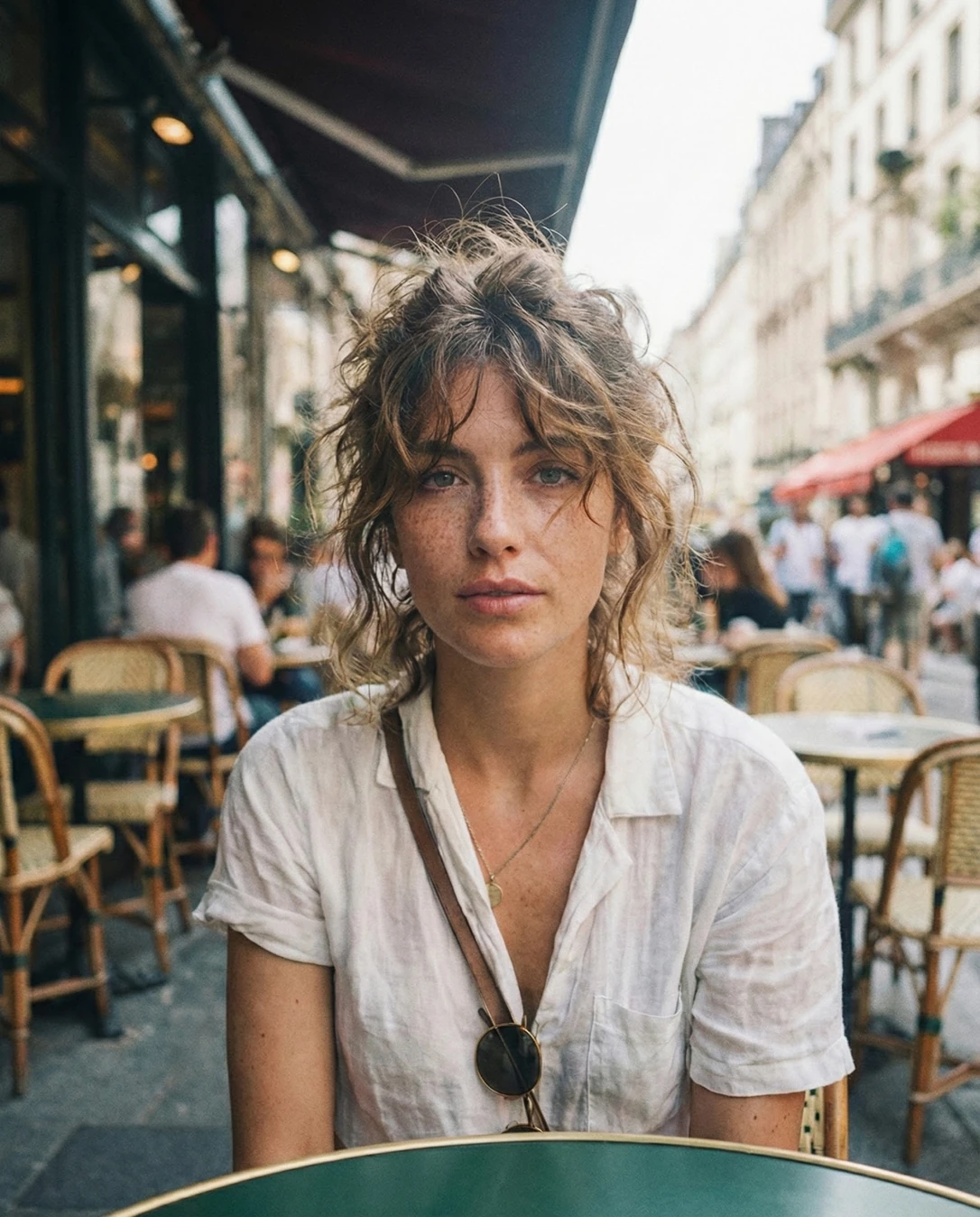
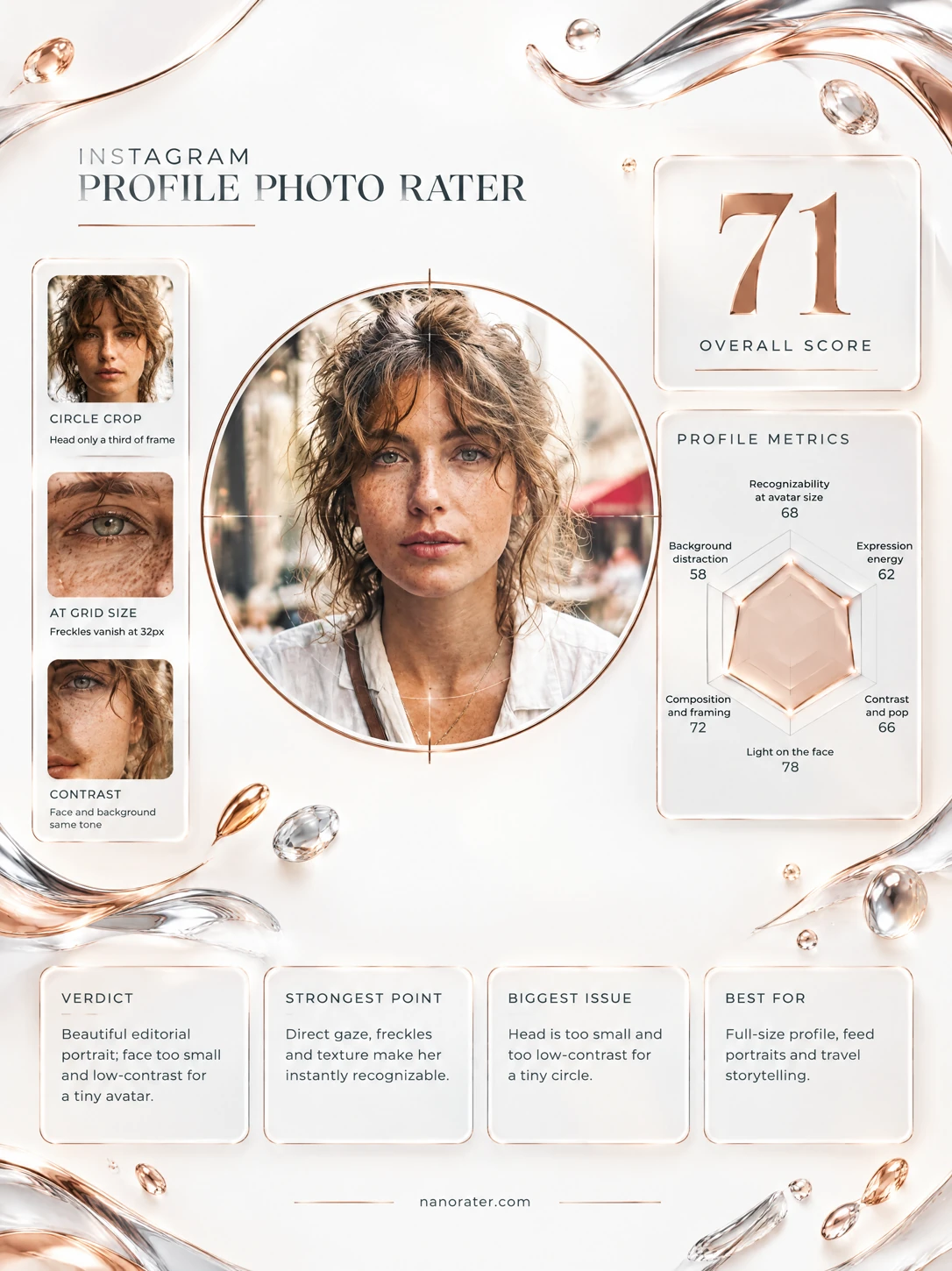
Okay, I'm a little in love with this one. Paris light, freckles, hair doing its own glorious thing, and that steady look straight down the barrel — this is a *photograph*, not a picture. The only thing standing between it and avatar greatness is that it's framed like a portrait and you'll be showing it the size of a postage stamp. Tighten the crop, let your face take up the room it deserves, and watch it come alive in the little circle.
Where this photo works
Genuinely shines as an editorial feed post, a travel-blog header, a portfolio or press image, and any profile surface where the photo gets seen large — the mood is unmistakable and the styling is honest. It works less well as a 32px chat avatar or a recruiter-facing headshot: at thumbnail size the face occupies too little of the frame, the neutral mouth reads as flat, and the busy café behind you turns into visual static. Same photo, different stage — it's a leading lady in the right venue.
Quickest fixes
- Crop square: crown of hair to collarbone, eyes on the upper third
- Remove the table edge and the lower background band from the frame
- Lift facial midtones and add a gentle S-curve for thumbnail presence
Retake plan
- 1.Return to the same café at the same time of day so the overcast or shaded frontal light is reproduced exactly
- 2.Sit facing the open street light with the darker café interior or a plain façade directly behind the head, eliminating chairs and passers-by from the frame
- 3.Raise the camera to just above eye level and hold it at a distance producing a head-and-collar composition, no wider
- 4.Shoot a burst of twenty to thirty frames, varying only the expression from neutral to a soft engaged smile
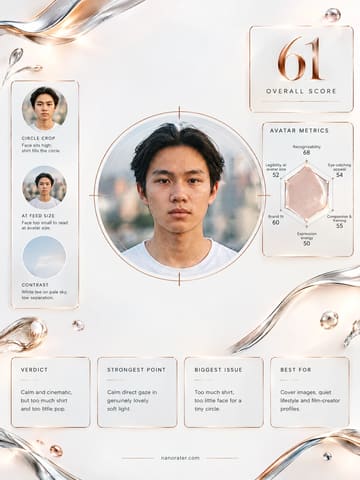
- Face recognizability at avatar size74
The face is sharp and unobstructed, but within a half-body frame it occupies roughly a fifth of the total image height; scaled to a 32px circle, fine features such as freckles, lash definition and lip line will compress into a single mid-tone mass.
- Composition and framing for a circular avatar68
Subject is centered and front-facing, but the head sits above the vertical midpoint of the frame, the table edge cuts the bottom, and the horizontal spread of café furniture creates strong lateral pull. A circular mask would leave the face high and small, with a band of noisy background beneath the chin.
- Expression energy62
The mouth is fully relaxed and closed, the brow is unraised, and the gaze is level and steady — an intentional, editorial stillness rather than an engaging greeting. At small sizes the affect reads as serious or distant.
- Eye contact and engagement88
Both eyes are visible, evenly lit and tack-sharp, with a clear catchlight and no obstruction from the hair fringes. The subject is front-facing and looks directly into the lens, creating immediate connection.
- Tonal contrast and separation70
Lighting is soft and frontal under the awning, producing an even, low-contrast register. The cream linen shirt sits close in value to the pale building façades behind it, so the shoulder line does not separate cleanly and the silhouette softens at thumbnail size.
- Background separation and noise72
Shallow depth of field blurs the background, but rows of wicker chairs, multiple seated and standing figures, and the red awning introduce repeated mid-tone shapes and one saturated colour accent that competes for attention at small scale.
- Thumbnail legibility68
Detail is excellent at full resolution, but the composition spreads visual interest across the whole frame — face, furniture, pedestrians, awning — with no single dominant mass. At grid size these elements merge into texture rather than a readable subject.
- Aesthetic coherence and brand fit90
Styling, location and light are consistent: open linen collar, thin cord-hung pendant, tossed hair, café terrace and European street architecture all point to a single relaxed-travel editorial register. Nothing in the frame contradicts that story.
- Colour palette harmony80
The palette is a controlled run of cream, oatmeal, faded tan and soft grey with warm skin undertones; the red awning in the upper right is the single strong chromatic outlier and draws disproportionate attention against the desaturated field.
What works
- Exceptional natural light on the face
Soft, directionless daylight under the awning fills the eye sockets and produces one clean catchlight in each eye without hot spots or harsh shadow under the nose or jaw.
- Sharp, engaged eye contact with the lens
The eyes are the critical focus point and remain crisp while the background falls away; the subject faces the camera squarely with no averted gaze.
What holds it back
- Face occupies too small a share of the frame
The shot is half-body with extensive surrounding context; in a circular avatar crop the face would sit high and small, and the bottom third of the circle would be filled by the table and background chairs.
- Neutral expression reads as distant at small scale
The mouth is closed and unengaged with no lift at the corners; at thumbnail size the face registers as serious rather than approachable, weakening the greeting function of a profile photo.