Nanorater2,600+ people have rated a photo

Selfie Rater

Upload a selfie for blunt persona annotations on angle, light, expression, and background. Get fast retake steps that improve clarity and vibe.
No photo handy? Rate an example:

Example rating reportExample output

AI result

Your personalized report will appear here with clear strengths and practical retake advice.

Free score and summary; free account for the full single-photo report$17.49 once for your Glow-Up Report: AI previews of you with the fixes appliedSee our privacy policy for photo storage and AI processing

What one photo gives you

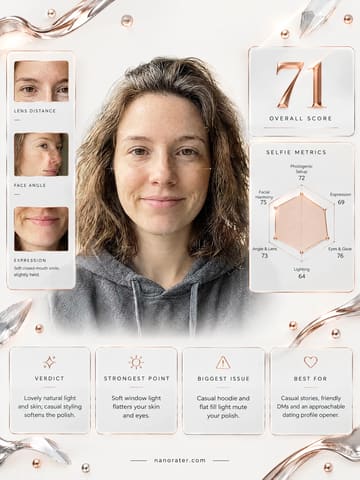
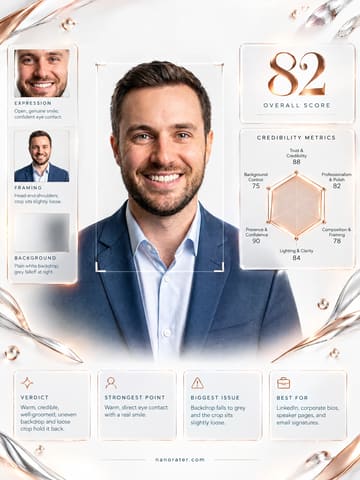
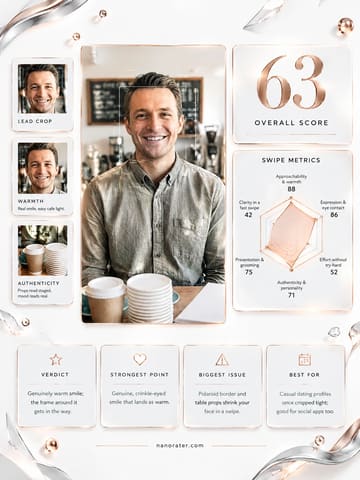
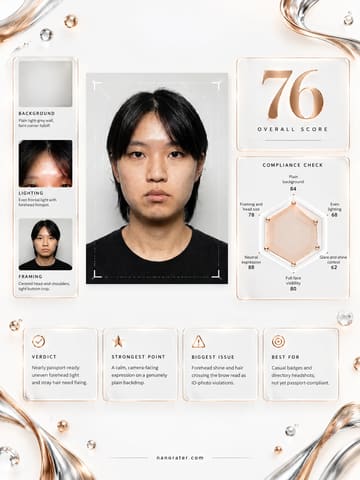
One upload, three deliverables. The annotated notes and the professional card are both built from the same photo, so you can compare them side by side.

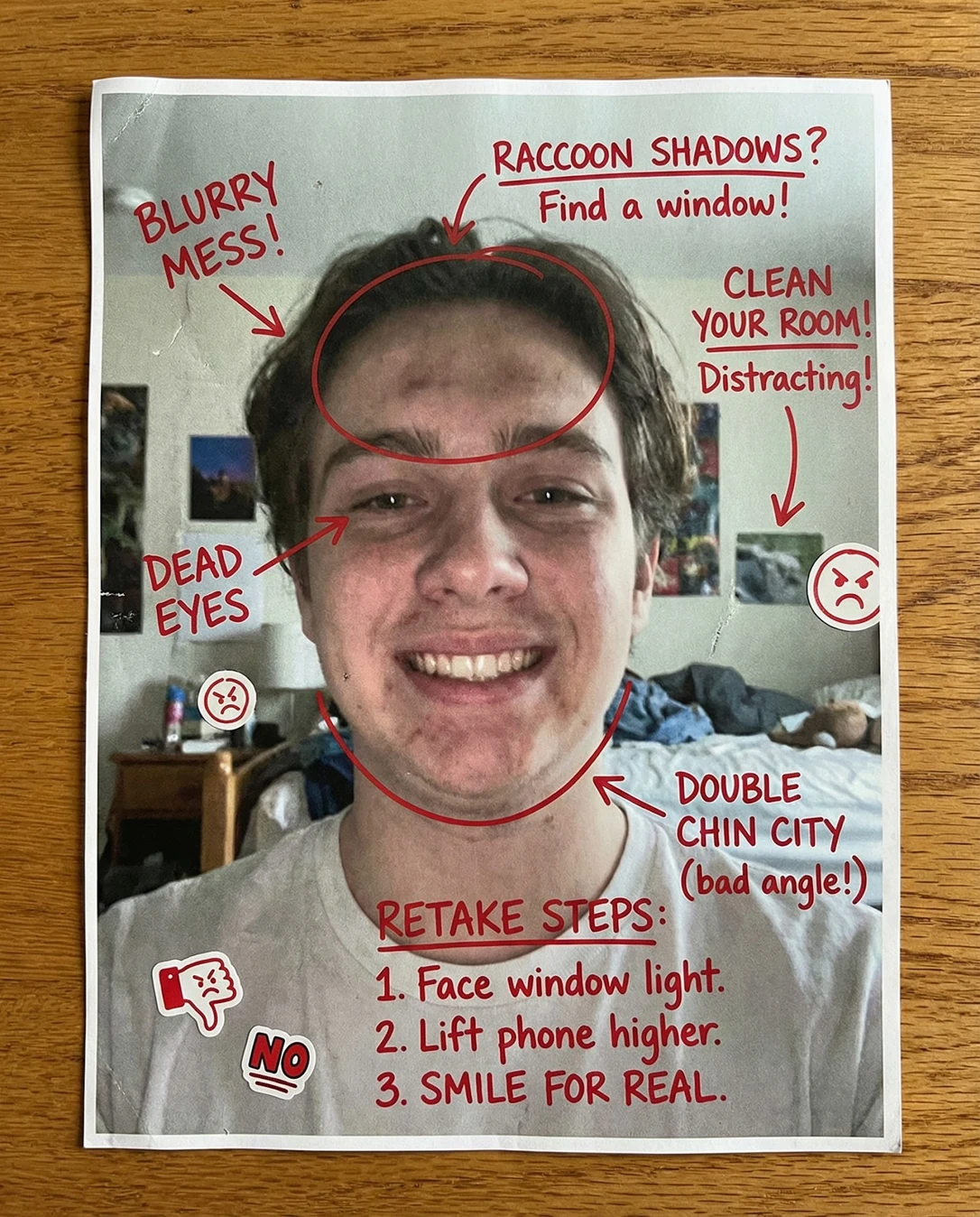
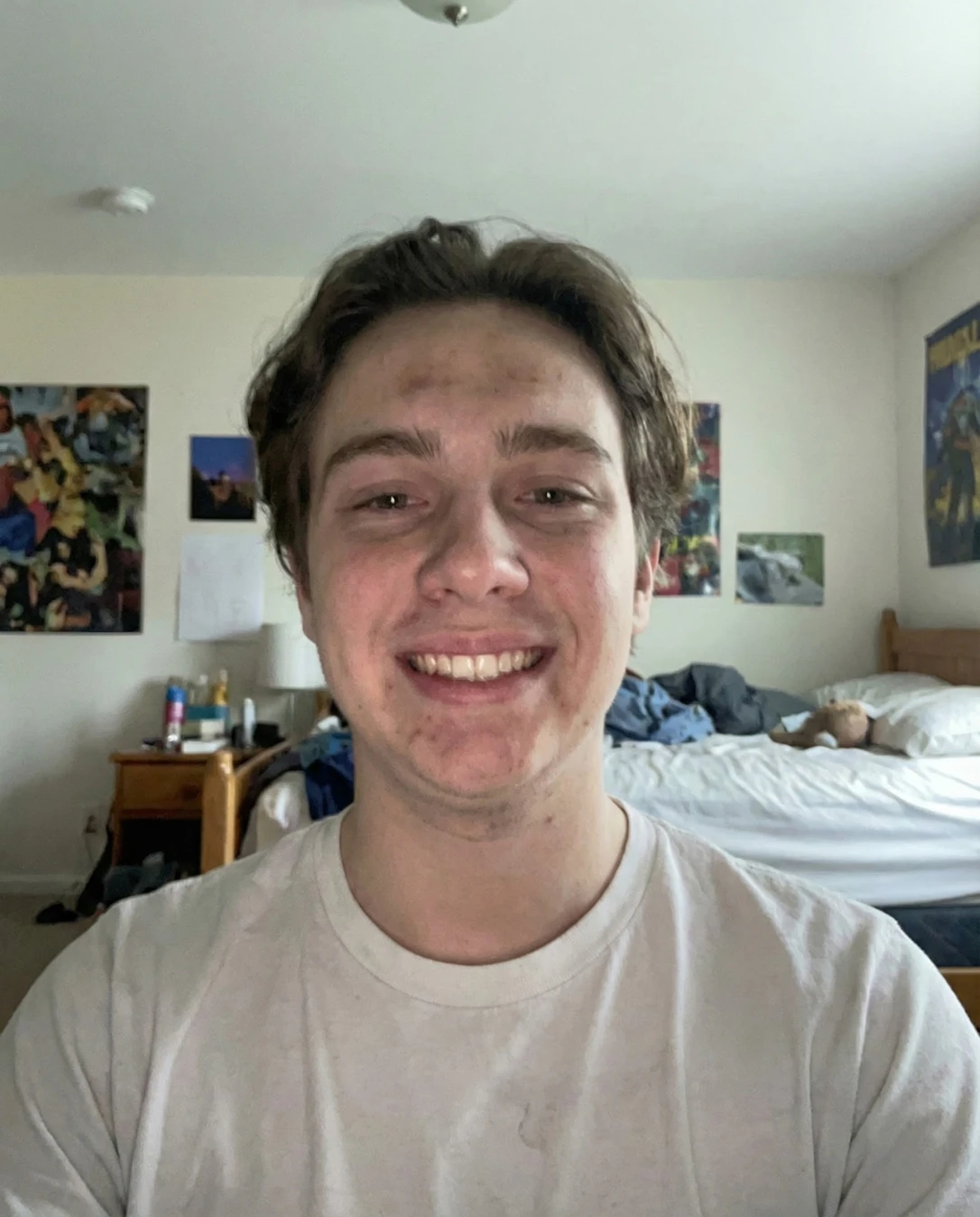
Selfie Rater: Doodle notesSelfie Rater: Your photoYour photoDoodle notes
Drag the divider — or use arrow keys — to wipe between the original upload and the annotated result.
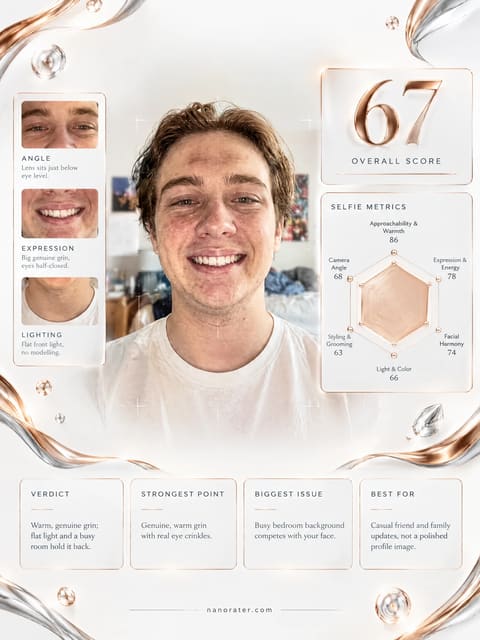
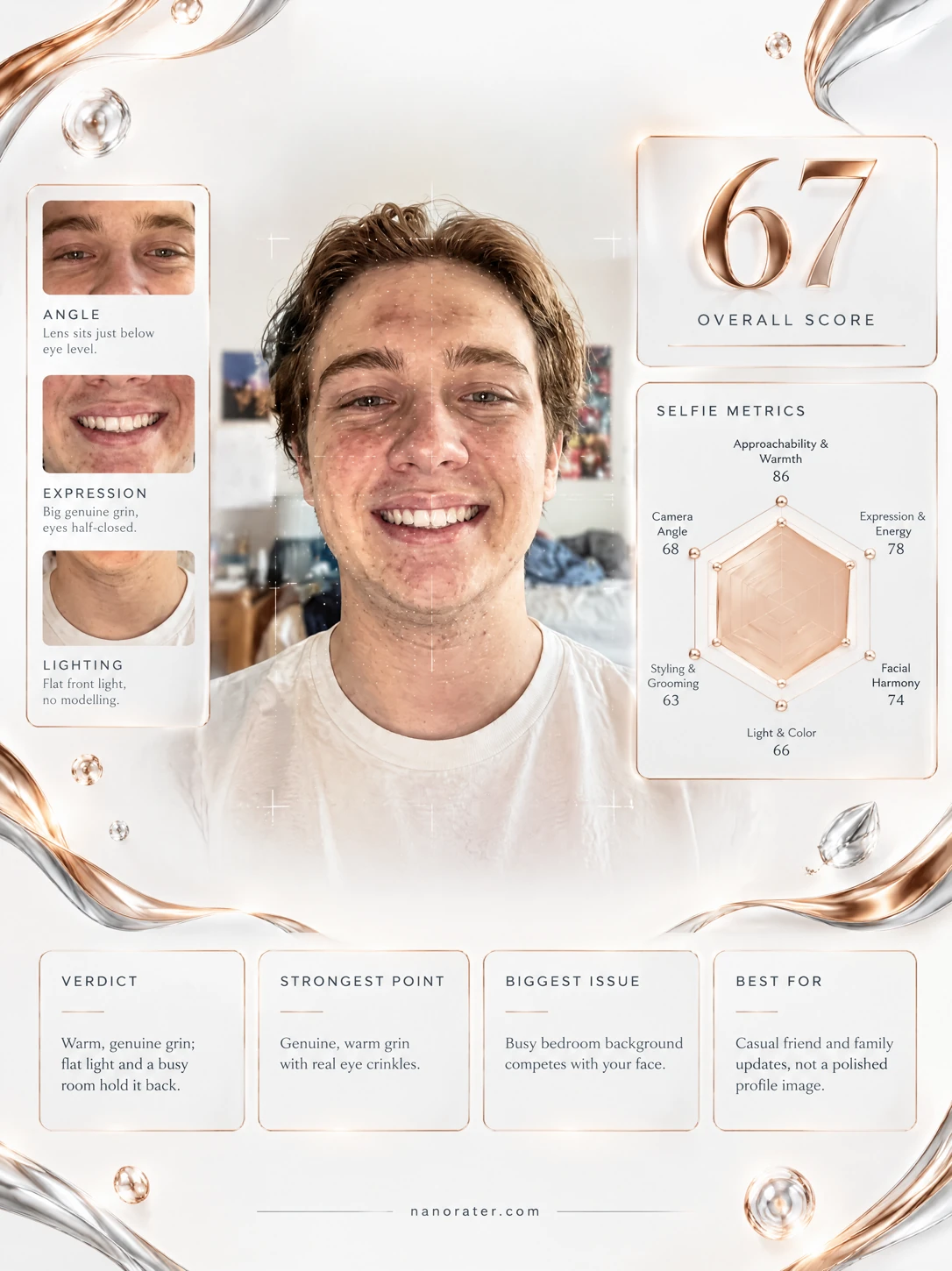
Selfie Rater: Professional card
Professional cardA clean, shareable report card built from the same photo

A real report, captured

Okay, I'm smiling at this one — that grin is doing real work, it's warm, unforced and it makes you want to say hi back. The photo around it is a little bit of a shrug: flat front light, a ceiling fixture creeping into the top of the frame, and a bedroom going about its business behind you. You're the best thing in the frame; we just need the frame to catch up.

68/ 100
Potential
86

Where this photo works

Works now for casual, warm-friend energy: group chats, a Discord or Steam profile, a friendly update post, a dating-app photo slot where approachability beats polish. It struggles as a small circular avatar (face is a modest share of the frame, so it shrinks fast), and it is a hard no for LinkedIn, work headshots, or anything where the room behind you is being judged.

Quickest fixes

  • Crop the top third so the frame starts just above your hair — instant subject-majority framing
  • Warm the colour balance by a nudge and pull highlights down to calm the sheen on the forehead
  • Lift shadows slightly so the shirt doesn't go grey against the bright bed linens

Retake plan

  1. 1.Face a window and stand so it sits at roughly 45 degrees to your cheek — bright side toward the camera, shadow side falling away from it
  2. 2.Move at least a metre off any wall and turn so the plainest surface in the room, or a doorway, sits behind your head
  3. 3.Raise the phone to exact eye level and hold it a hand-span further out than feels natural; lean in slightly from the waist instead of pushing the phone closer
  4. 4.Turn your shoulders about 15 degrees while keeping your face square to the lens, and drop your chin a fraction
  • Expression & Energy89

    Broad, open smile with visible upper teeth, raised cheeks and narrowed, crinkled eyes — the classic markers of a spontaneous rather than instructed smile. Energy reads relaxed and upbeat, with no tension in the jaw or mouth corners.

  • Approachability & Warmth85

    Front-facing pose with square shoulders, level gaze into the lens and no barrier between camera and subject. The plain light-toned t-shirt keeps the visual message soft and non-threatening.

  • Facial Harmony & Angle76

    Front-on angle gives a near-symmetrical read of brow line, eye spacing and jaw. Proportions are balanced and undistorted, which means the camera distance is reasonable rather than nose-shorteningly close.

  • Light & Color60

    Light arrives from the front with no clear key direction, so shadows are minimal and the face reads flat rather than sculpted. Colour temperature is neutral-to-cool and there is visible tonal unevenness — redness across the mid-forehead, cheeks and chin against paler surrounding skin.

  • Styling & Grooming65

    Medium-length hair is tousled with volume and height at the crown but reads more slept-in than styled. White crew-neck tee is clean in principle but creases visibly across the chest, and grooming is fully natural with no finishing product.

  • Framing & Composition57

    Subject is centred and the eye line sits above the frame's midpoint, as intended, but excessive headroom lets the ceiling dominate; the standard chest-up crop cuts the torso awkwardly with no clean compositional edge.

  • Background Separation50

    Background is contextual rather than controlled: unmade bed with white linens, nightstand with clustered bottles, multiple wall posters and a visible ceiling fixture. There is no depth-of-field falloff, so the room competes with the subject at equal sharpness.

  • Camera Angle & Lens Distance71

    Front-facing capture with the eye line above centre, consistent with a moderately extended arm or held-phone distance. Mild foreshortening in the shoulders and a slightly visible underside of the jaw suggest the lens sat at roughly chin-to-chest height rather than true eye level.

What works

  • A smile that actually reaches the eyes

    Raised cheek mass, narrowed lower lids and visible teeth all point to an unforced, genuine expression rather than a held pose.

  • Direct, confident camera engagement

    Gaze meets the lens dead-on and the head is level, which creates instant conversational rapport with whoever is looking at the photo.

What holds it back

  • Room is doing too much talking

    Unmade bed, cluttered nightstand and several wall posters sit at equal visual weight directly behind the subject with no depth falloff.

  • Ceiling owns the top third of the frame

    Empty ceiling plus a smoke detector and light fixture fill the upper portion, shrinking the subject's share of the image and lowering avatar legibility.
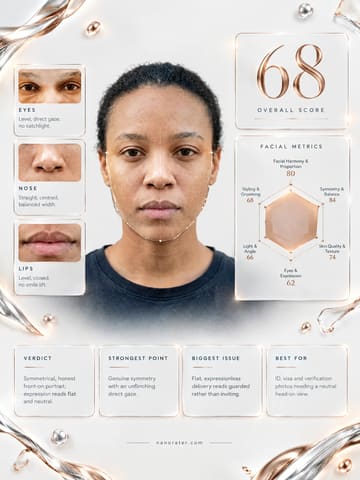
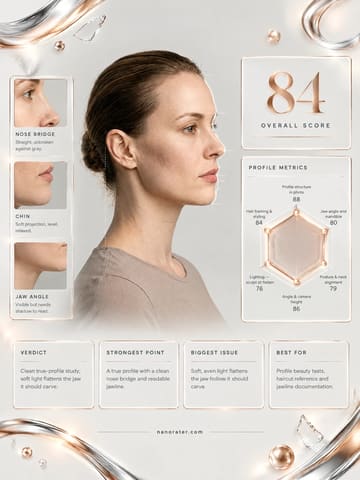
Generated by the live pipeline from the example photo above — a real report, unedited. Your report is written about your photo, in your language.

What this tool does

This tool helps you improve a casual selfie fast: what to retake, how to pose, and how to fix lighting and framing without over-editing.

  • Eyes sharp and in focus (not the nose/ears).
  • Camera slightly above eye level to avoid under-chin emphasis.
  • Window light from ~45°; avoid ceiling light casting raccoon shadows.
  • Background simplified (no laundry, messy shelves, bright signs).
  • Expression reads relaxed (no forced smile, no dead eyes).
  • Crop leaves a little headroom; avoid cutting off chin.
  • Color looks natural (no orange skin or gray-green cast).
  • Phone lens is clean; no haze from fingerprints.

How to use it

  1. 1Upload 1 clear selfie (avoid collages).
  2. 2Also try one “baseline” shot and one “improved” retake.
  3. 3If possible, take a new photo by a window facing the light.
  4. 4Try 2 angles: slightly above eye level, and slight 3/4 turn.
  5. 5Compare persona outputs: one strict, one coaching.
  6. 6Fix the top 1–2 issues and retake immediately.
  7. 7Save the best crop for tiny-avatar readability.

Scoring rubric

Approachability & warmth

How friendly and easy to talk to you look in a single glance.

Expression & energy

The micro-smile and eye life that keep a selfie from feeling flat.

Facial harmony

Flattering angles and natural proportions, not wide-lens distortion.

Light & color

Soft, directional light and a clean, natural skin tone.

Styling & grooming

Hair, grooming, and finishing details that look deliberate, not messy.

Who it's for

  • Anyone updating profile photos on social apps.
  • People who feel their selfies look “off” but can’t tell why.
  • Users who want concrete retake directions (angle/light/pose).
  • Anyone testing multiple “vibes” with different personas.
  • People who want to look better with minimal edits.
  • Creators choosing a clean, readable avatar crop.

Who it's not for

  • If you want heavy Photoshop/beauty edits done for you.
  • If the photo is extremely low-res or heavily filtered.
  • If you upload group photos where the subject is unclear.
  • If you want a one-word verdict and no actionable steps.
  • If you’re optimizing for formal ID compliance (use ID tools).
  • If your goal is outfit-only feedback (use outfit tools).

Do and don't

Do

  • Use window light and face toward it.
  • Hold the phone slightly above eye level.
  • Step back and use 2x to reduce distortion.
  • Relax your jaw and soften your eyes.
  • Clean the lens before shooting.
  • Take 5 shots and pick the best micro-expression.
  • Keep a simple background and one dominant color theme.

Don't

  • Don’t use harsh front flash in a dark room.
  • Don’t shoot ultra-wide very close to your face.
  • Don’t over-smooth skin to “plastic.”
  • Don’t crop too tight and cut off the chin.
  • Don’t use distracting backgrounds or mirrors behind you.
  • Don’t force a big smile if it looks tense.
  • Don’t mix conflicting color temperatures (blue + orange).

Common questions

FAQ

Start slightly above eye level, then rotate your face a little (3/4). Avoid shooting from below unless you’re intentionally going for a dramatic look.

Nanorater

Rate more photos with different personas

Upload one photo, switch the point of view, and iterate on feedback you can use.

AI Disclosure: This tool uses artificial intelligence to analyze photos and provide feedback. Results are for entertainment and educational purposes and should not be considered professional advice.