
Photo Quality
Sharpness, lighting quality, and absence of distortion or filters.
powered by GPT-5.6 Sol + Nano Banana 2
Free score and summary
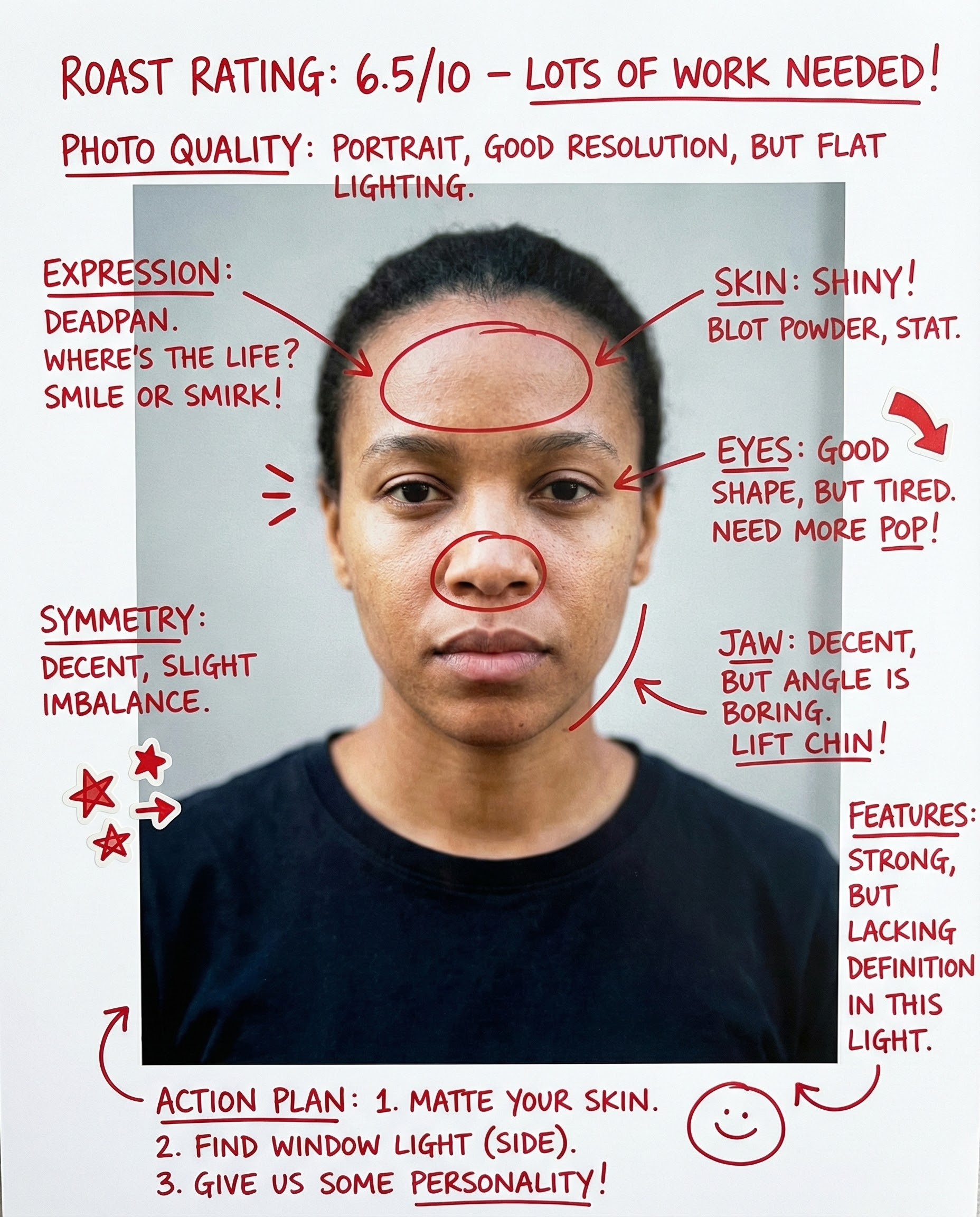
Your personalized report will appear here with clear strengths and practical retake advice.
Your face is the first thing people notice—in photos, on video calls, and in person. This Face Rater analyzes your photo using AI trained on photography and facial aesthetics principles. Get specific, actionable feedback on how to look better in pictures, not vague compliments or harsh judgments.
Sharpness, lighting quality, and absence of distortion or filters.
How well your features are visible and defined in the image.
Natural, approachable look vs. forced or awkward appearance.
Flattering camera height and appropriate distance from lens.
Visual harmony of facial features in the photo (not medical symmetry).
Overall photogenic quality and how well you translate to photos.
It focuses on photo-first signals: clarity, lighting, angle, expression, and how balanced your facial features look in the image. It also flags distortion from wide-angle selfies and heavy filters.
No. It is a practical how you read in this photo score. Small changes to lighting, angle, and expression can change results a lot. Beauty is subjective—this tool helps you look your best in photos.
Upload a clear front-facing photo with neutral expression or a natural smile, taken at eye level with soft front light (near a window). Avoid heavy filters and make sure your face is well-lit and in focus.
Yes. The output includes a retake plan and quick improvements (lighting, angle, grooming, and photo setup) that usually improve how your face looks in pictures. Most users see improvement by following the lighting and angle tips.
No. Photos are processed in real-time for analysis and are not stored on our servers. We prioritize your privacy and security.
This is extremely common! Mirrors show a flipped version of you that you're used to. Photos capture you as others see you. Additionally, camera lenses (especially wide-angle selfie cameras) can distort features. This tool helps you understand and minimize these effects.

Upload a photo and get an AI attractiveness score out of 100 with a breakdown of what helps and hurts — plus concrete steps to look better on camera.

Ask "am I pretty" with a real photo. Get a kind, direct answer, a photo-based score, and 3 specific changes to look better in your next selfie.
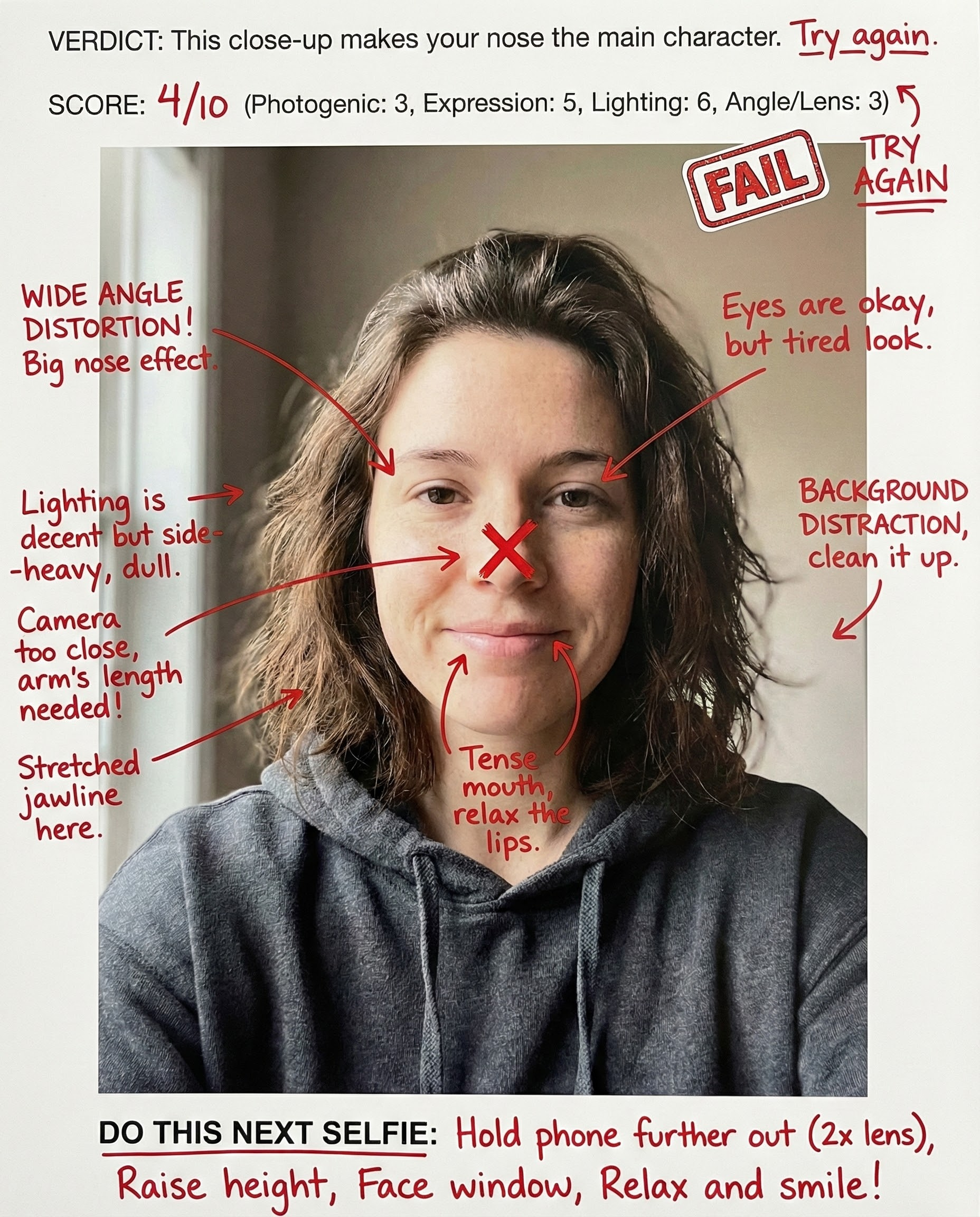
AI-rates your selfie face for social-media impact: expression, angle, light, and scroll-stopping presence — with fixes for the next take.
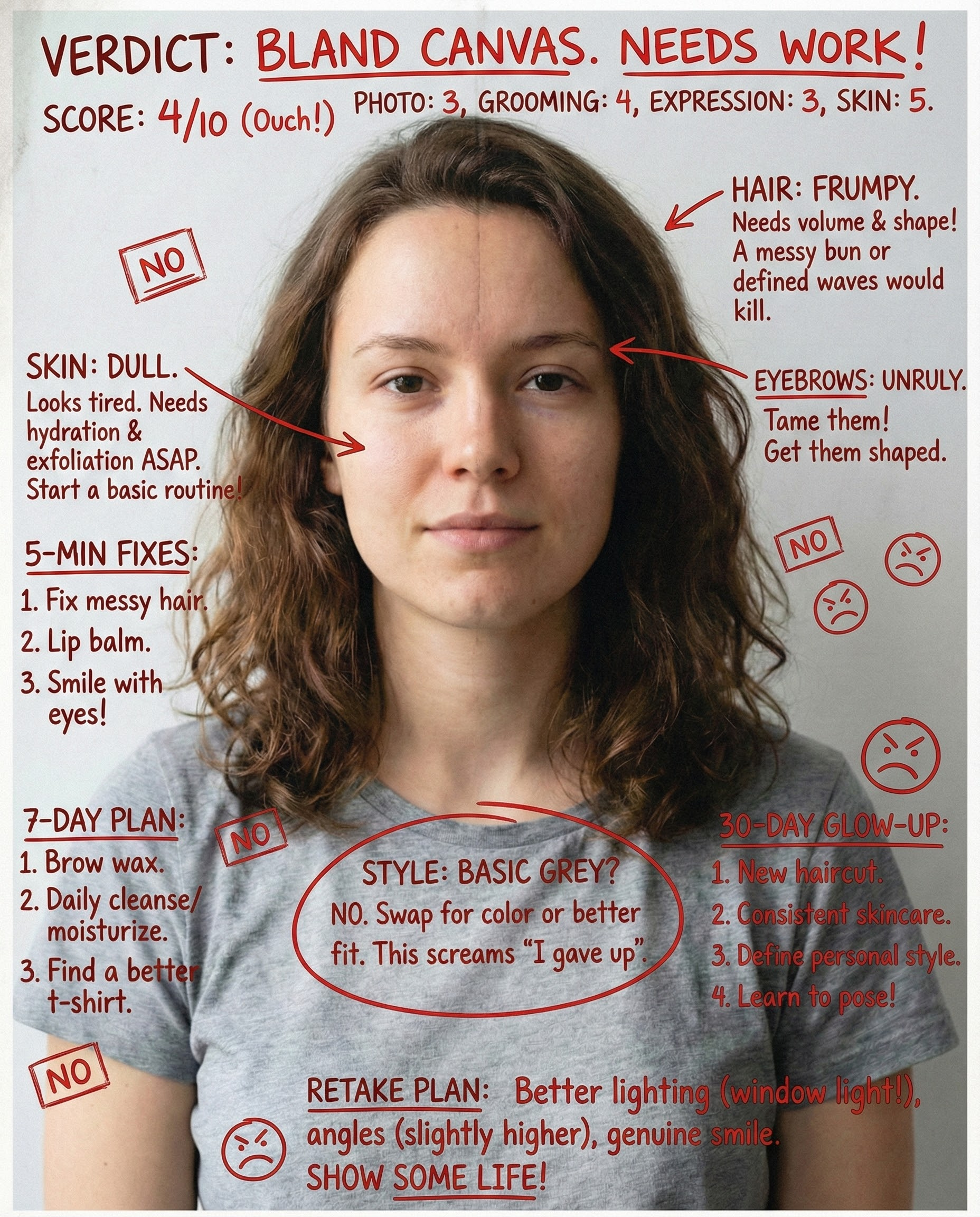
AI-rates your face and gives a realistic glow-up plan. Focuses on photo improvements, grooming, and style upgrades that boost attractiveness fast—without unrealistic promises.
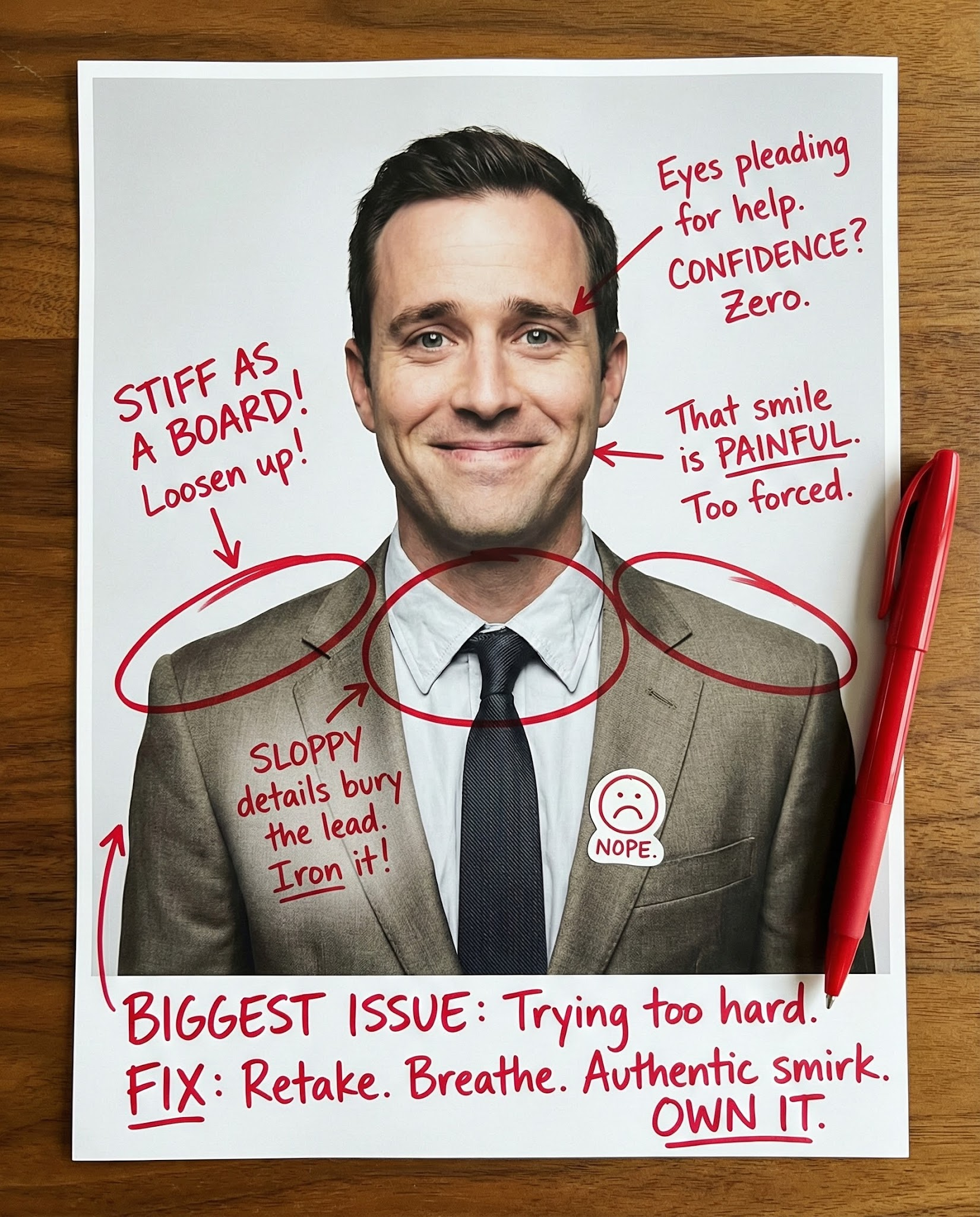
Rate my first impression from a photo. See how your face, expression, and styling read in one second, then fix the #1 issue hurting trust, warmth, or polish.
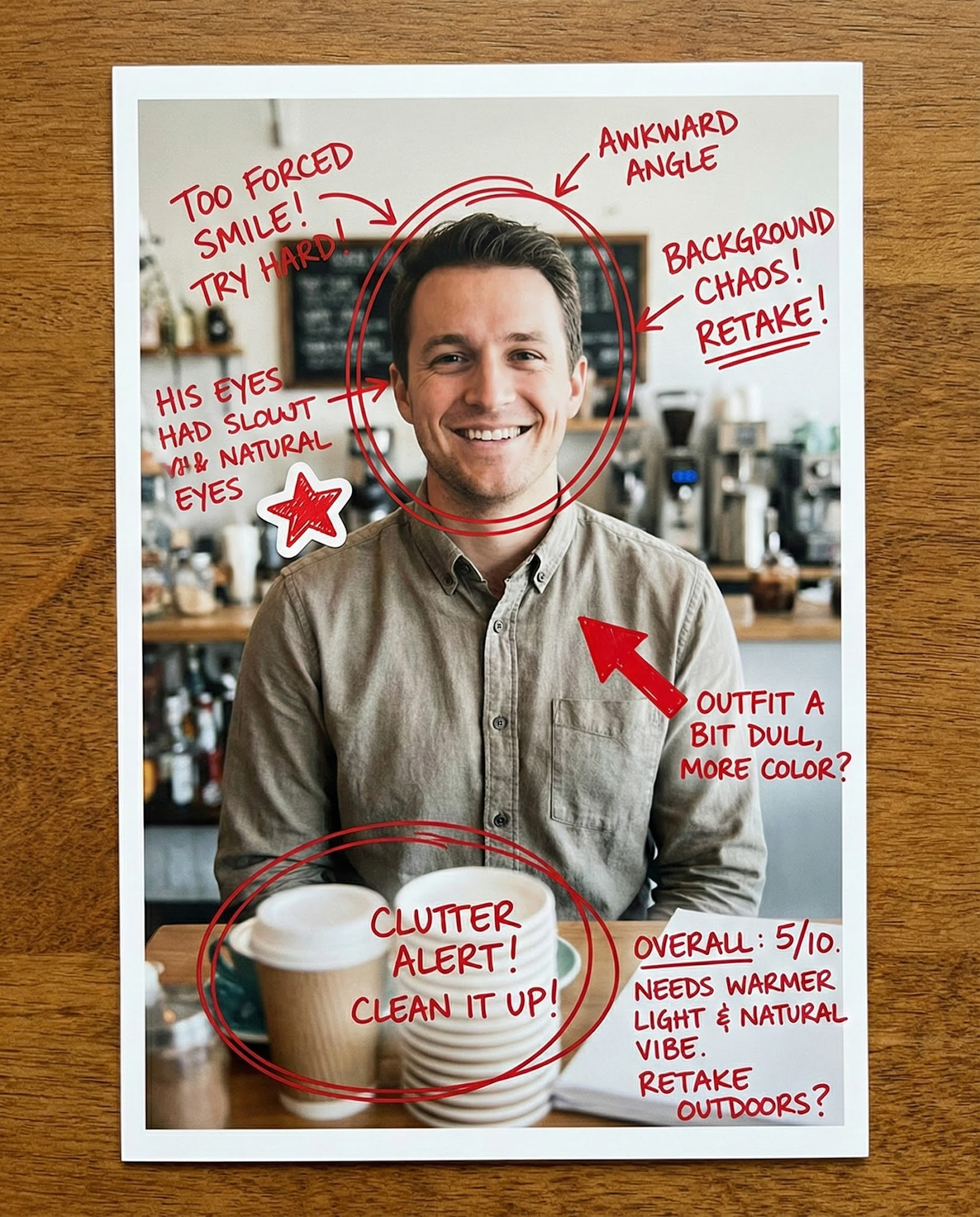
Rate my dating photo with AI. Get feedback on attraction, approachability, and profile-photo effort, plus 1–2 retake ideas that usually improve matches.
Upload one photo, switch the point of view, and iterate on feedback you can use.
AI Disclosure: This tool uses artificial intelligence to analyze photos and provide feedback. Results are for entertainment and educational purposes and should not be considered professional advice.