A real report, captured
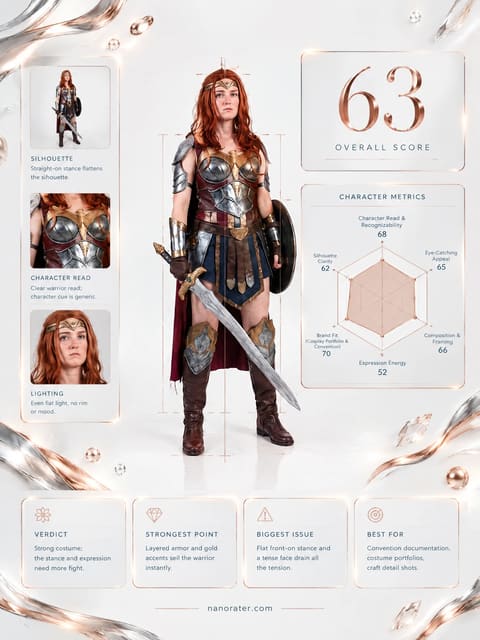
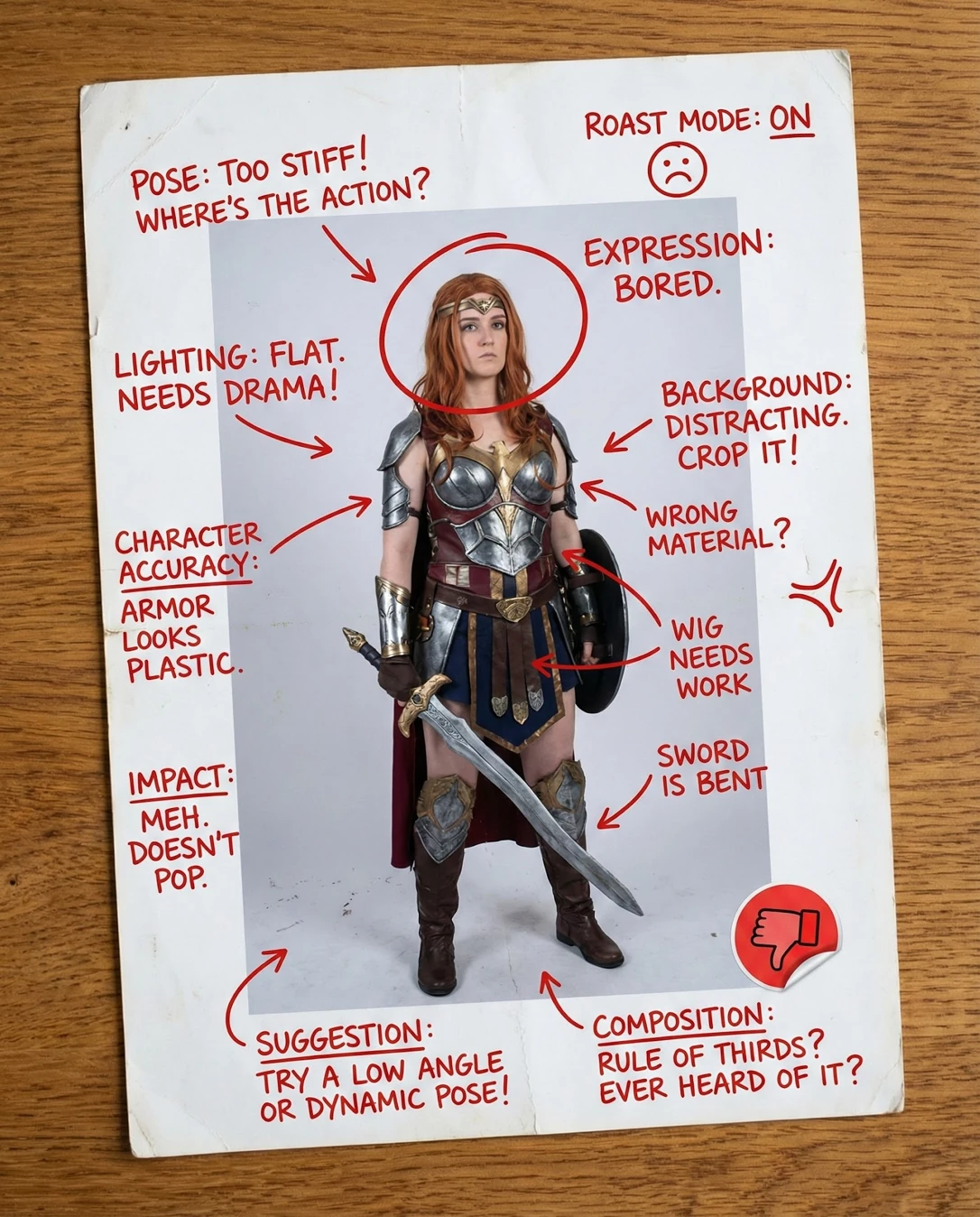
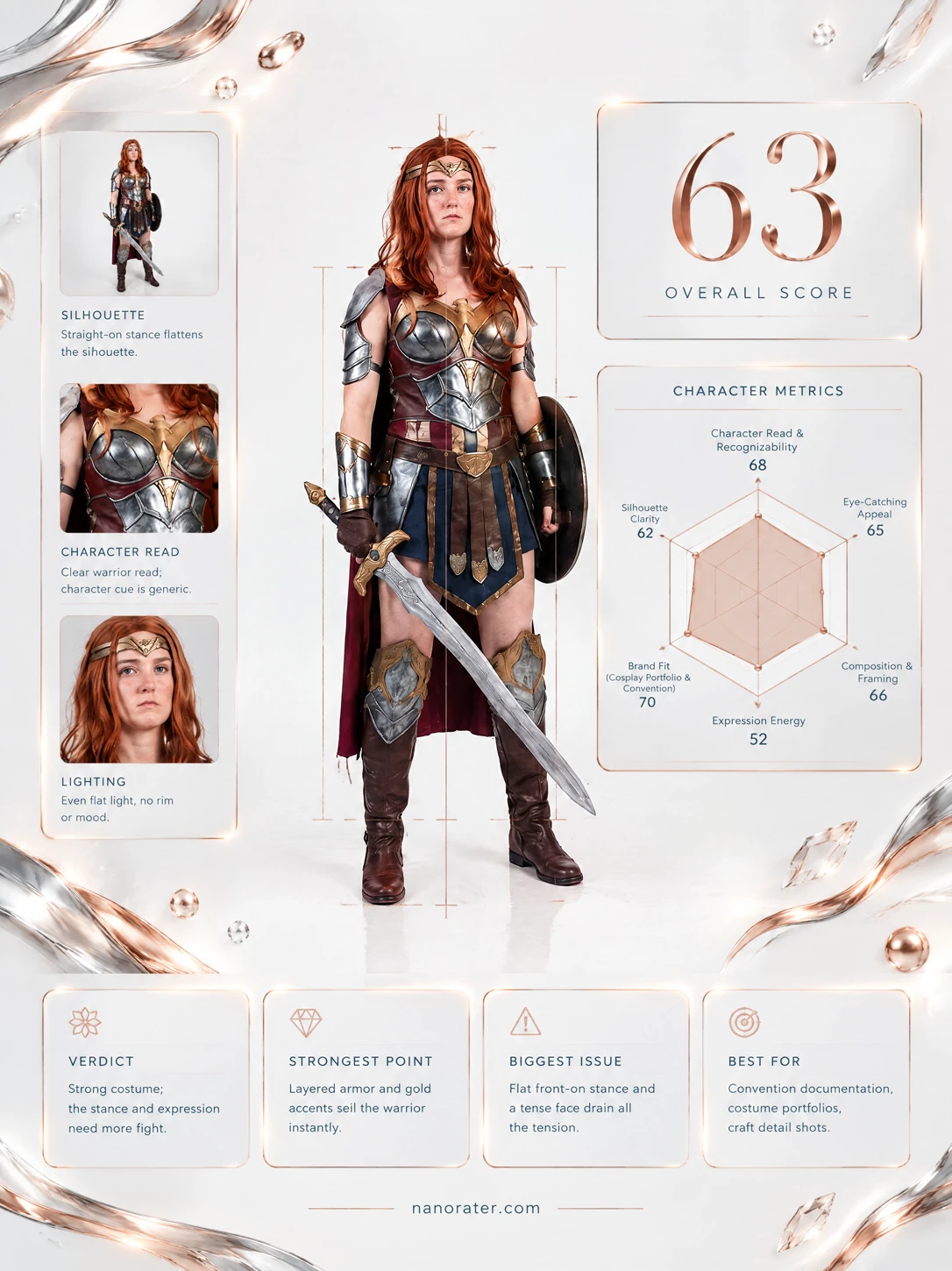
Oh, this build is doing so much work — armour, cape, sword, shield, tiara, the whole warrior silhouette is right there, and I can read the character in half a second. What's holding it back is the moment, not the costume: the light lands dead flat from the front, the pose stands at attention, and the expression hasn't quite decided what it's feeling yet. Give me one hip dropped, one shoulder turned, a hard kicker behind the pauldrons and a face that means it, and this jumps a whole tier.
Where this photo works
Perfectly at home as cosplay build documentation — contest submission, maker's portfolio, convention album, or a reference sheet showing every element of the costume head to toe. It also works as the 'full look' anchor image in a cosplay set. Where it struggles: as a thumbnail that has to stop a scroll, as a hero banner, as a character mood portrait, or anywhere it competes against other cosplayers' images at 200px — the flat light and centred static stance make it recede exactly when it should advance.
Quickest fixes
- Crop to a half-body frame from mid-shin up so the tiara sits near the top edge and the sword exits the bottom corner
- Raise contrast and deepen blacks in grade, then lift the specular highlights on the breastplate, bracers and greaves
- Paint or mask a soft dark gradient into the top corners and behind the figure to separate her from the white ground
Retake plan
- 1.Clean the set first: sweep the floor, re-tape or roll the seamless, and decide whether the backdrop reads white or deliberately dark — no scuffs either way.
- 2.Set the light: key 45 degrees to camera-left and slightly above eye height, a hard kicker from behind-right to graze the pauldrons, blade and cape edge, and let the background fall one stop below the subject.
- 3.Fix the costume: tack the loose shoulder strap, press the waist layers flat, and check that the pauldrons sit level before shooting.
- 4.Build the stance from the ground up: feet staggered front-to-back, weight on the rear foot, front hip dropped, torso rotated 20-30 degrees away from the lens, head turned back toward the camera.
- Character Recognizability76
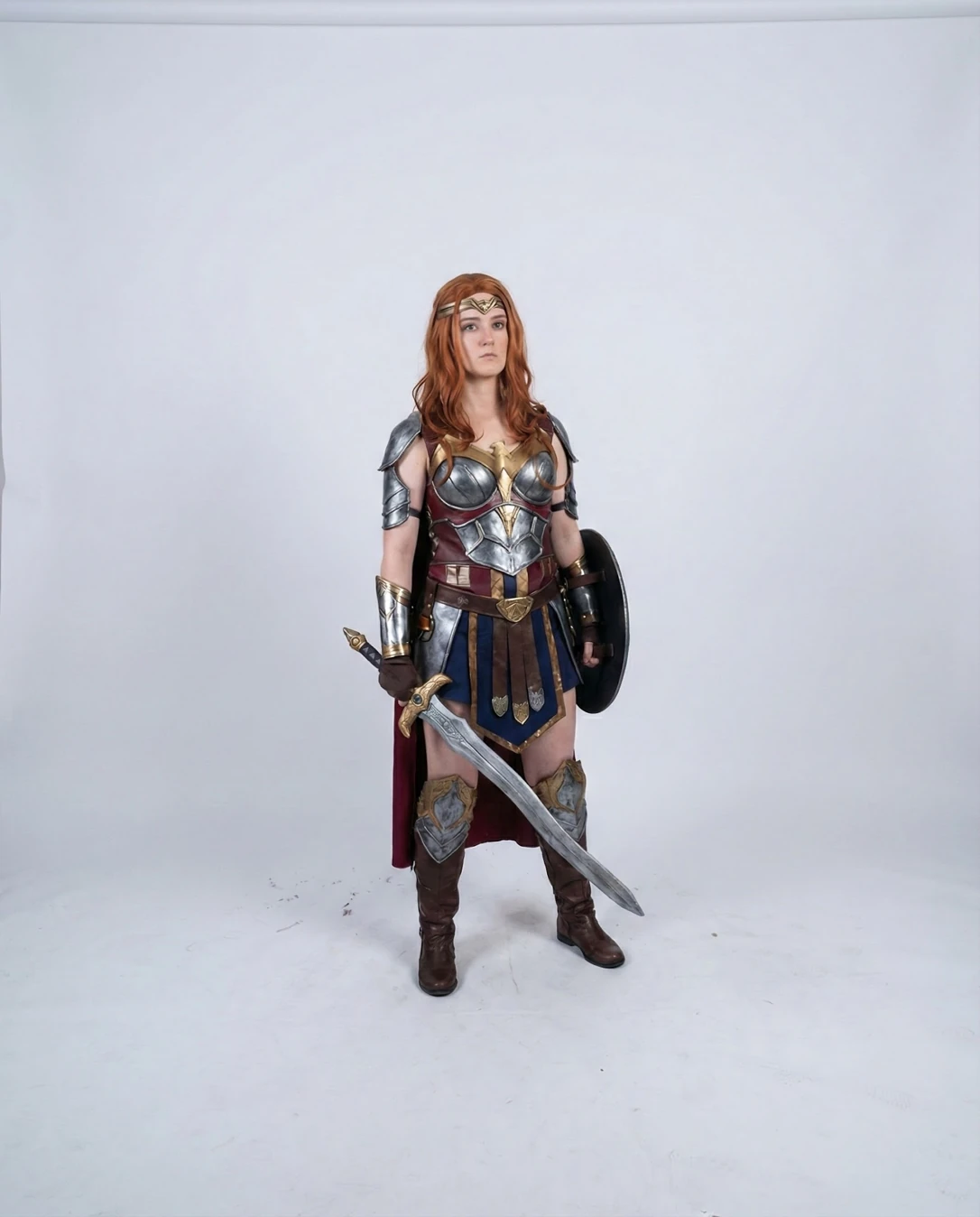
Gold diadem, copper-red hair, silver-and-gold breastplate with a central emblem, blue skirt with leather pteruges, cape, sword and round shield all converge on one Amazon-warrior archetype within a glance; no element contradicts it or muddies it.
- Silhouette Read60
Arms hang close to the torso and both feet are planted parallel at shoulder width, so the outline stacks into a single vertical mass; the sword and shield extend the shape but only along the body's own vertical axis, adding length rather than contrast.
- Pose Dynamism50
Weight is distributed evenly across both feet, hips and shoulders sit level and parallel to the lens, and there is no line of action curving through the spine; the sword arm hangs straight down with the blade pointing out of the lower frame.
- Expression Energy54
The mouth is slightly open in an unresolved way and the gaze travels past the lens without committing to an emotion; nothing in the face tells the viewer whether this is defiance, calm resolve or challenge.
- Lighting Mood48
Light arrives broadly from the front with no visible key direction, no rim or kicker, and no shadow modelling beneath the chin, the pauldrons or the breastplate; the metal finishes read matte and the frame overall sits slightly dim and low-contrast.
- Background Coherence58
A white seamless with visible scuff marks, footprint smudges and a soft grey falloff; it neither suppresses the costume cleanly nor supplies any world for the character to inhabit, so it reads as a room rather than a design decision.
- Framing Composition60
The full-length figure sits centre-frame with roughly a head and a half of unused space above the tiara, while the sword tip runs into the lower-right region of the frame; the crop gives the dead space above equal weight to the subject's feet.
- Costume Detail Fidelity78
Layered plate with a brushed metal finish, gold edging, riveted straps, leather pteruges, embossed greaves and a lined cape read as considered construction; a loose strap floats near the left pauldron and interrupts an otherwise tidy build.
- Prop Integration62
The sword reads clearly with its gold hilt and tapering blade, but the shield is turned almost edge-on and reads as a dark oval rather than part of the costume, and both props are held by arms that stay pressed against the body.
- Colour and Contrast Punch63
Silver steel, royal blue skirt, burgundy straps and cape, gold trim and copper hair form a rich but desaturated palette against a washed grey-white ground; the midtones are compressed and nothing in the frame pops forward.
What works
- Every tier of the build is present and finished
Diadem, layered breastplate, pauldrons, bracers, belt, skirt with leather pteruges, embossed greaves, boots and a lined cape are all visible in one frame with no gaps in the look.
- The prop set anchors the character read
A gold-hilted sword held point-down and a round shield on the off arm give the pose a warrior vocabulary that matches the armour rather than competing with it.
What holds it back
- Frontal flat lighting kills the metal
No directional key, no rim, minimal shadow under the chin or armour edges; the plate reads matte grey rather than polished steel.
- Static, symmetric at-attention stance
Feet parallel and evenly weighted, hips and shoulders level and facing the lens squarely, arms hanging near the body — the classic neutral convention stance.