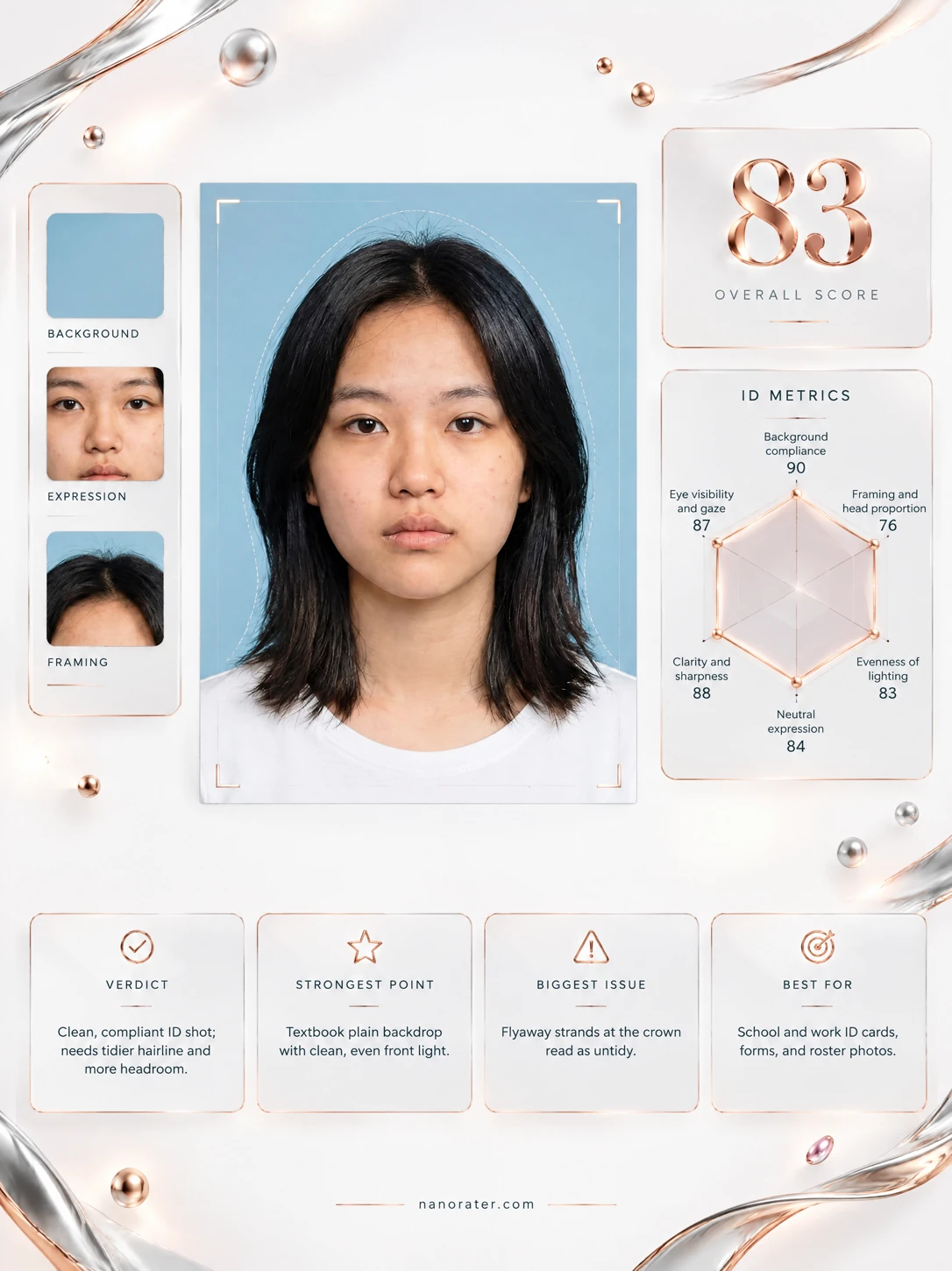
A real report, captured
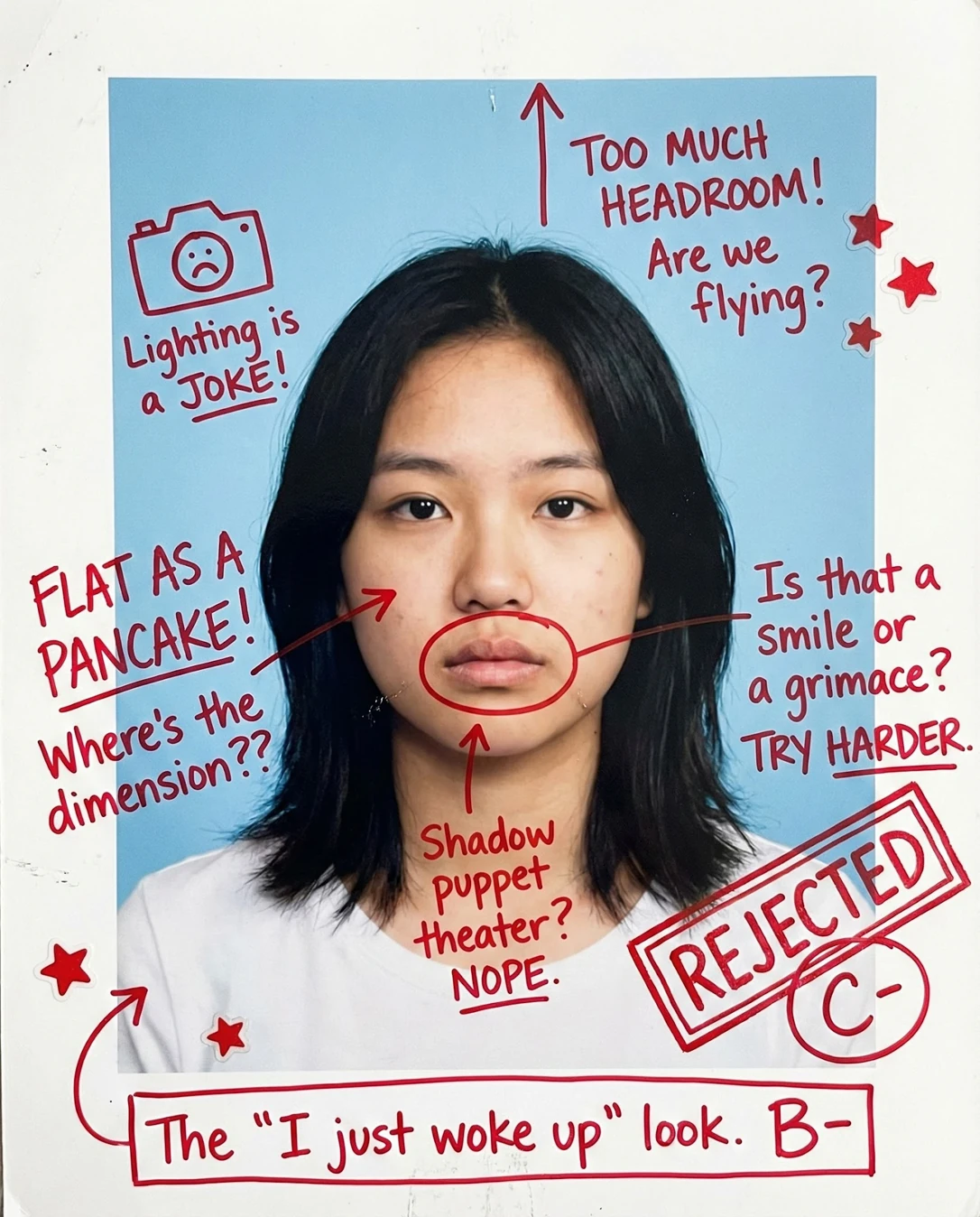
Oh, this is nearly there — that clean blue wall and soft, even light are doing exactly what an ID card wants. The only thing missing is a little life in the face: right now you're giving me 'waiting for the bus' when the camera wants 'happy to be here'. Lean in, breathe out, let one corner of your mouth lift, and this becomes a card you'll actually be pleased to hand over.
Where this photo works
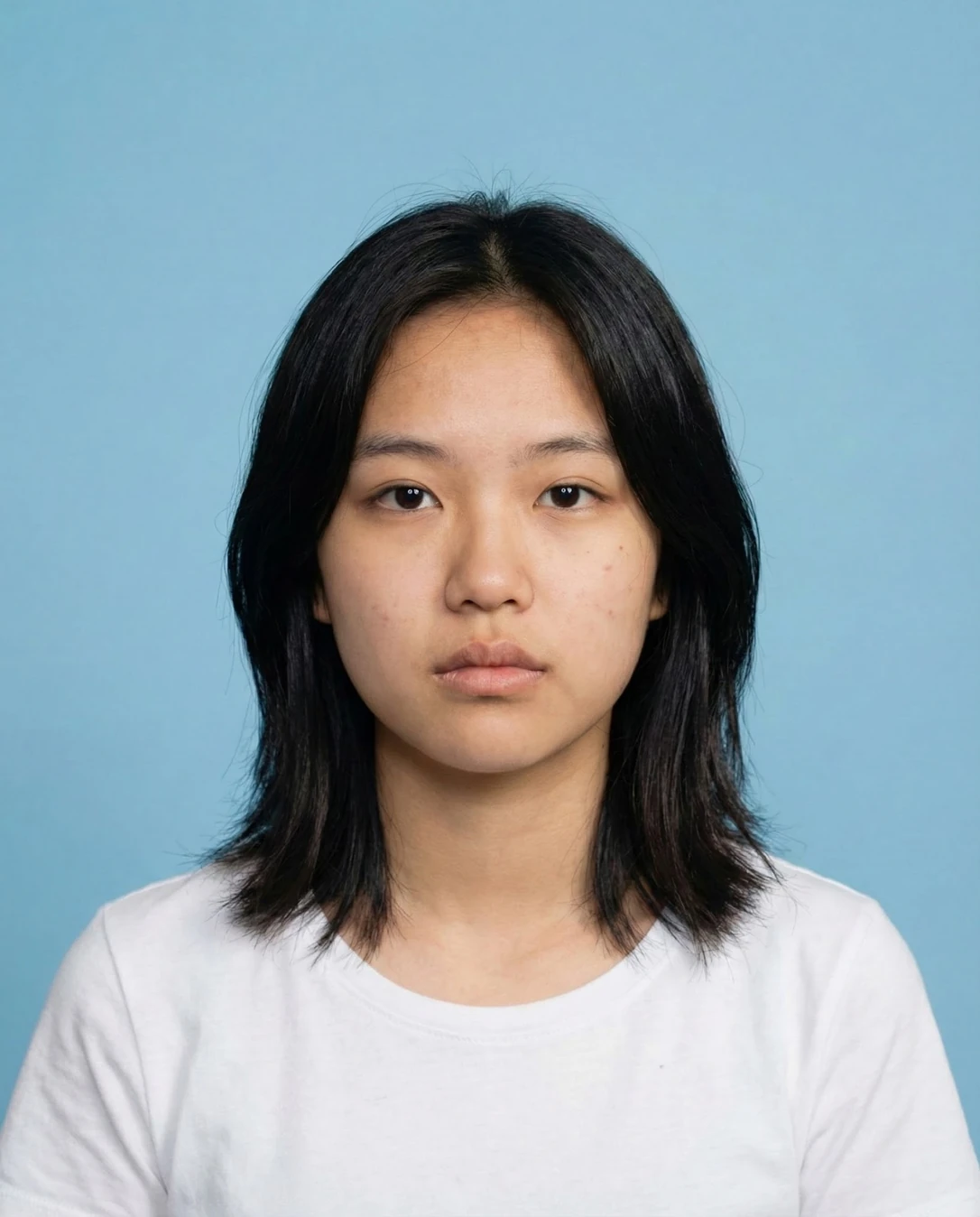
Genuinely works for a school ID, library card, transit pass or student portal headshot — the plain blue field, straight-on gaze and full face visibility all tick the compliance boxes. It works less well as a friendly yearbook or club-profile photo, where the neutral-to-stern expression reads cooler than intended, and it is too plain and too formally framed for a social avatar or a personal profile picture.
Quickest fixes
- Practise a gentle 30-percent smile with the eyes engaged, then hold it steady for two frames
- Step closer or zoom in until the head fills roughly two-thirds of the frame height
- Smooth the crown flyaways and re-centre the parting line
Retake plan
- 1.Choose a plain mid-blue or light grey wall and stand about half a metre in front of it so no shadow spills behind the shoulders.
- 2.Set up even frontal light — a window at eye level plus a white card at chest height works — and check that both cheeks receive the same brightness.
- 3.Position the camera at eye level, roughly 1.5 metres away, with the lens centred on the bridge of the nose for a straight-on view.
- 4.Frame so the crown-to-chin span fills about two-thirds of the frame height, leaving a small margin above the hair and cropping below the collarbone.
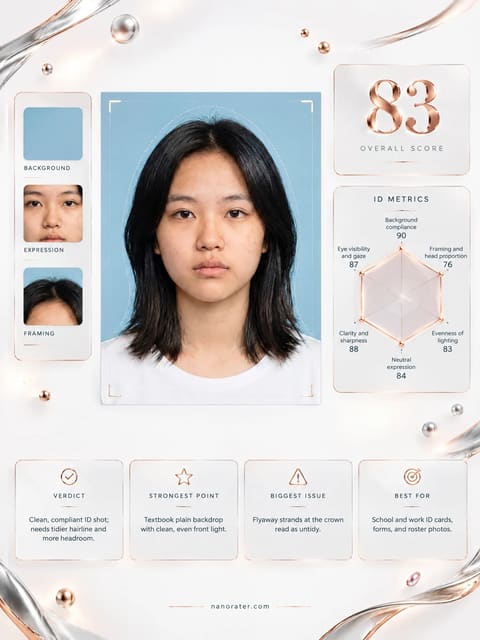
- Background compliance90
Single continuous light-blue ground with no objects, patterns, doorframes or visible wall texture; only faint edge darkening toward the corners, which mimics a studio sweep.
- Lighting evenness85
Frontal illumination distributes broadly across both cheeks with matching values; a mild shadow band sits beneath the jaw and a faint gradient darkens the lower left of the frame, but no facial plane is lost to shadow.
- Neutral-to-friendly expression71
Mouth line is level with no corner lift, brows sit low and level, and the gaze is steady but unengaged; the read is compliant but cool rather than welcoming.
- Framing and head-to-frame ratio76
Head occupies roughly half the frame height with generous space above the crown and a crop falling at mid-chest; shoulders extend to both edges, giving a balanced but slightly distant head-and-shoulders composition.
- Face visibility and clarity92
Both eyes fully visible and unobstructed, eyebrows clear, hairline exposed, ears and jaw edges readable; no accessory, hand, glare or lens flare obscures any facial feature.
- Lens distance and facial proportion86
Feature spacing reads natural with no barrel distortion, no enlarged nose or narrowed shoulders; perspective suggests a moderate focal length at a comfortable working distance.
- Technical quality and exposure81
Focus is sharp at the eyes with adequate depth through the hair to the backdrop; exposure sits mid-range with natural skin texture retained and no blown highlights on the forehead.
- Attire and presentation82
A plain white crew-neck tee reads clean and neutral, contrasts adequately with the blue ground, and shows no logos or distracting graphics; the neckline sits low enough not to crowd the jaw.
- Subject-to-background separation84
Dark hair and mid-tone skin both read clearly against the lighter blue field, with crisp silhouette edges at the shoulders and a clean tonal step between subject and wall.
What works
- Compliant, distraction-free backdrop
A single flat blue tone fills the entire frame behind the subject with no props, patterns or architectural edges.
- Unobstructed face and direct gaze
Eyes, brows, nose and mouth are all fully visible and aimed straight at the lens, with hair clear of the facial features.
What holds it back
- Expression lacks warmth
Level mouth with no corner lift and a somewhat heavy brow read gives a serious rather than friendly-neutral impression.
- Head sits small in the frame
Crown-to-chin spans roughly half of the image height, with noticeable empty space above the hair.