Nanorater2,600+ people have rated a photo

First Impression Rater

Rate my first impression from a photo. See how your face, expression, and styling read in one second, then fix the #1 issue hurting trust, warmth, or polish.
No photo handy? Rate an example:

Example rating reportExample output

AI result

Your personalized report will appear here with clear strengths and practical retake advice.

Free score and summary; free account for the full single-photo report$17.49 once for your Glow-Up Report: AI previews of you with the fixes appliedSee our privacy policy for photo storage and AI processing

What one photo gives you

One upload, three deliverables. The annotated notes and the professional card are both built from the same photo, so you can compare them side by side.

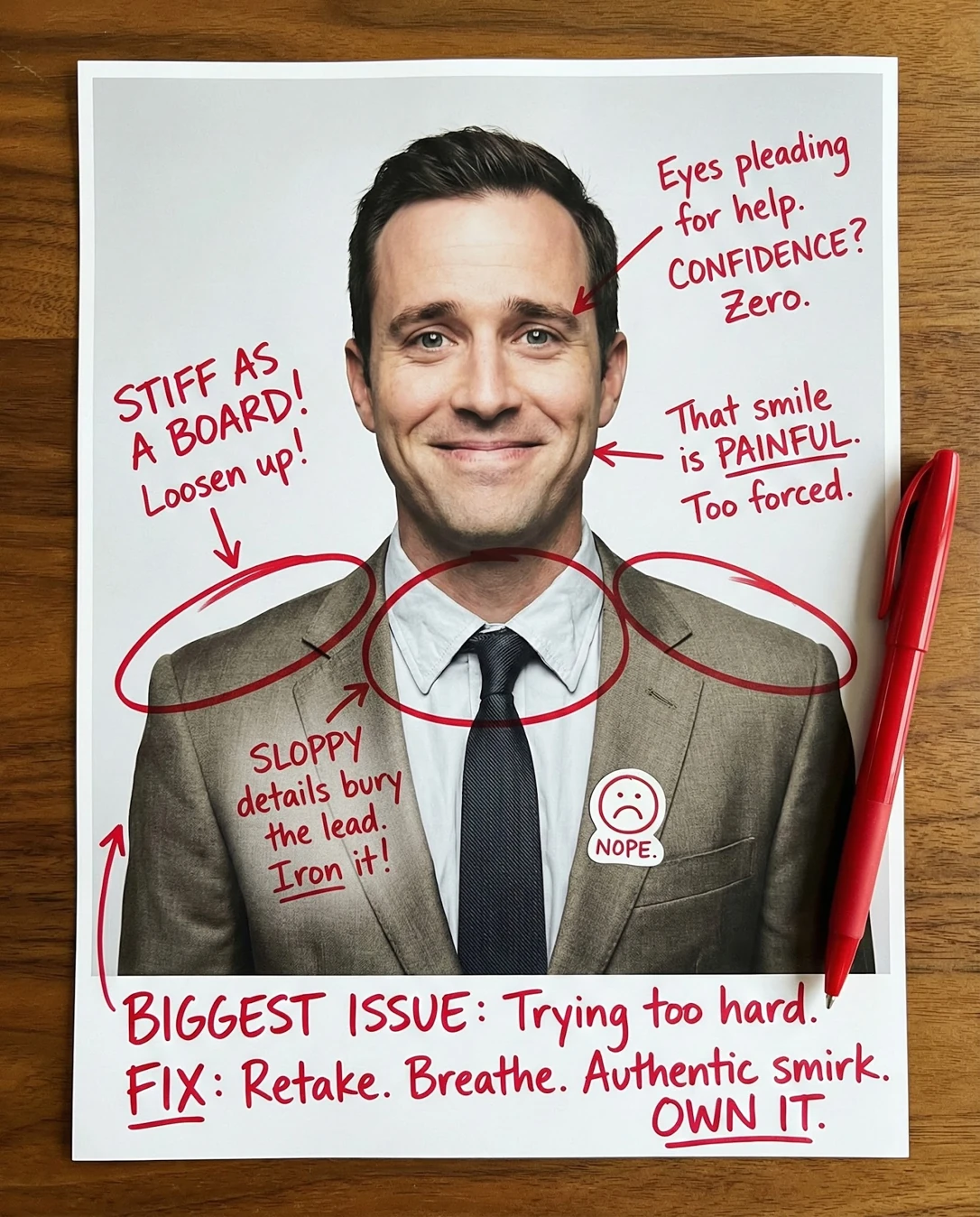
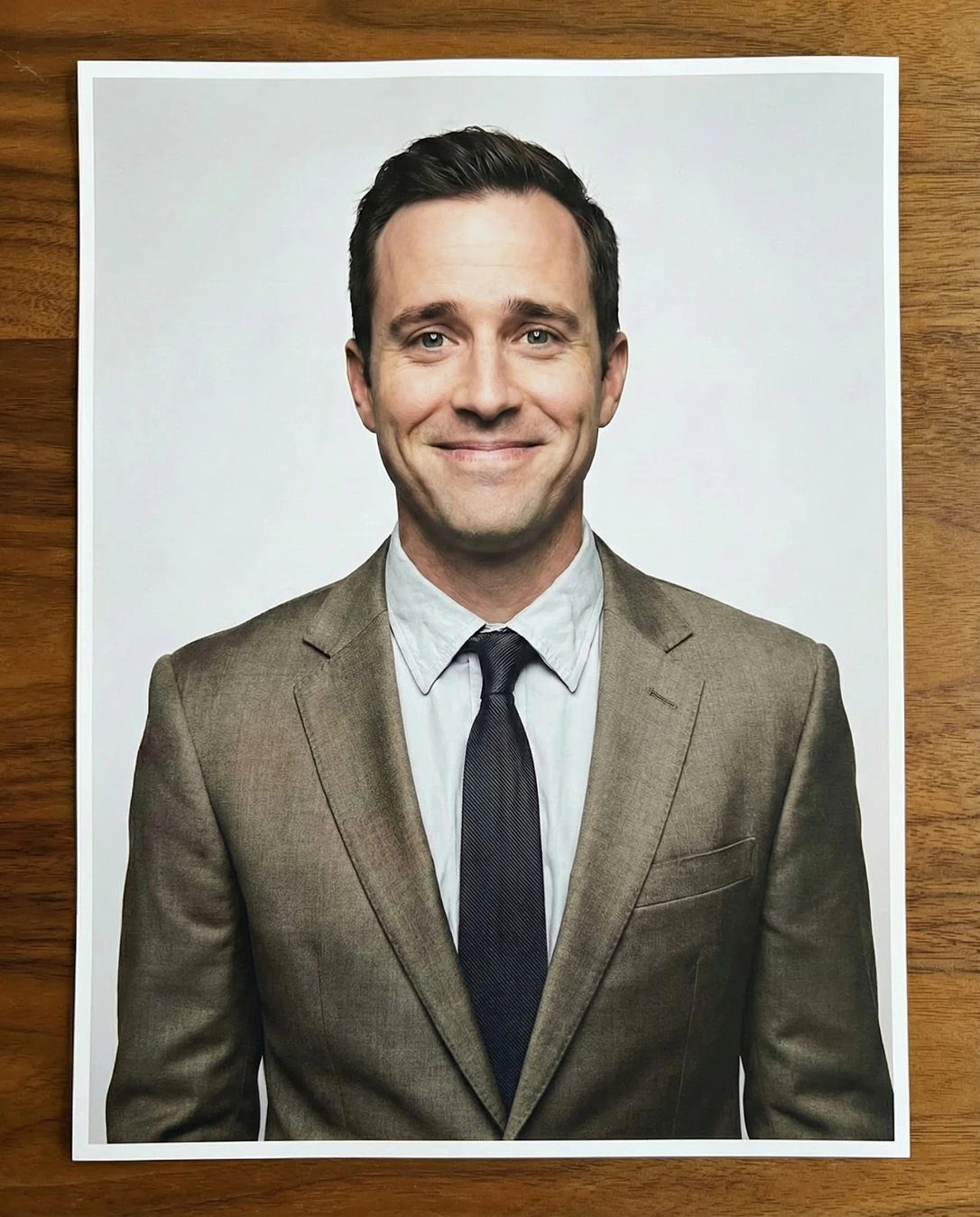
First Impression Rater: Doodle notesFirst Impression Rater: Your photoYour photoDoodle notes
Drag the divider — or use arrow keys — to wipe between the original upload and the annotated result.
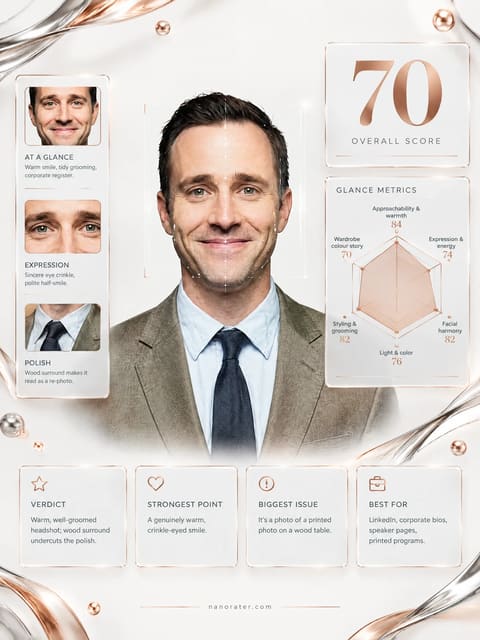
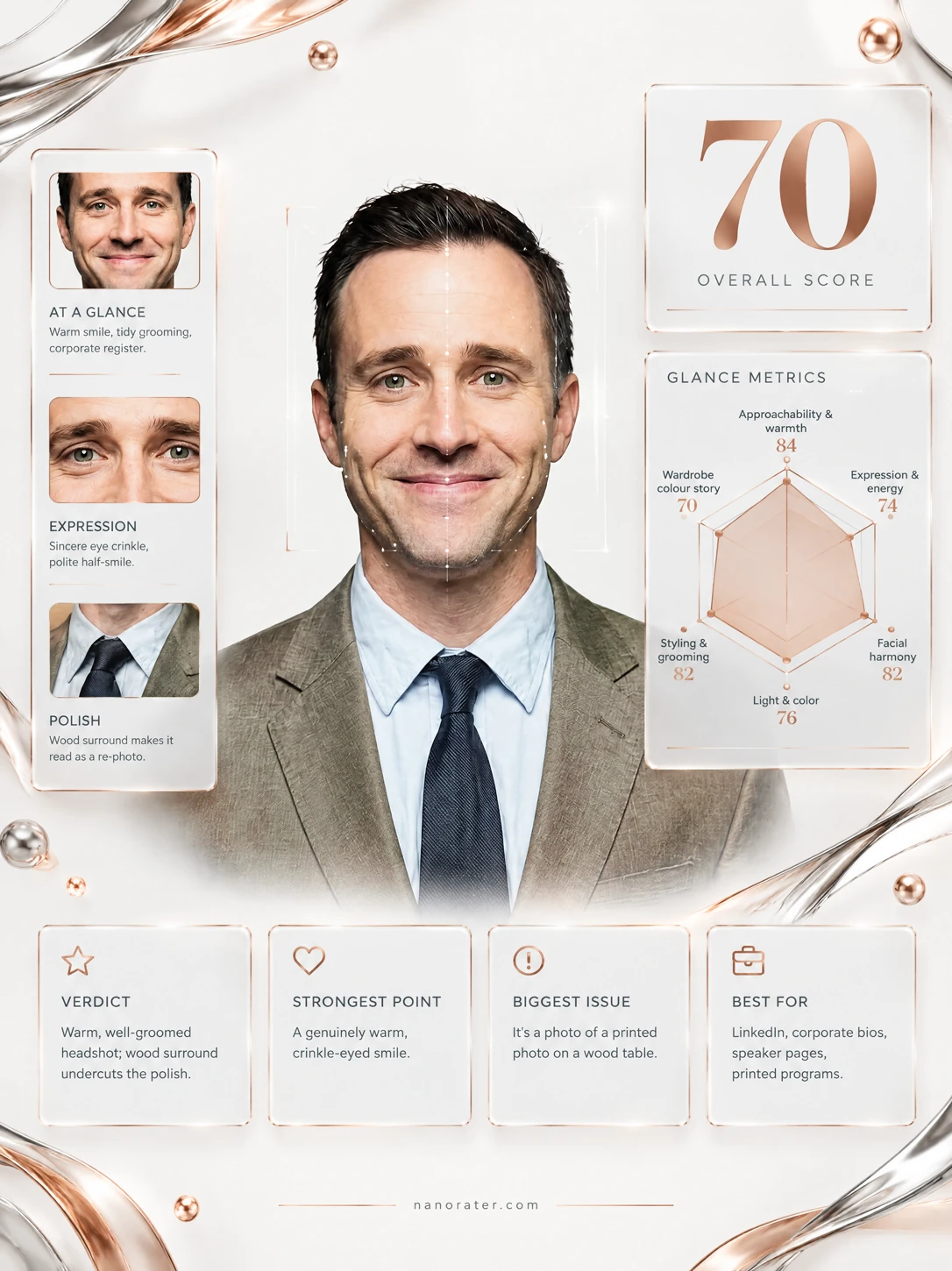
First Impression Rater: Professional card
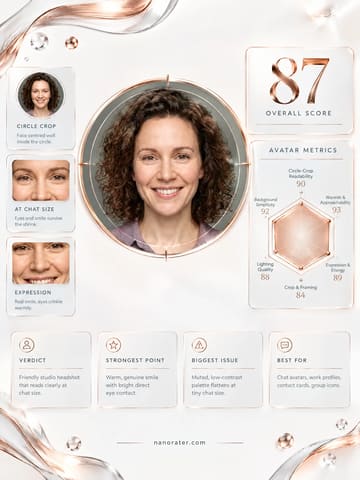
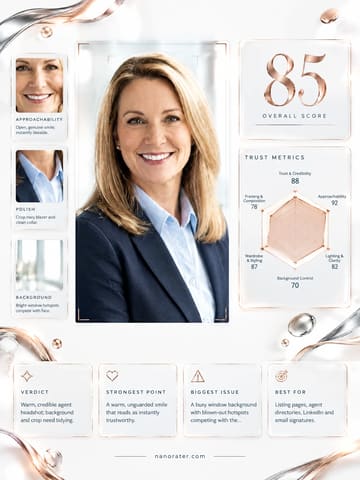
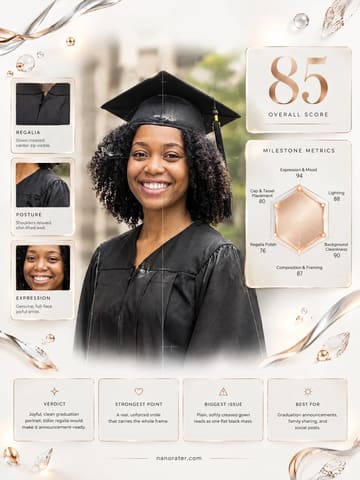
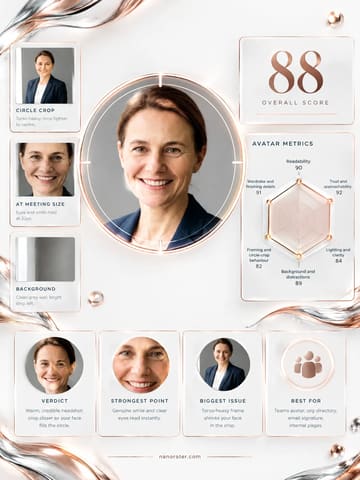
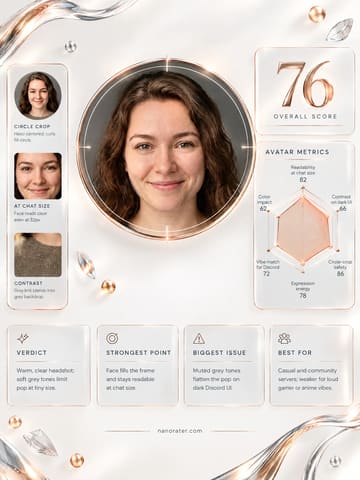
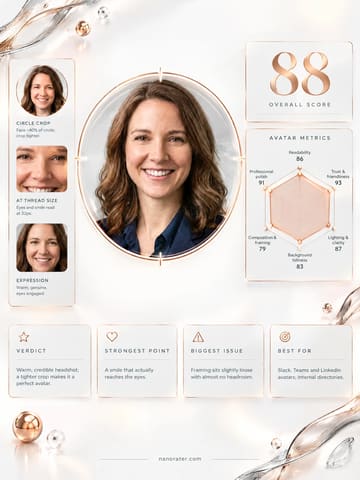
Professional cardA clean, shareable report card built from the same photo

A real report, captured

Oh, this is a good one — steady eyes, an easy half-smile, and a suit that says you show up on time and remember names. The only thing standing between you and a knockout first impression is that white paper border and the wooden desk creeping into frame: right now it reads as a photo of a photo, not a person looking back at you. Crop those edges away and you go from 'printed headshot' to 'someone worth meeting' in about four seconds flat.

84/ 100
Potential
93

Where this photo works

Works beautifully as a corporate bio photo, a LinkedIn or team-directory headshot, a press or speaker page, and any business context that rewards credibility and calm. It works less well as a small chat avatar — the suit-and-tie register and the visible paper border shrink into noise at 32px — and it is wrong for casual, social or dating-style surfaces, where the formality and printed-artifact framing read as stiff rather than approachable.

Quickest fixes

  • Crop the image until no paper border or wood surface is visible.
  • Export at full resolution as a straight digital file, not a photo of a print.
  • Reduce backdrop brightness by roughly a third of a stop so the white does not clip.

Retake plan

  1. 1.Set the camera at eye level on a tripod or steady surface, roughly 2–2.5 metres back, framed head-and-shoulders with the eye line in the upper third.
  2. 2.Place the key light 30–45 degrees off-axis and slightly above the lens height, with a soft fill on the opposite side to keep detail in the shadow cheek.
  3. 3.Set the backdrop to a soft off-white and light it separately so it sits a third of a stop below clipping.
  4. 4.Keep the tailoring but raise the chest contrast: a deeper tie or a cleaner, brighter shirt against the olive jacket.
  • Approachability & Warmth82

    Direct open gaze to lens, eyebrows relaxed and level, mouth corners lifted in a closed-lip smile; a small amount of tension remains at the jaw and the smile stays contained rather than spreading into the cheeks.

  • Expression & Energy77

    Composed, pleasant and calm; the eyes are engaged but the overall energy sits in a reserved register, with the head held very level and no forward lean toward the lens.

  • Facial Harmony87

    Front-on angle presents a balanced face — even brow-to-eye spacing, strong but not heavy jaw, cheek structure still visible despite flat light; hair is swept back off the forehead, exposing the full brow line and lengthening the face.

  • Light & Colour83

    Soft frontal key with even fill, minimal shadow modelling across the cheeks and nose, no harsh catchlight bloom; the near-white background approaches clipping and the shirt picks up a slightly cool cast against the warm olive-brown suit.

  • Styling & Grooming85

    Tailoring sits cleanly on the shoulders with a controlled collar and a mid-width knot; the muted olive-brown jacket against a pale blue shirt and slate-navy tie is low-contrast and slightly desaturated, reading conservative rather than sharp.

  • Framing & Composition80

    Head-and-shoulders crop, subject centred, eye line above the vertical midpoint with even negative space left and right; the surrounding paper margin and wooden surface add a second, unintended frame inside the image.

  • Background Separation82

    Plain bright backdrop gives clean edge separation at the hair and shoulders with no distracting objects; the pale shirt sits close in tone to the background, softening the lower silhouette.

  • Lens Distance & Perspective81

    Moderate focal length with no visible barrel distortion or nose enlargement; facial proportions are natural and the ears sit at correct scale, though the frontal angle flattens the depth of the face slightly.

  • Presentation & File Quality62

    Visible white paper border on all sides and a horizontal wood-grain surface beneath the print; slight reproduction softness in micro-detail such as the eye lashes and tie weave.

What works

  • Confident, symmetrical front-on presentation

    Shoulders square, head level, eyes straight to lens with both sides of the face equally visible and the eye line above centre.

  • Grooming that reads deliberate but not overworked

    Hair swept back with controlled texture, clean jawline, shirt collar sitting neatly inside the jacket line with no fabric bunching.

What holds it back

  • Visible print border and wood surface

    A white paper margin surrounds the portrait on all four sides and a wood-grain surface is visible outside it, marking the file as a photograph of a print.

  • Expression stops just short of warm

    Smile stays closed-lipped with slight tension at the jaw and mouth corners held rather than released; the cheeks are not fully engaged.
Generated by the live pipeline from the example photo above — a real report, unedited. Your report is written about your photo, in your language.

What this tool does

First impressions are formed in milliseconds—and they stick. Whether you are networking, dating, or building your personal brand, that first glance determines whether people lean in or scroll past. This First Impression Rater analyzes your photo for the three pillars of instant appeal: confidence, warmth, and polish. Get specific feedback on what your photo is communicating and actionable fixes to make sure your first impression opens doors.

  • Photo shows your face clearly and is in focus.
  • Lighting is even and flattering (no harsh shadows).
  • You are looking directly at the camera.
  • Background is clean and non-distracting.
  • Expression is natural and authentic.
  • Photo represents your current appearance.
  • Image quality is high (not blurry or pixelated).
  • Overall composition feels balanced and intentional.

How to use it

  1. 1Choose a recent photo that represents you well.
  2. 2Upload the photo to the First Impression Rater.
  3. 3Review the analysis of confidence, warmth, and polish.
  4. 4Identify the #1 issue flagged in your photo.
  5. 5Follow the one-retake fix suggestion provided.
  6. 6Take a new photo implementing the feedback.
  7. 7Compare before and after to see the improvement.

Scoring rubric

Approachability & warmth

Open, friendly energy that makes people lean in rather than scroll past.

Expression & energy

The life in your eyes and smile that sells presence in the first split second.

Facial harmony

Balanced, natural features that photograph well without looking edited.

Light & color

Even, flattering light and natural skin tone that keep you looking trustworthy.

Styling & grooming

Put-together hair, grooming, and styling that quietly signal polish.

Who it's for

  • Anyone preparing for job interviews or networking events.
  • People updating dating app profiles.
  • Professionals building personal brands online.
  • Anyone curious about how they come across in photos.
  • People who feel their photos do not match their personality.
  • Those wanting to make stronger connections faster.

Who it's not for

  • If you want detailed facial feature analysis.
  • If you are seeking psychological profiling.
  • If the photo is heavily filtered or edited.
  • If you want to completely change your appearance.
  • If you cannot accept constructive feedback.
  • If you are looking for professional photography services.

Do and don't

Do

  • Use soft, natural lighting from the front.
  • Maintain relaxed but confident posture.
  • Look directly into the camera lens.
  • Wear colors that complement your skin tone.
  • Keep the background simple and clean.
  • Show a genuine, natural expression.
  • Ensure your face is well-lit and visible.

Don't

  • Do not use harsh overhead lighting.
  • Do not look away from the camera.
  • Do not use busy or distracting backgrounds.
  • Do not wear overly busy patterns.
  • Do not use heavy filters that alter your appearance.
  • Do not slouch or appear closed off.
  • Do not submit blurry or low-quality images.

Common questions

FAQ

Research shows first impressions are formed within 100 milliseconds of seeing a face. Your photo needs to communicate the right message instantly.

Nanorater

Rate more photos with different personas

Upload one photo, switch the point of view, and iterate on feedback you can use.

AI Disclosure: This tool uses artificial intelligence to analyze photos and provide feedback. Results are for entertainment and educational purposes and should not be considered professional advice.