
Photogenic clarity
How sharp, well-exposed, and readable your face is in the frame.
powered by GPT-5.6 Sol + Nano Banana 2
Free score and summary

Your personalized report will appear here with clear strengths and practical retake advice.
AI attractiveness tests became popular because they answer a question people actually care about, then do something about it: where do I stand, and what can I change? A useful test scores your photo — not your worth as a person — and explains the verdict. This AI attractiveness test returns a 0-100 score, the specific visual evidence behind it, and a prioritized list of changes that lift how you come across on camera.
How sharp, well-exposed, and readable your face is in the frame.
Whether the camera height and face angle flatter your proportions.
Life in the eyes and smile — engagement reads as attractive on camera.
Even, flattering light and natural skin tones without filter distortion.
How composition, styling, and mood add up to a first-impression score.
A vision model trained on photographic aesthetics evaluates your photo across clarity, angle, expression, lighting, and overall harmony, then explains the evidence behind the score.
The same photo gets a consistent score. Different photos of you will vary — which is exactly the point: photographic choices move the score.
It is accurate about the photo, not an oracle about your face. It measures how attractive your photo reads to a viewer, which you control through light, angle, and expression.
Yes — most users gain points on the retake after applying the quick fixes: better light, eye-level camera, cleaner background, natural expression.
Your photo is used to generate your result only. It is not used to train public models, and you can delete your history at any time.
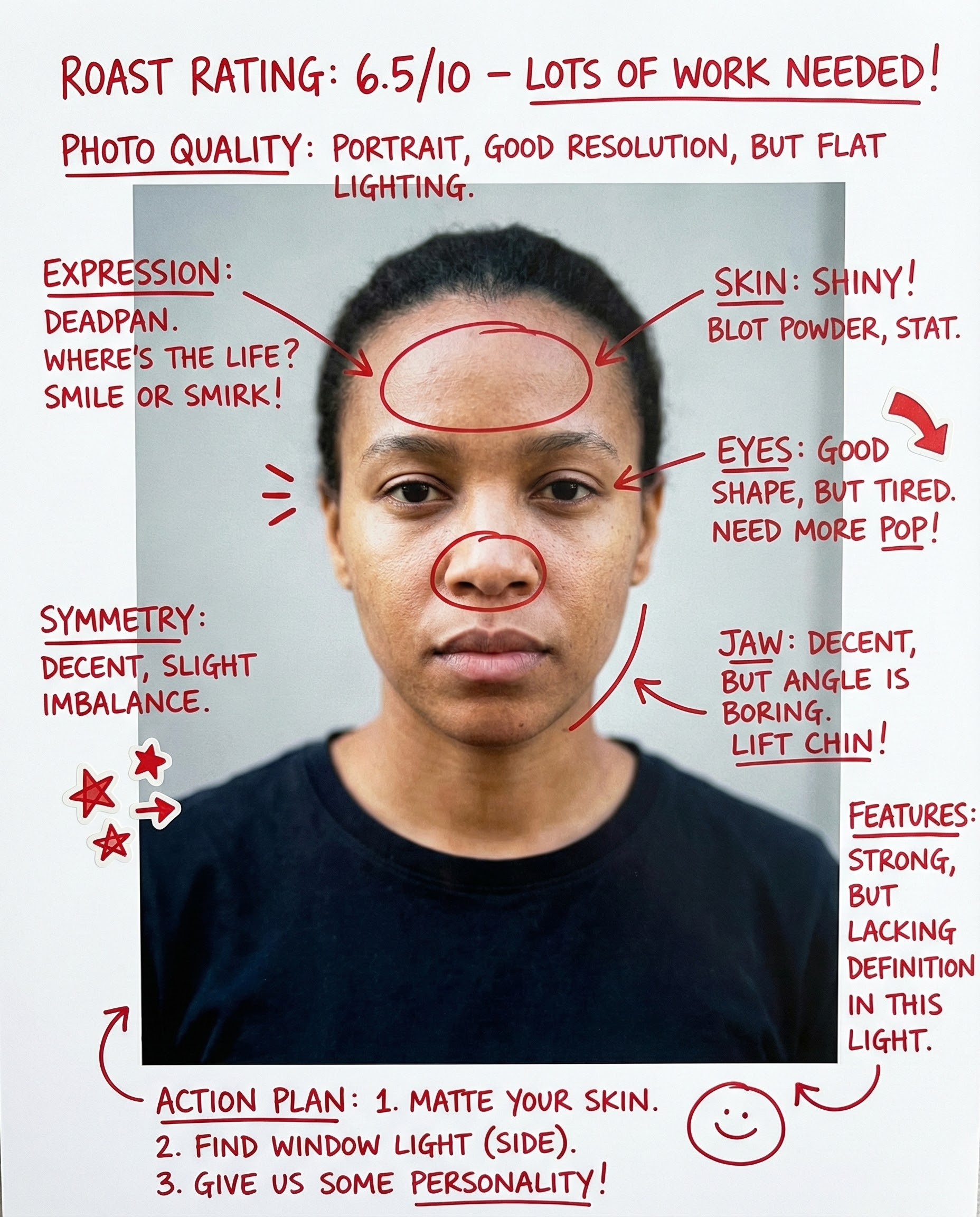
Rate my face in photos with AI. This face rater scores first impression, clarity, expression, and camera-friendliness, then gives a practical glow-up checklist you can apply immediately.

Ask "am I pretty" with a real photo. Get a kind, direct answer, a photo-based score, and 3 specific changes to look better in your next selfie.
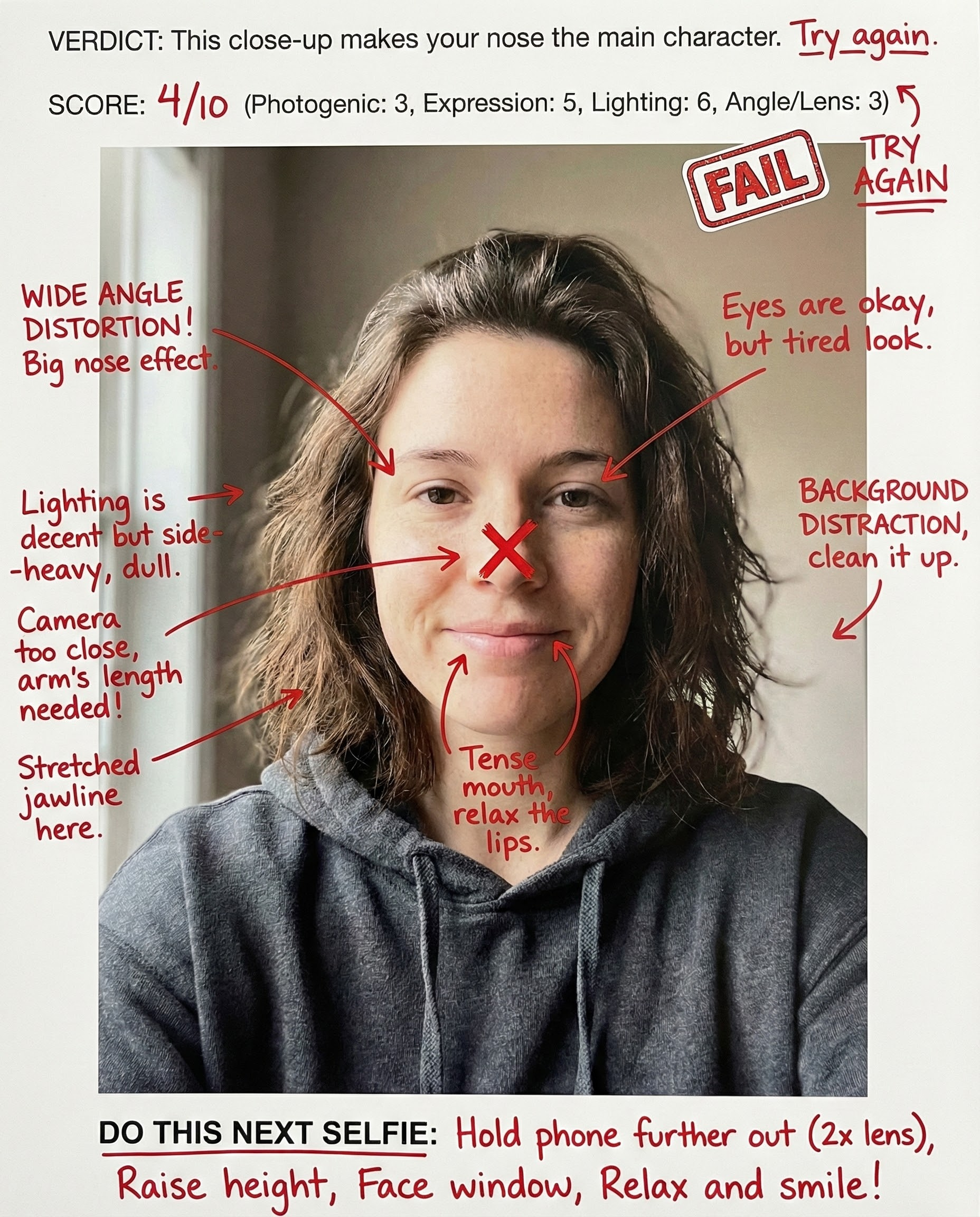
AI-rates your selfie face for social-media impact: expression, angle, light, and scroll-stopping presence — with fixes for the next take.
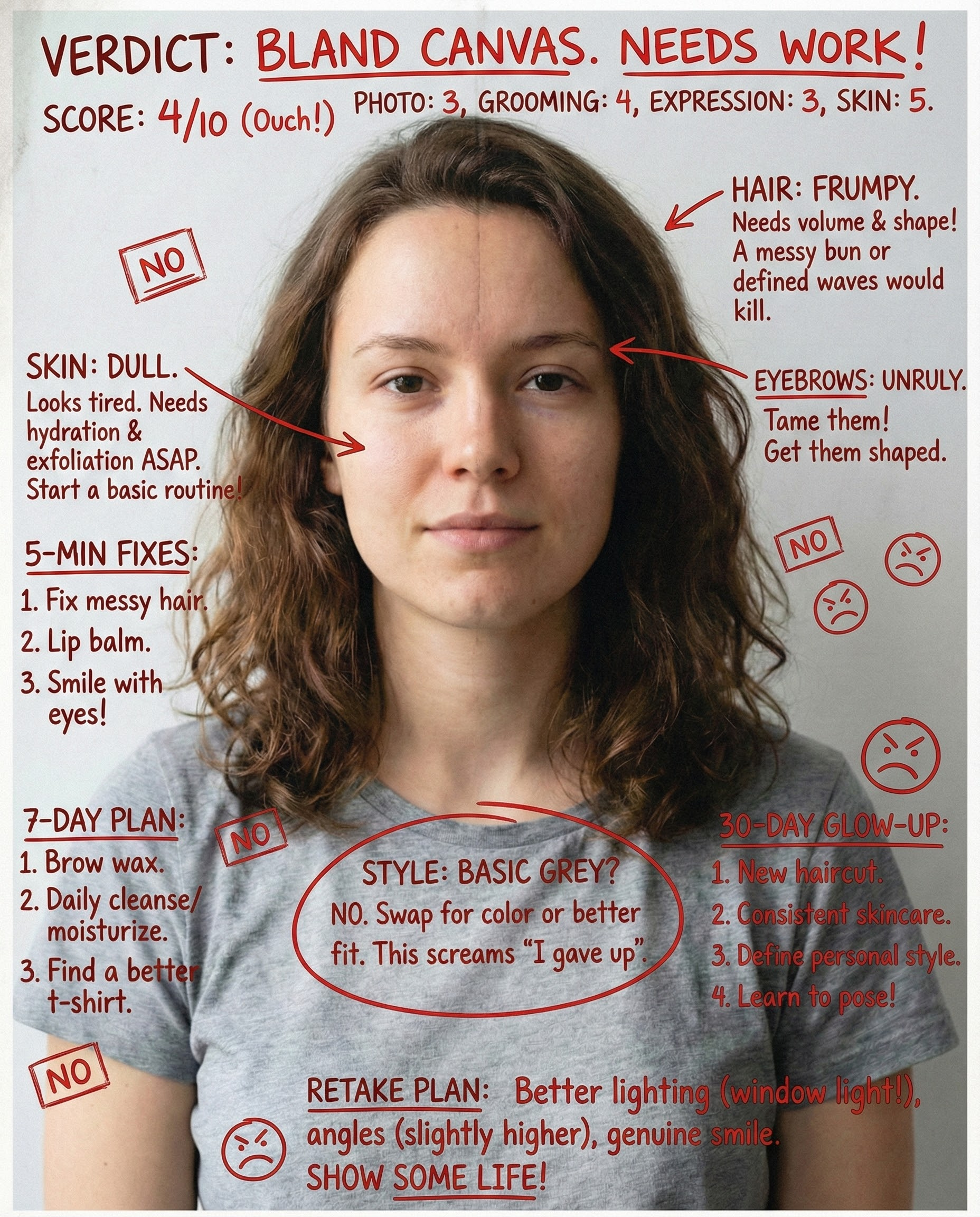
AI-rates your face and gives a realistic glow-up plan. Focuses on photo improvements, grooming, and style upgrades that boost attractiveness fast—without unrealistic promises.
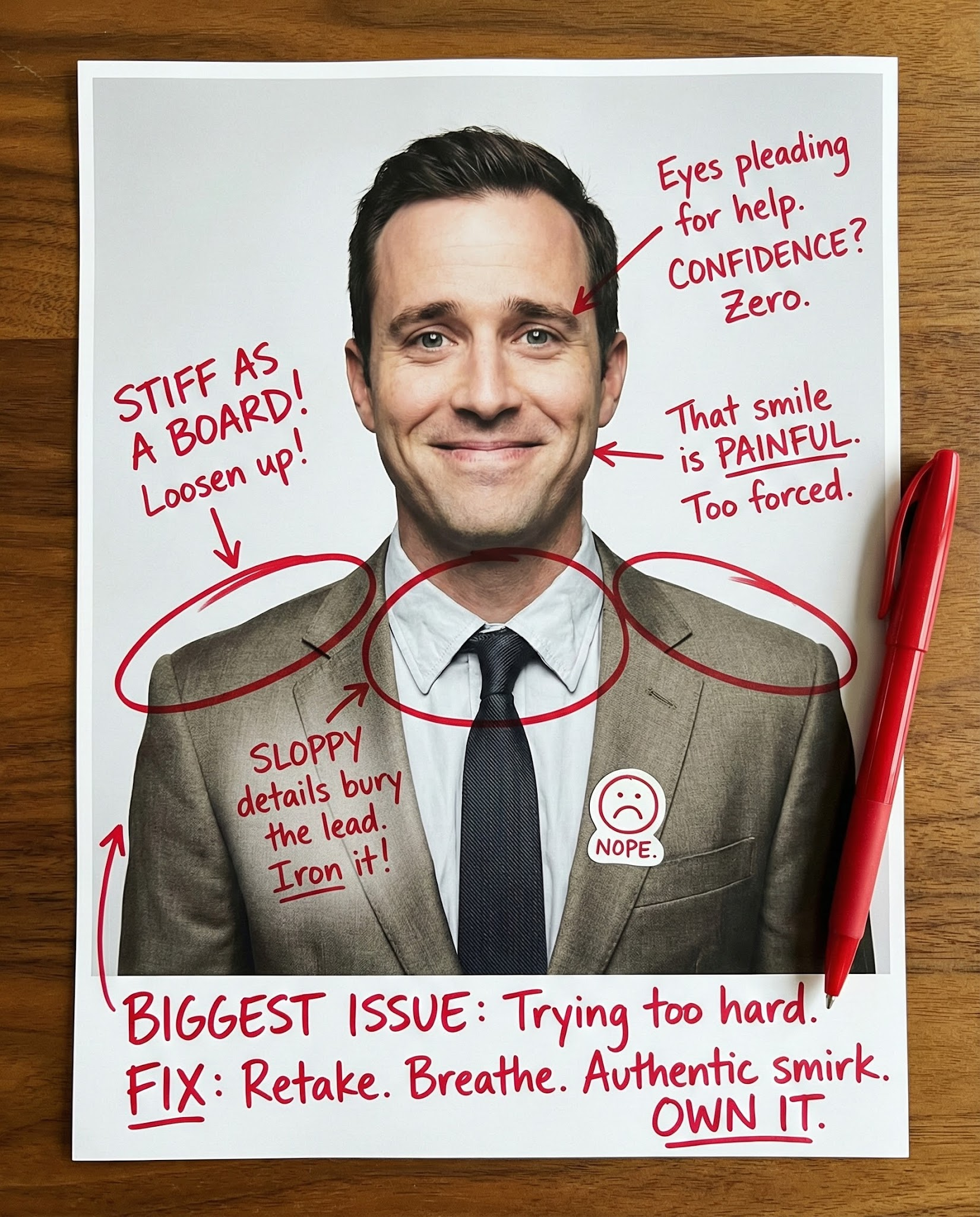
Rate my first impression from a photo. See how your face, expression, and styling read in one second, then fix the #1 issue hurting trust, warmth, or polish.
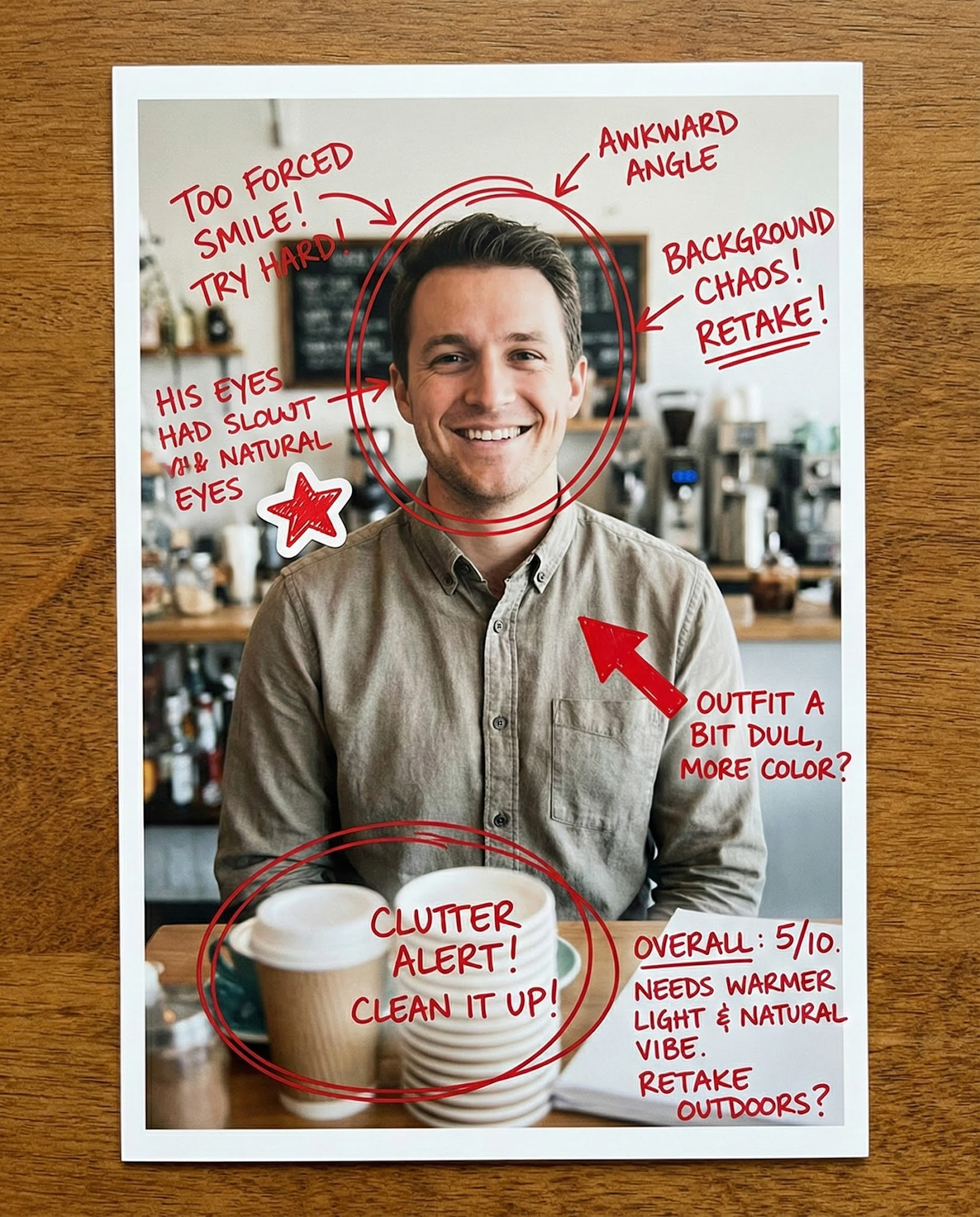
Rate my dating photo with AI. Get feedback on attraction, approachability, and profile-photo effort, plus 1–2 retake ideas that usually improve matches.
Upload one photo, switch the point of view, and iterate on feedback you can use.
AI Disclosure: This tool uses artificial intelligence to analyze photos and provide feedback. Results are for entertainment and educational purposes and should not be considered professional advice.