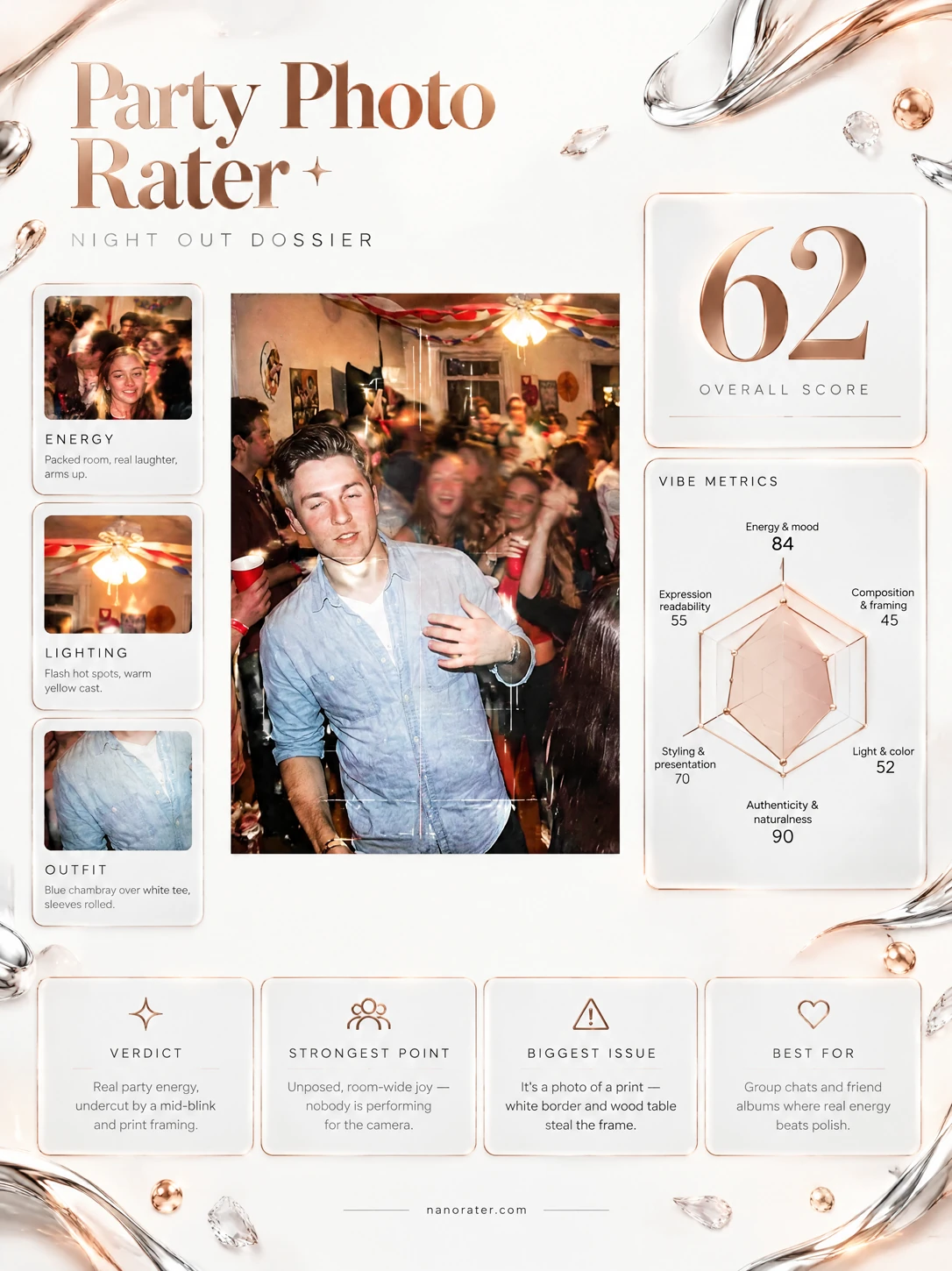
A real report, captured
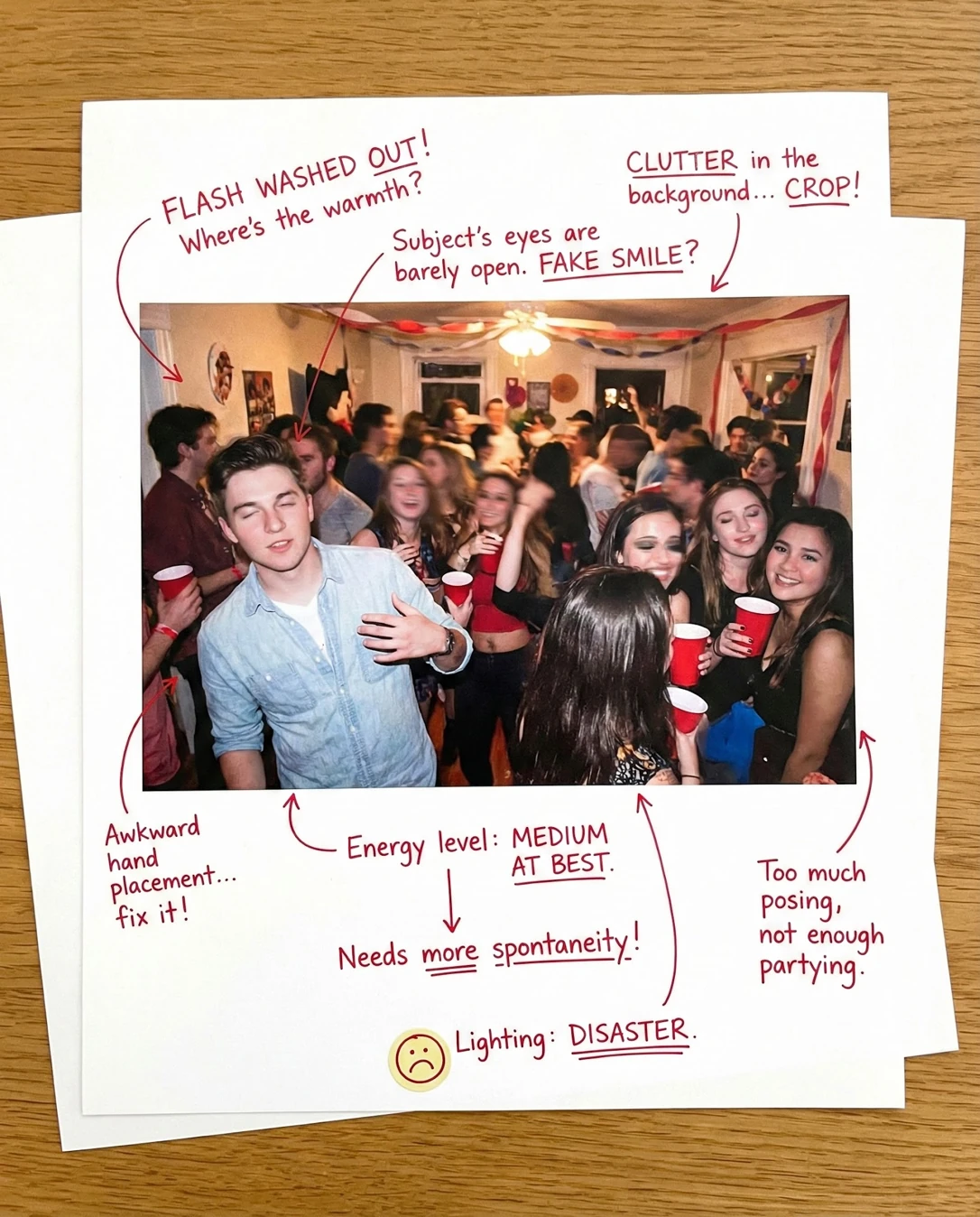
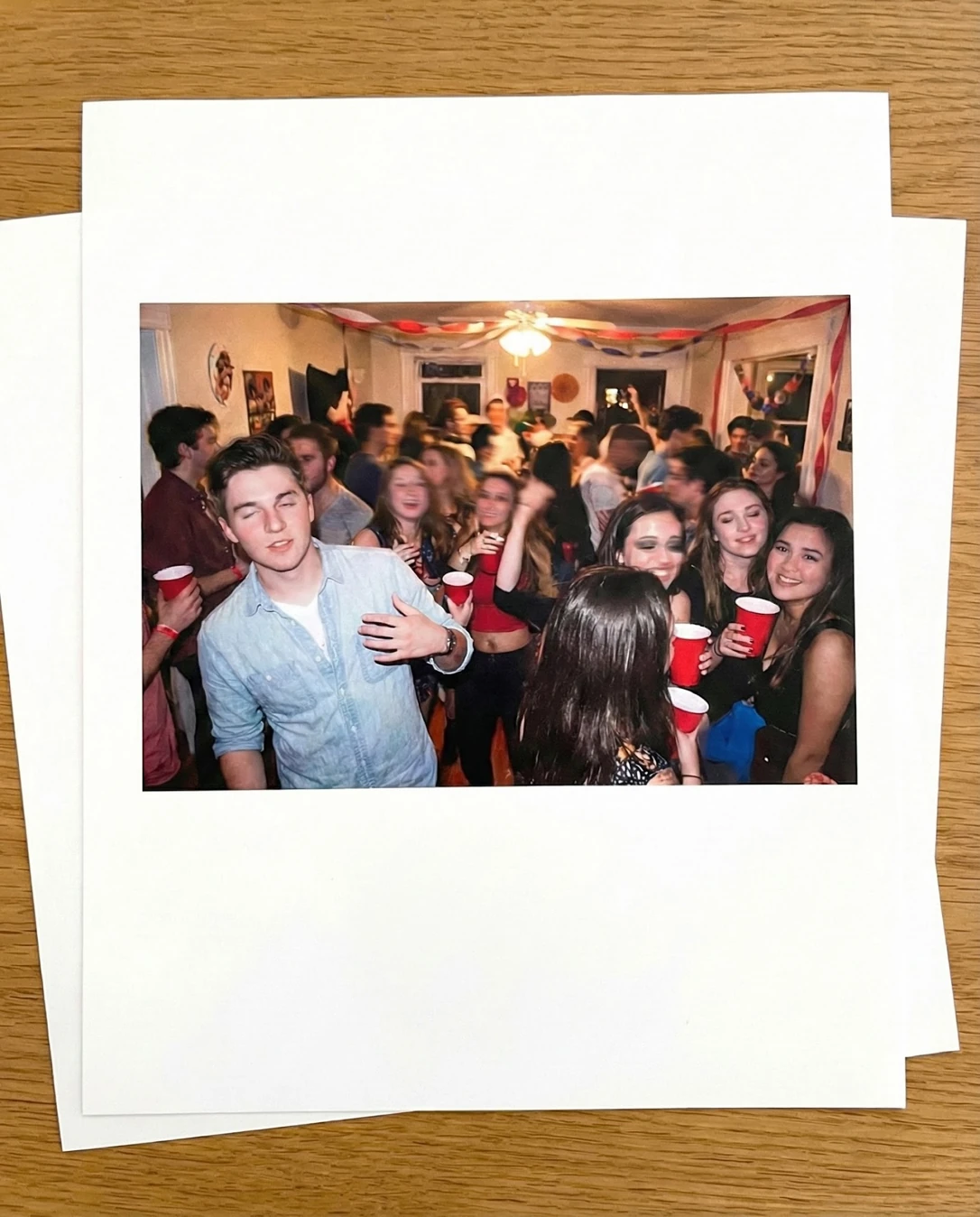
Okay, THIS is the one your group chat actually deserves — the shutter caught a real party right in the middle of the mess: cups up, someone mid-move, everyone laughing straight into the lens. What's holding it back isn't the moment, it's that the photo arrives as a bordered print sitting on a wooden table, wrapping all that noise in white paper and wood grain, with a flash that flattened the faces exactly when they were most alive. Crop to the print, warm it a notch, and this is the frame people ask you to send.
Where this photo works
It genuinely works as a nostalgia post, a group-chat throwback, a printed memory wall or a party-album page — anywhere the print-in-hand look reads as charm and the crowd-of-friends energy is the point. It does not work as a single-subject profile picture, a small avatar, or a clean event-feed post: at thumbnail size the white border eats the frame and the whole party collapses into a white square with a flash in the middle.
Quickest fixes
- Crop square to the print's inner image so the wood table and paper border disappear
- Re-photograph the print flat and straight-on, filling the frame with no glare
- Pull highlights down slightly so the flash-lit foreheads keep texture
Retake plan
- 1.Shoot at chest height or slightly above so heads do not stack and no face is blocked
- 2.Step back one to two feet to hold the subject near half-body instead of cropping at the waist
- 3.Angle the group toward a single light source — a lamp or window — rather than relying on bare flash
- 4.Call one look-up beat: everyone toward the lens mid-laugh, to supply the direct connection this frame lacks
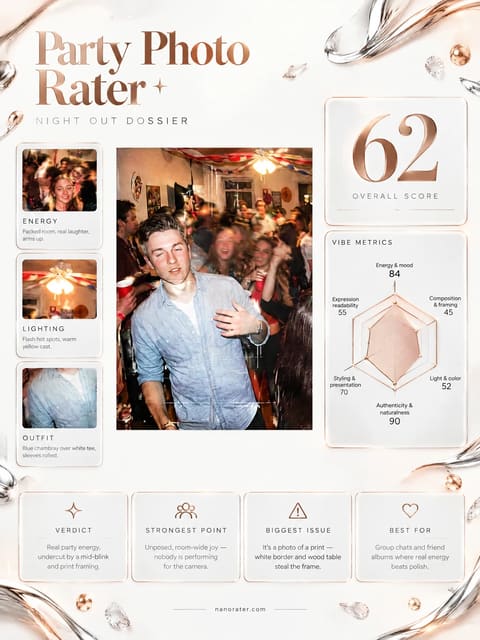
- Energy & Mood88
Dense crowd filling the room, multiple red cups raised at chest height, red-and-white streamers across the ceiling, and laughter spreading across the right-hand group; the central figure is mid-gesture rather than posed.
- Composition & Framing58
The main subject sits left of centre and is cropped at the waist, while a large foreground back-of-head occupies the lower centre and the printed border claims roughly forty percent of the outer image area.
- Light & Color60
Direct on-camera flash renders hot specular highlights on foreheads and cheeks, drops the room edges into shadow, and reads cool against the warm wood surround; the saturated red cups are the only strong color anchor.
- Authenticity & Naturalness86
No posing order, no lineup, mixed expressions — some subjects engaged with the lens, others caught mid-conversation and mid-motion with slight blur in the background crowd.
- Styling & Presentation72
The main subject wears a light chambray shirt over a white tee with sleeves rolled and hair swept back — casual and coherent; surrounding guests in black and bright red keep the palette from going muddled.
- Background & Separation52
Stacked heads overlap across the mid-ground, a ceiling fan and light fixture sit directly above the subject's head, streamers and wall decor add visual noise, and the foreground back-of-head blocks the lower frame.
- Expression & Moment64
The central subject's eyes are closed and his expression reads inward, while the group to the right holds direct, warm eye contact with the lens and carries the emotional connection.
- Reproduction Quality34
The image is a photograph of a printed photo on a wood-grain table, showing paper border, slight perspective skew, softened micro-detail and a flattening of contrast from the second capture.
What works
- A real moment, not a posed one
Multiple subjects are caught mid-laugh, mid-gesture and mid-drink, with only slight motion blur in the background crowd.
- Red cups and streamers lock the theme
Red cups recur at several heights across the frame and red-and-white stripes run along the ceiling trim, giving the scene a consistent motif and color anchor.
What holds it back
- Photograph-of-a-print framing
White paper border and wood-grain table surround the party image, and the print sits slightly skewed within the outer frame.
- Direct flash flattens faces
Hot highlights sit on foreheads and cheeks while the room edges fall dark, with no directional shaping on any face.