A real report, captured
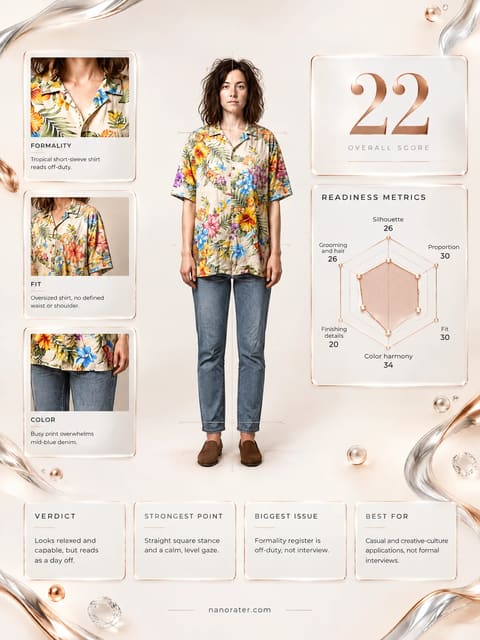
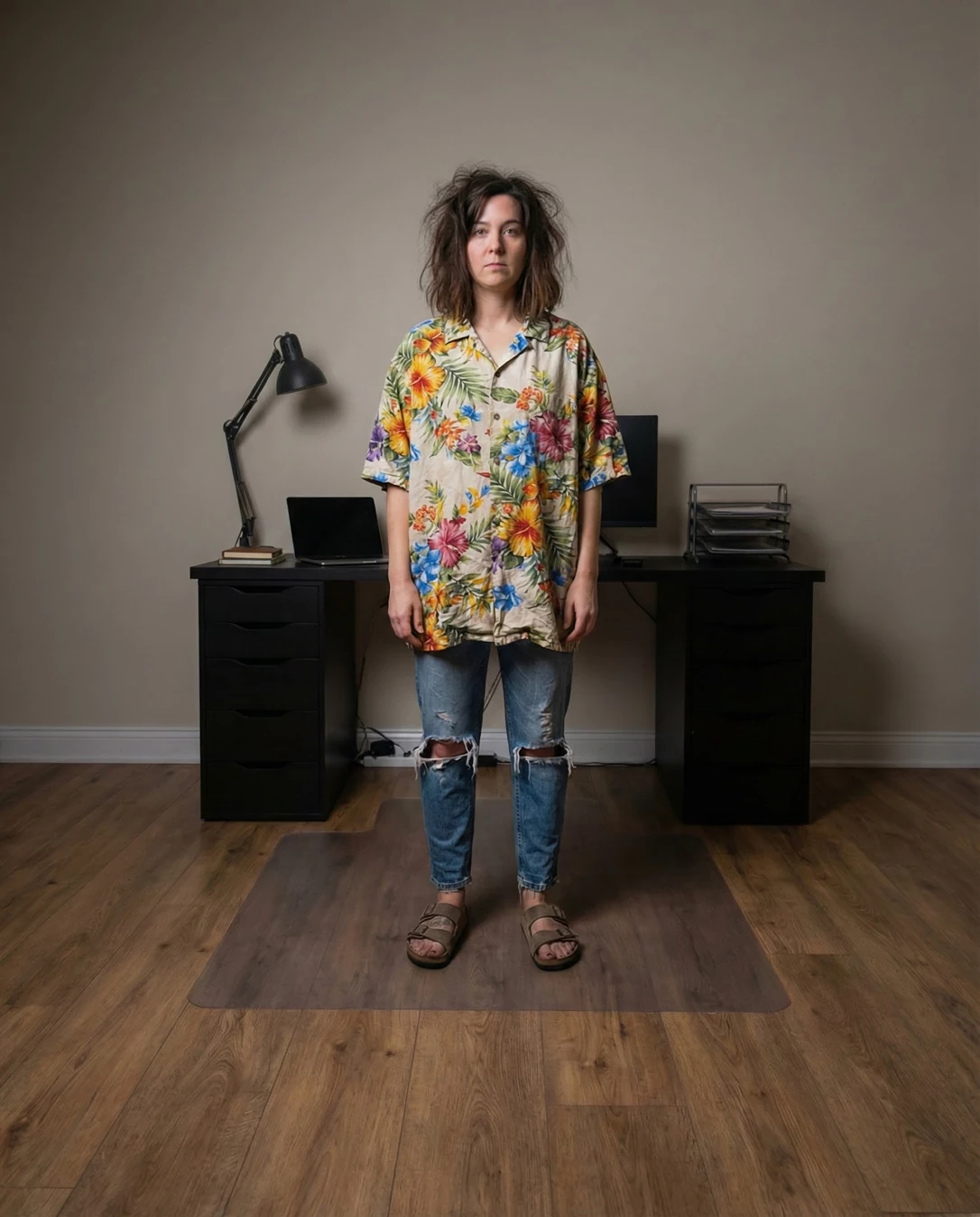
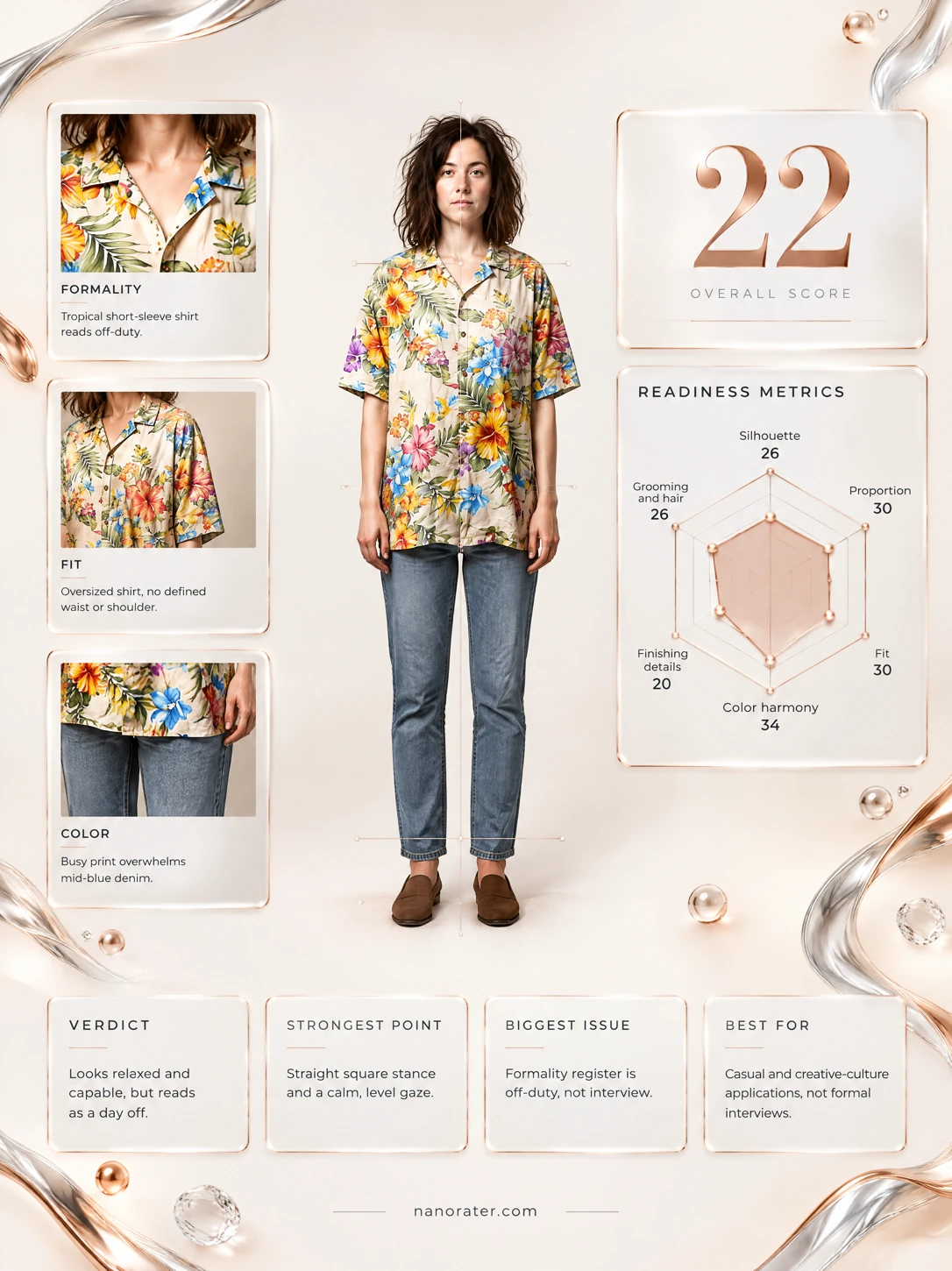
Oh, I adore the honesty of this frame — dead-center, full-length, both eyes right at the lens, soft light keeping your face readable. It just isn't dressed for the room it's walking into: that shirt is out here doing karaoke when the job wants a quiet handshake. Good news — the bones are all there, and this is a wardrobe-and-grooming conversation, not a you problem.
Where this photo works
Where this genuinely sings: an off-duty lifestyle shot, a creative portfolio's 'about me' page, a weekend or travel post, anything where ease and personality are the point. Where it doesn't work: interviews of any kind, LinkedIn headers, corporate bios, client-facing professional pages — the resort print, ripped knees, open sandals and unstyled hair all read 'my day off', and a panel scanning for fit, cleanliness and conservative styling will clock the pattern before it clocks you.
Quickest fixes
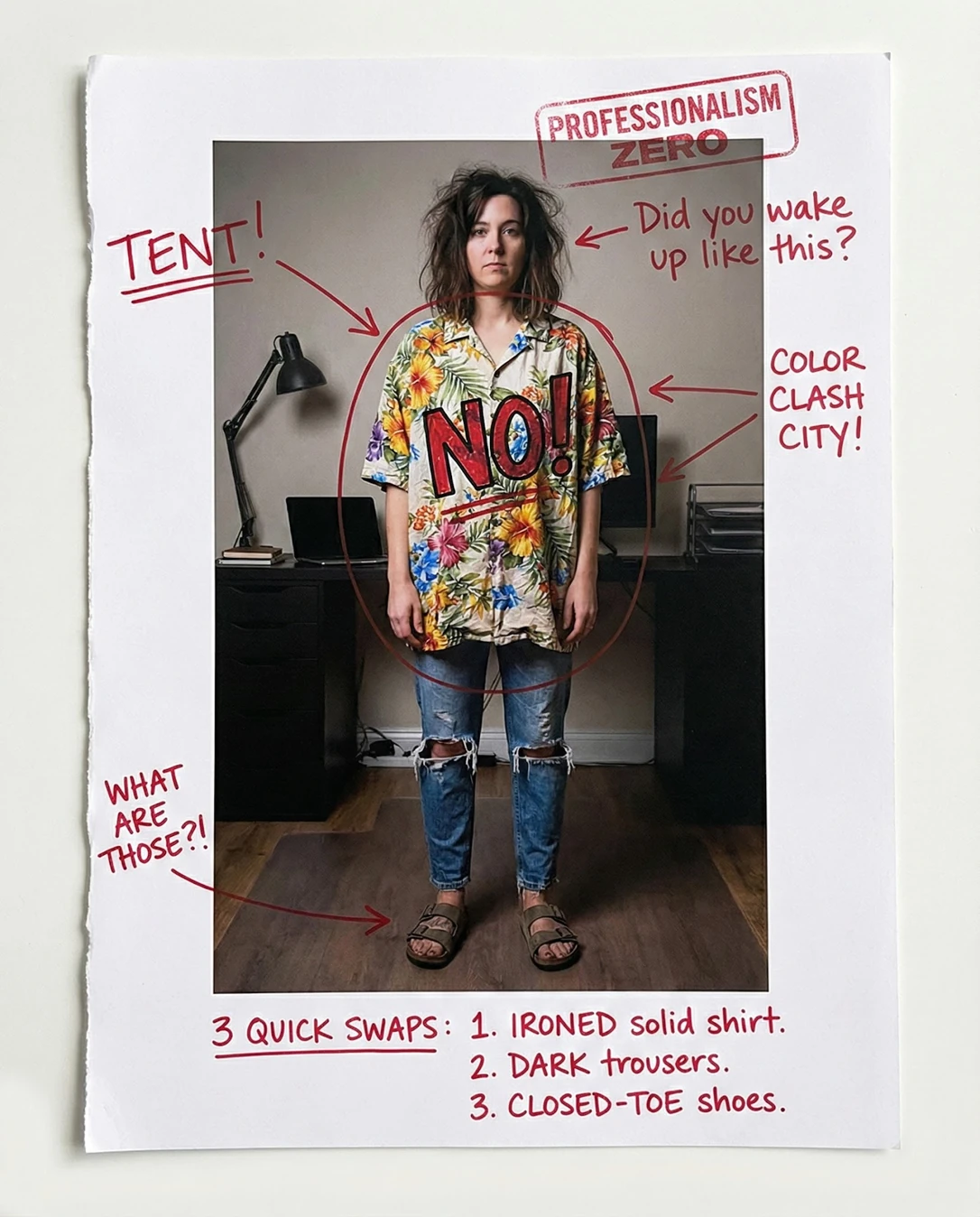
- Swap the floral camp shirt for any solid collared button-front you already own — navy, ivory or light blue against that beige wall.
- Crop the current frame to head-and-shoulders to remove the rips, sandals and the loudest pattern zone instantly.
- Replace the sandals with a closed-toe leather shoe or loafer in a neutral tone for the next shot.
Retake plan
- 1.Set the outfit first: solid or fine-stripe collared shirt with structured shoulders, dark straight or tapered trousers, closed-toe leather shoes in a matching neutral.
- 2.Groom with intent: smooth blow-dry or low sleek chignon, clean hairline, trimmed and tidy nails if hands appear in frame.
- 3.Clear the set: remove cables, drawer pull-lines and stray objects; keep the plain wall and wood floor as the only backdrop elements.
- 4.Step roughly one metre forward off the wall so the backdrop falls softly out of focus and the body casts a shorter shadow.
- Formality Register18
Short-sleeve tropical print camp shirt, knee-distressed denim and open-toe slides together signal resort/weekend leisure; there is no tailored element anywhere in the outfit.
- Silhouette & Proportion34
The oversized shirt drops the shoulder seam well past the natural shoulder and hangs straight to the hip, collapsing the torso into a single rectangular mass; full-length stance with parallel feet gives the body a blocky read.
- Fit & Drape30
Fabric balloons through the waist and the sleeve hem breaks near the elbow, adding bulk rather than skim; the slim jean below creates an inconsistent fit story top-to-bottom.
- Color Harmony32
A saturated warm print — yellow, orange, blue, green — competes directly with the skin tone, the beige wall and the honey-toned floor; no controlled palette or through-line connects the layers.
- Grooming & Finishing Details25
Hair shows significant crown lift with visible flyaway strands and no defined part or shape; the overall surface finish reads unstyled rather than intentionally undone.
- Distractor Load22
Knee rips with hanging threads, open-toe slides, a large-scale floral print, plus visible white cables, a black drawer unit and a desk edge all compete for attention at head and ankle height.
- Posture & Expression45
Stance is square with arms hanging flat at the sides and feet parallel; the gaze meets the lens level but the expression is closed and neutral, giving little warmth or engagement.
- Lighting & Exposure60
Soft ambient interior light yields no hot spots and keeps facial detail intact, but it is directionless and flat, with a mild vignette and a soft body shadow falling onto the floor mat.
- Framing & Background Separation58
Centered, symmetrical full-length composition with even headroom and no cropping errors; however the desk edge cuts across behind the shoulders and the mid-ground carries furniture and cables that flatten depth.
- First-Impression Read28
At a glance the image reads off-duty creative; the highest-contrast, highest-saturation element in frame is the floral shirt, so attention lands on the pattern rather than the face and posture.
What works
- Centered, symmetrical full-length composition
Subject sits at the horizontal midpoint with even headroom and level foot placement; the frame reads stable rather than accidental.
- Face is unobstructed and clearly exposed
Both eyes are visible, hair is parted away from the face, and the soft ambient light leaves no harsh shadow across the eyes or cheeks.
What holds it back
- Tropical print shirt carries no interview formality
Large-scale floral motifs across a short-sleeve camp-collar shirt read as leisurewear; there is no collar structure, cuff, or tailored line.
- Distressed denim and open sandals undercut credibility
Prominent knee rips with frayed white threads and open-toe slides signal off-duty hours in a setting judged on cleanliness and polish.