
Free · On-device · No sign-up
GitHub Avatar Rater
Rate your GitHub avatar for recognizability across repos, issues, and pull requests. AI checks clarity, crop, and dev-community presence.
Your photo stays on your device for the free scan.
- facial landmarks
- 478
- facial landmarks
- reference photos
- 1,088
- reference photos
- second scan, on your device
- ~2
- second scan, on your device
- money-back guarantee
- 7-day
- money-back guarantee
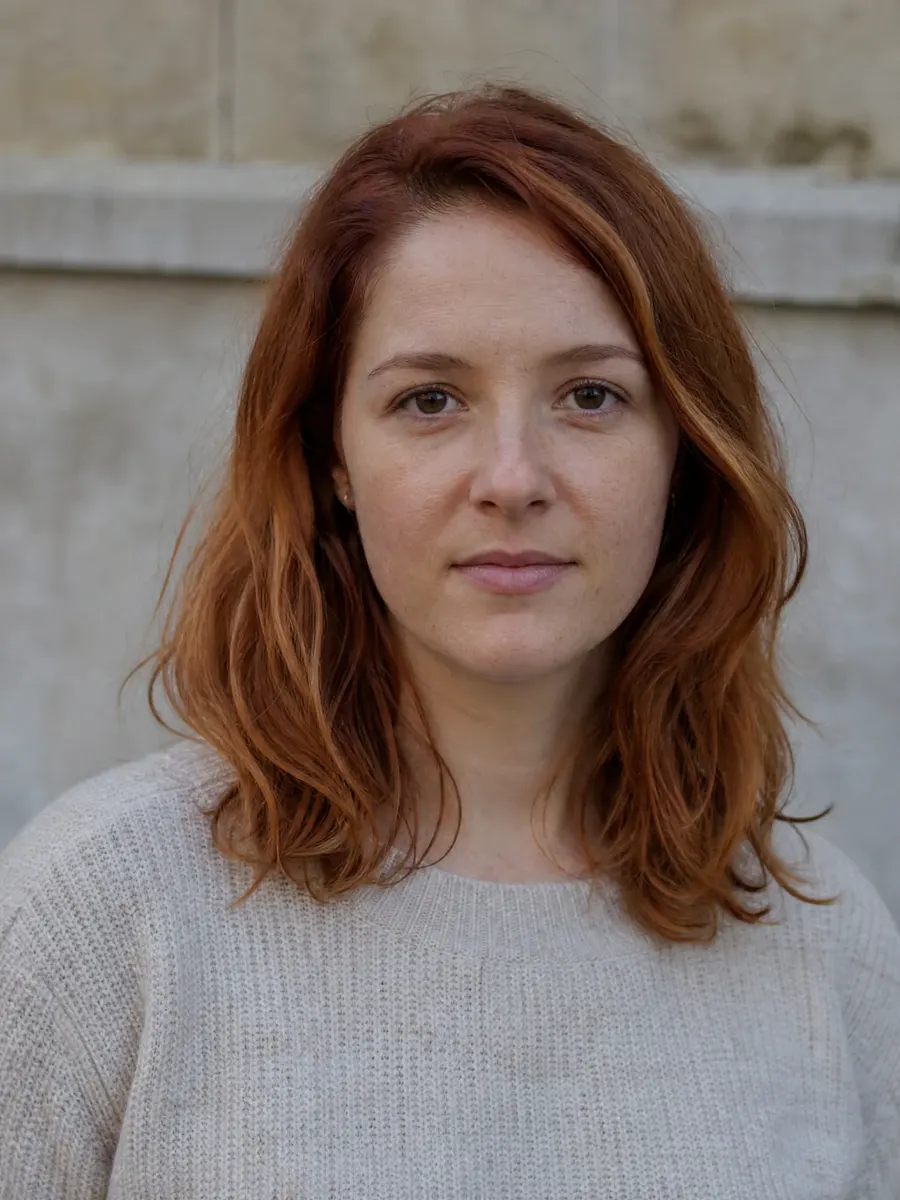 Example analysis
Guide
The scanner measures the face in your photo. Use the guide below to review the rest of the shot.
Your GitHub avatar appears next to every commit, issue, PR, and discussion comment you've ever made — arguably the most-repeated 40 pixels of your professional dev identity. A weak avatar (dark selfie, group crop, pixelated logo) makes you harder to recognize in notifications and less memorable in open source. This GitHub avatar rater checks how yours reads at real-world sizes and tells you how to fix it.
How to use it
- 1Upload your current GitHub avatar file or a screenshot of it.
- 2Get a recognizability score with notes on clarity and contrast.
- 3See how it holds up at commit-list and notification sizes.
- 4Fix the flagged issues: crop, contrast, background, resolution.
- 5Re-rate the new avatar before pushing it to your profile.
Before you upload
- The image is a square original — not stretched or cropped from a rectangle.
- Face or mark fills most of the frame; tiny subjects disappear at 20px.
- Strong contrast between subject and background.
- Readable in both GitHub's light and dark themes.
- It represents you consistently across repos and orgs.
- At least 460×460px source so it stays sharp at every size.
What matters
- Recognizability
- Whether teammates can pick you out of a 20px notification row.
- Eye-catching appeal
- Strong contrast and a distinct mark that survive light and dark UI themes.
- Composition & framing
- A square-friendly crop with the face or mark filling most of the frame.
- Expression energy
- A face or mark with enough character to stay memorable across repos and orgs.
- Brand fit
- Consistent with how you present on X, docs, and conference talks as a developer.
Who it's for
- Open-source maintainers whose avatar appears in thousands of threads.
- Devs job-hunting — recruiters do browse your GitHub.
- Contributors wanting to be recognizable across orgs and communities.
- Anyone still using the auto-generated identicon.
- DevRel and advocates who are the face of their project.
Not the right tool if
- Company logos used as organizational (not personal) avatars.
- Animated or NSFW images — rate the static frame or don't bother.
- Anyone whose avatar is deliberately anonymous by design.
Do
- Do use a face if you want community recognition — faces outperform logos.
- Do check the avatar at 20px before uploading the 460px version.
- Do keep the same avatar across platforms to compound recognition.
Don't
- Don't use a photo with the face in shadow — dark UIs will swallow it.
- Don't swap avatars often; recognition compounds with consistency.
- Don't use a busy background screenshot of code as your avatar.
FAQ
Frequently asked questions
The Full Report
Know what suits your face — and what to do next.
Turn one private scan into 40+ measurements across 7 facial regions, styling guidance for your face shape, and a plan ordered around your highest-leverage area.
01Understand
Your harmony profile
See what drives your result in every measured region.
- Symmetry: 91 / 100
- Golden: 85 / 100
- Thirds: 88 / 100
- Fifths: 89 / 100
- Eyes: 92 / 100
- Jaw: 94 / 100
Real report component · sample data
02See
Your styling concept
Visualized on your own photo. Styling only — never a change to your features.
Feature readings
Every region read from your photo — and an honest “not scored” when a front photo can't support the claim.
- Face shape
- Oval92% match
- Canthal tilt
- +3.9°slightly upturned
- Eye spacing
- 0.46of face width
- Nose projection
- Not scoredneeds a side photo
Where you sit
Placement inside the reference band — not a bare grade out of 100.
03Act
The ranked plan
Follow your ranked first steps and a four-week plan.
Brow framing
Targets eyebrow symmetry
Sparse tails end the frame before it finishes — the region's lowest score.
Book a professional brow shape with the tails left full-length.
- Low
- $25–60
- 1 day
The fastest visible change in the report — and it upgrades the strongest region.
Every recommendation ranked, with upkeep, cost and time to the first visible result.
More free tests
478 · x · y · z
Ready to see your face, measured?
Free scan in seconds. Your full report with a ranked plan and AI previews is $17.49, once.