
Free · On-device · No sign-up
Skin Quality Face Rater
AI-rates how your skin looks in photos. Flags harsh lighting, oil shine, redness, and texture exaggeration—then gives a photo-friendly routine and lighting tips to look smoother on camera.
Your photo stays on your device for the free scan.
- facial landmarks
- 478
- facial landmarks
- reference photos
- 1,088
- reference photos
- second scan, on your device
- ~2
- second scan, on your device
- money-back guarantee
- 7-day
- money-back guarantee
 Example analysis
Guide
This tool reviews how skin appears in your photo: visible shine, redness, texture, and lighting. A photo cannot establish their causes or separate a skin condition from camera effects with certainty. Use the feedback to try lighting and framing changes; it is not a skin diagnosis.
How to use it
- 1Upload a clear, unfiltered photo of your face.
- 2Take photos in different lighting conditions if possible.
- 3Review visible skin presentation and possible lighting effects; causes cannot be confirmed from a photo.
- 4Implement the lighting recommendations (usually biggest impact).
- 5Try the photo-friendly skincare basics suggested.
- 6Experiment with different angles to minimize texture appearance.
- 7Retake photos using the new techniques and compare results.
Before you upload
- Photo is clear and well-lit (can actually see skin texture).
- No heavy beauty filters or smoothing effects applied.
- Lighting is even (not creating artificial shadows or shine).
- Face is in focus (blur hides real skin quality).
- Photo represents typical lighting conditions (not extreme).
- No obvious glare or reflection on skin.
- Color balance looks natural (not too warm or cool).
- Photo is recent (represents current skin condition).
What matters
- Skin quality
- The overall look of the skin — evenness, clarity, and that healthy lit-from-within glow.
- Tone & texture
- Evenness of colour and how smooth the surface reads up close.
- Clarity & under-eye
- Blemishes, redness, visible pores and the under-eye area: what the skin itself shows once lighting is accounted for.
- Styling & grooming
- Hair, grooming, and the finishing details that make the look feel intentional.
Who it's for
- Anyone frustrated with how their skin looks in photos.
- People who feel their skin looks worse in pictures than in person.
- Those wanting to minimize the appearance of texture or redness.
- Anyone curious about lighting's effect on skin appearance.
- People looking for photo-friendly skincare basics.
- Models, actors, or anyone with photoshoots coming up.
Not the right tool if
- If you want medical dermatology advice or diagnosis.
- If you are seeking treatment for skin conditions.
- If the photo quality is too poor to assess skin.
- If you want heavy photo editing or filter recommendations.
- If you cannot accept that lighting plays a huge role.
- If you are looking for product-specific recommendations.
Do
- Use soft, diffused natural light (window light is ideal).
- Face the light source directly for even illumination.
- Use a mattifying primer if you have oily skin.
- Keep skin hydrated—dehydration shows up on camera.
- Blot excess oil before photos (not during).
- Use the 2x lens to reduce distortion and texture exaggeration.
- Take photos after your skincare has fully absorbed.
Don't
- Do not use heavy beauty filters—they look fake.
- Do not use harsh direct flash (creates shine and shadows).
- Do not take photos in very low light (noise exaggerates texture).
- Do not over-matte your skin (can look flat and unnatural).
- Do not compare yourself to heavily edited beauty photos.
- Do not use ultra-close wide-angle shots (distorts everything).
- Do not treat photo feedback as a diagnosis of skin concerns.
FAQ
Frequently asked questions
The Full Report
Know what suits your face — and what to do next.
Turn one private scan into 40+ measurements across 7 facial regions, styling guidance for your face shape, and a plan ordered around your highest-leverage area.
01Understand
Your harmony profile
See what drives your result in every measured region.
- Symmetry: 91 / 100
- Golden: 85 / 100
- Thirds: 88 / 100
- Fifths: 89 / 100
- Eyes: 92 / 100
- Jaw: 94 / 100
Real report component · sample data
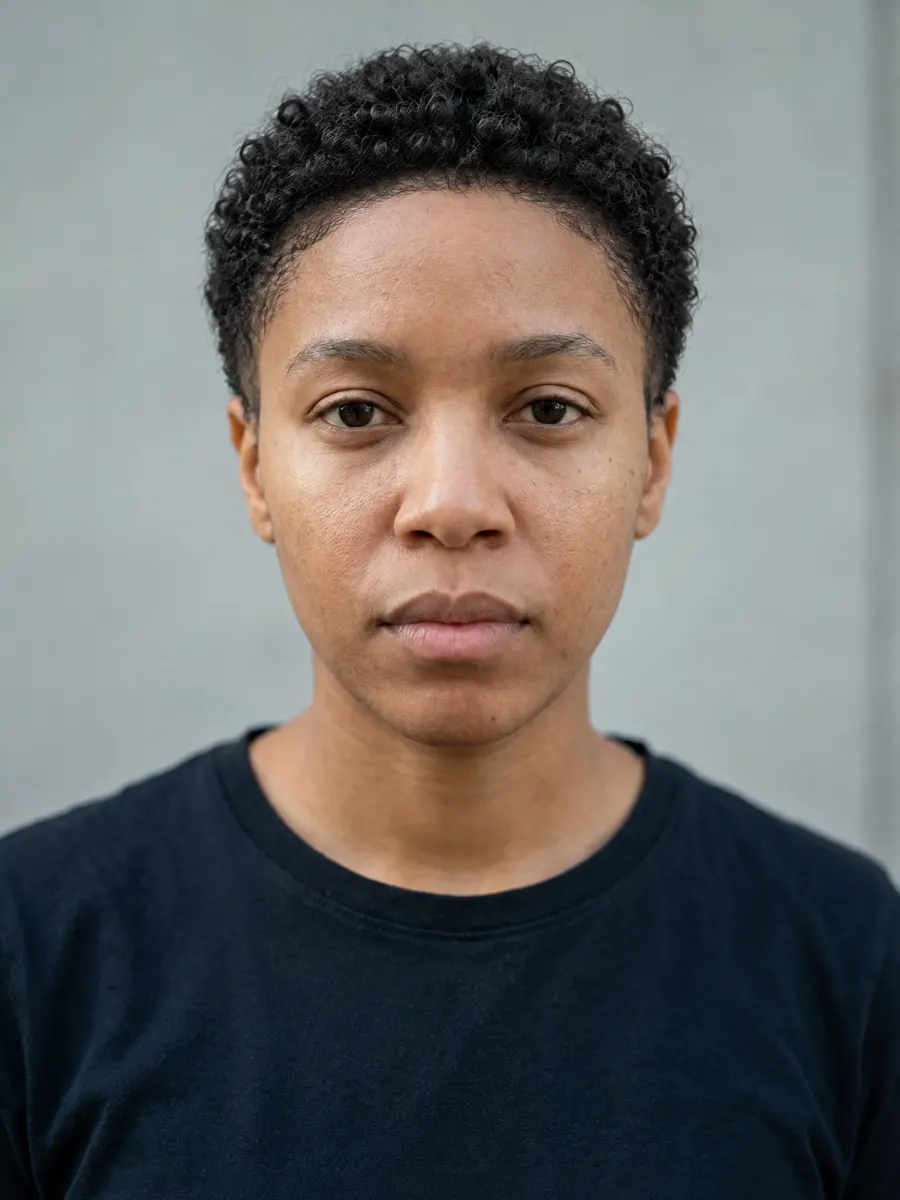
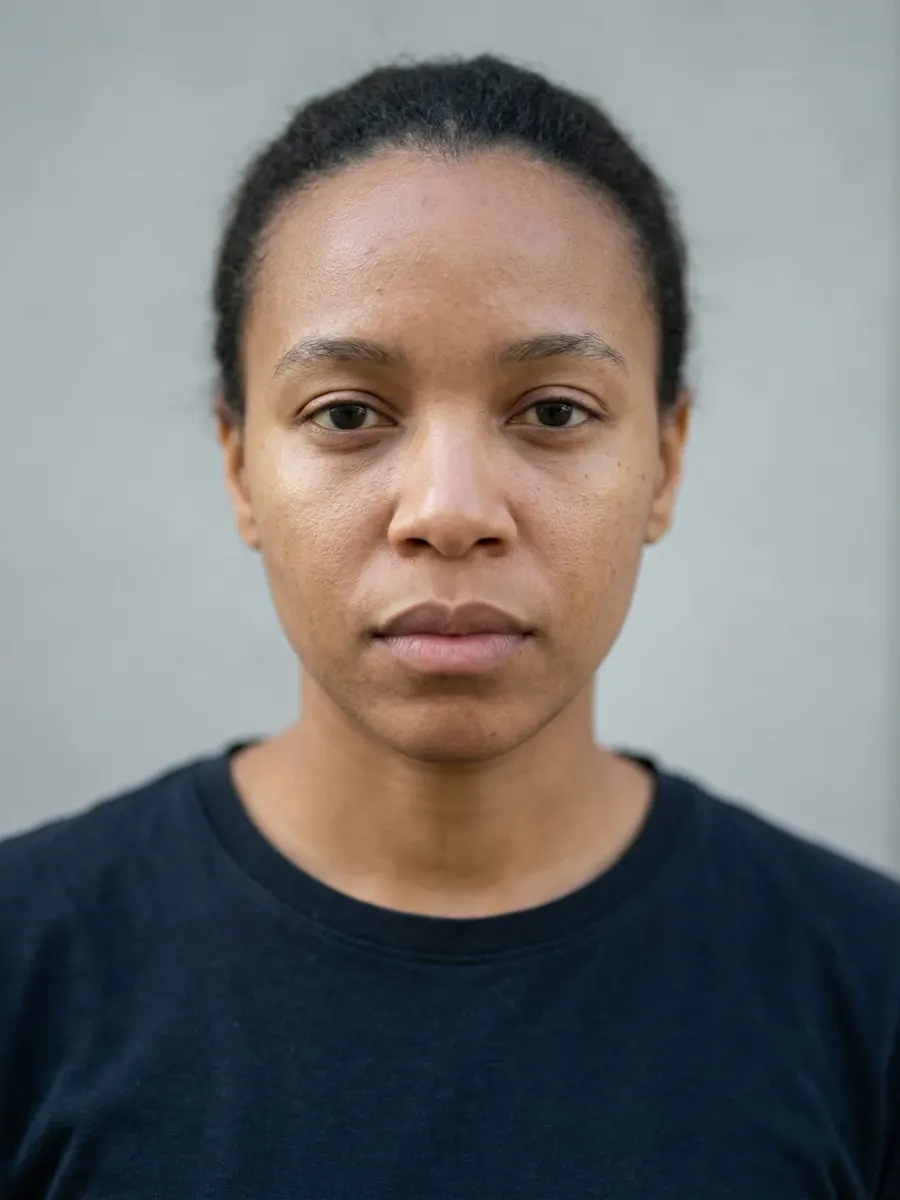
02See
Your styling concept
Visualized on your own photo. Styling only — never a change to your features.
Feature readings
Every region read from your photo — and an honest “not scored” when a front photo can't support the claim.
- Face shape
- Oval92% match
- Canthal tilt
- +3.9°slightly upturned
- Eye spacing
- 0.46of face width
- Nose projection
- Not scoredneeds a side photo
Where you sit
Placement inside the reference band — not a bare grade out of 100.
03Act
The ranked plan
Follow your ranked first steps and a four-week plan.
Brow framing
Targets eyebrow symmetry
Sparse tails end the frame before it finishes — the region's lowest score.
Book a professional brow shape with the tails left full-length.
- Low
- $25–60
- 1 day
The fastest visible change in the report — and it upgrades the strongest region.
Every recommendation ranked, with upkeep, cost and time to the first visible result.
More free tests
478 · x · y · z
Ready to see your face, measured?
Free scan in seconds. Your full report with a ranked plan and AI previews is $17.49, once.