
Grátis · No aparelho · Sem cadastro
Skin Quality Face Rater
AI-rates how your skin looks in photos. Flags harsh lighting, oil shine, redness, and texture exaggeration—then gives a photo-friendly routine and lighting tips to look smoother on camera.
Na análise grátis, sua foto fica no seu aparelho.
- pontos faciais
- 478
- pontos faciais
- fotos de referência
- 1.088
- fotos de referência
- segundos de análise, no seu aparelho
- ~2
- segundos de análise, no seu aparelho
- garantia de reembolso
- 7 dias
- garantia de reembolso
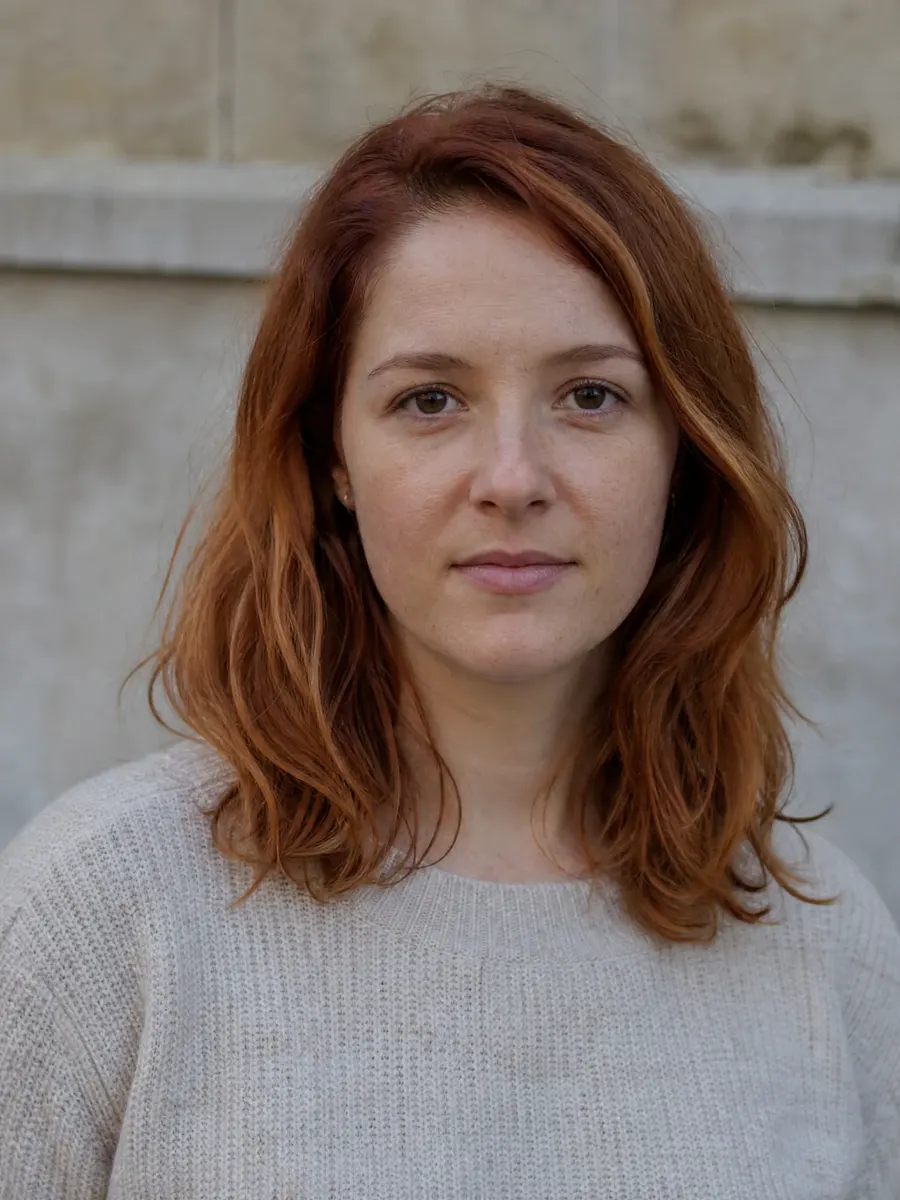 Exemplo de análise
Guia
This tool reviews how skin appears in your photo: visible shine, redness, texture, and lighting. A photo cannot establish their causes or separate a skin condition from camera effects with certainty. Use the feedback to try lighting and framing changes; it is not a skin diagnosis.
Como usar
- 1Upload a clear, unfiltered photo of your face.
- 2Take photos in different lighting conditions if possible.
- 3Review visible skin presentation and possible lighting effects; causes cannot be confirmed from a photo.
- 4Implement the lighting recommendations (usually biggest impact).
- 5Try the photo-friendly skincare basics suggested.
- 6Experiment with different angles to minimize texture appearance.
- 7Retake photos using the new techniques and compare results.
Antes de enviar
- Photo is clear and well-lit (can actually see skin texture).
- No heavy beauty filters or smoothing effects applied.
- Lighting is even (not creating artificial shadows or shine).
- Face is in focus (blur hides real skin quality).
- Photo represents typical lighting conditions (not extreme).
- No obvious glare or reflection on skin.
- Color balance looks natural (not too warm or cool).
- Photo is recent (represents current skin condition).
O que importa
- Skin quality
- The overall look of the skin — evenness, clarity, and that healthy lit-from-within glow.
- Tone & texture
- Evenness of colour and how smooth the surface reads up close.
- Clarity & under-eye
- Blemishes, redness, visible pores and the under-eye area: what the skin itself shows once lighting is accounted for.
- Styling & grooming
- Hair, grooming, and the finishing details that make the look feel intentional.
Para quem é
- Anyone frustrated with how their skin looks in photos.
- People who feel their skin looks worse in pictures than in person.
- Those wanting to minimize the appearance of texture or redness.
- Anyone curious about lighting's effect on skin appearance.
- People looking for photo-friendly skincare basics.
- Models, actors, or anyone with photoshoots coming up.
Não é a ferramenta certa se
- If you want medical dermatology advice or diagnosis.
- If you are seeking treatment for skin conditions.
- If the photo quality is too poor to assess skin.
- If you want heavy photo editing or filter recommendations.
- If you cannot accept that lighting plays a huge role.
- If you are looking for product-specific recommendations.
Faça
- Use soft, diffused natural light (window light is ideal).
- Face the light source directly for even illumination.
- Use a mattifying primer if you have oily skin.
- Keep skin hydrated—dehydration shows up on camera.
- Blot excess oil before photos (not during).
- Use the 2x lens to reduce distortion and texture exaggeration.
- Take photos after your skincare has fully absorbed.
Evite
- Do not use heavy beauty filters—they look fake.
- Do not use harsh direct flash (creates shine and shadows).
- Do not take photos in very low light (noise exaggerates texture).
- Do not over-matte your skin (can look flat and unnatural).
- Do not compare yourself to heavily edited beauty photos.
- Do not use ultra-close wide-angle shots (distorts everything).
- Do not treat photo feedback as a diagnosis of skin concerns.
FAQ
Perguntas frequentes
O Relatório Completo
Saiba o que combina com o seu rosto — e o que fazer depois.
Transforme uma análise privada em mais de 40 medidas em 7 regiões do rosto, dicas de estilo para o seu formato e um plano organizado em torno da sua área de maior impacto.
01Entenda
Seu perfil de harmonia
Veja o que influencia seu resultado em cada região medida.
- Simetria: 91 / 100
- Áurea: 85 / 100
- Terços: 88 / 100
- Quintos: 89 / 100
- Olhos: 92 / 100
- Mandíbula: 94 / 100
Componente real do relatório · dados de exemplo
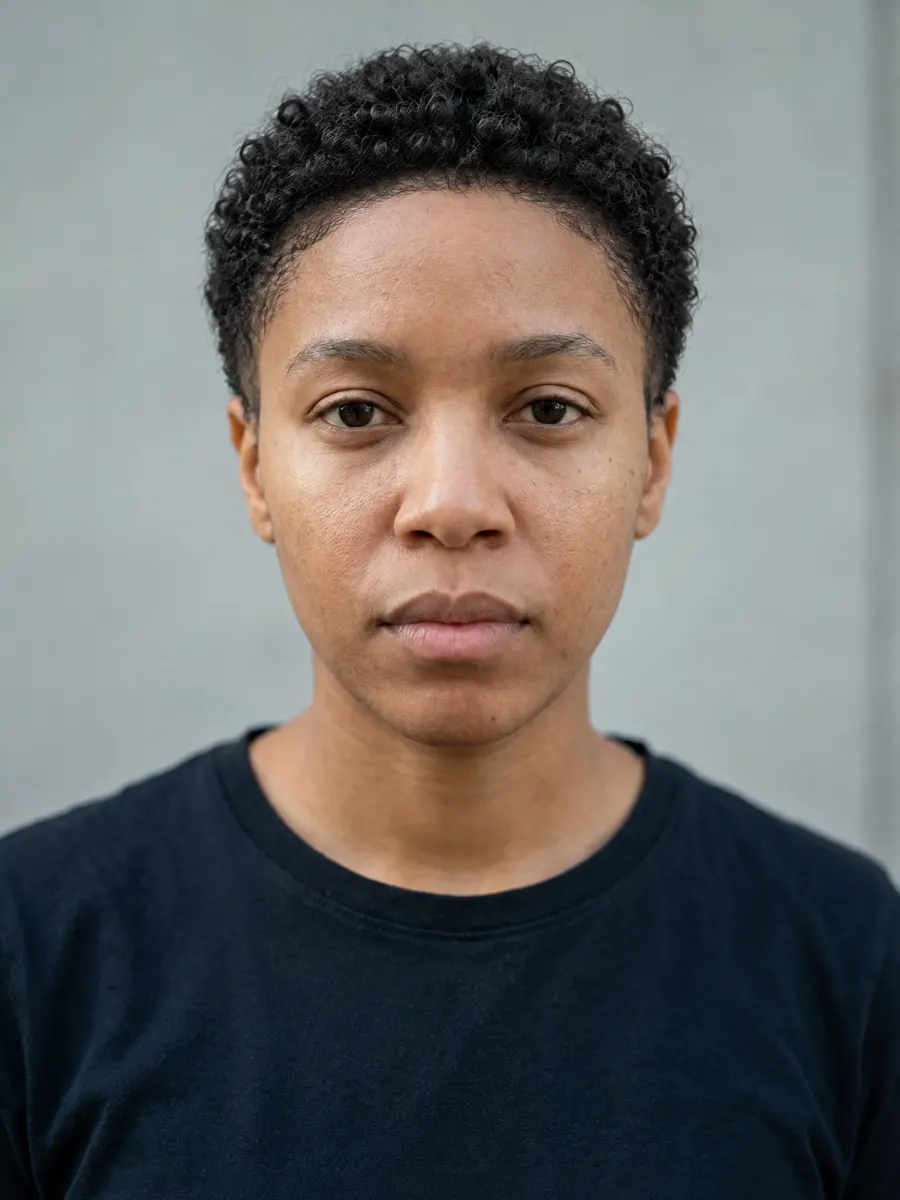
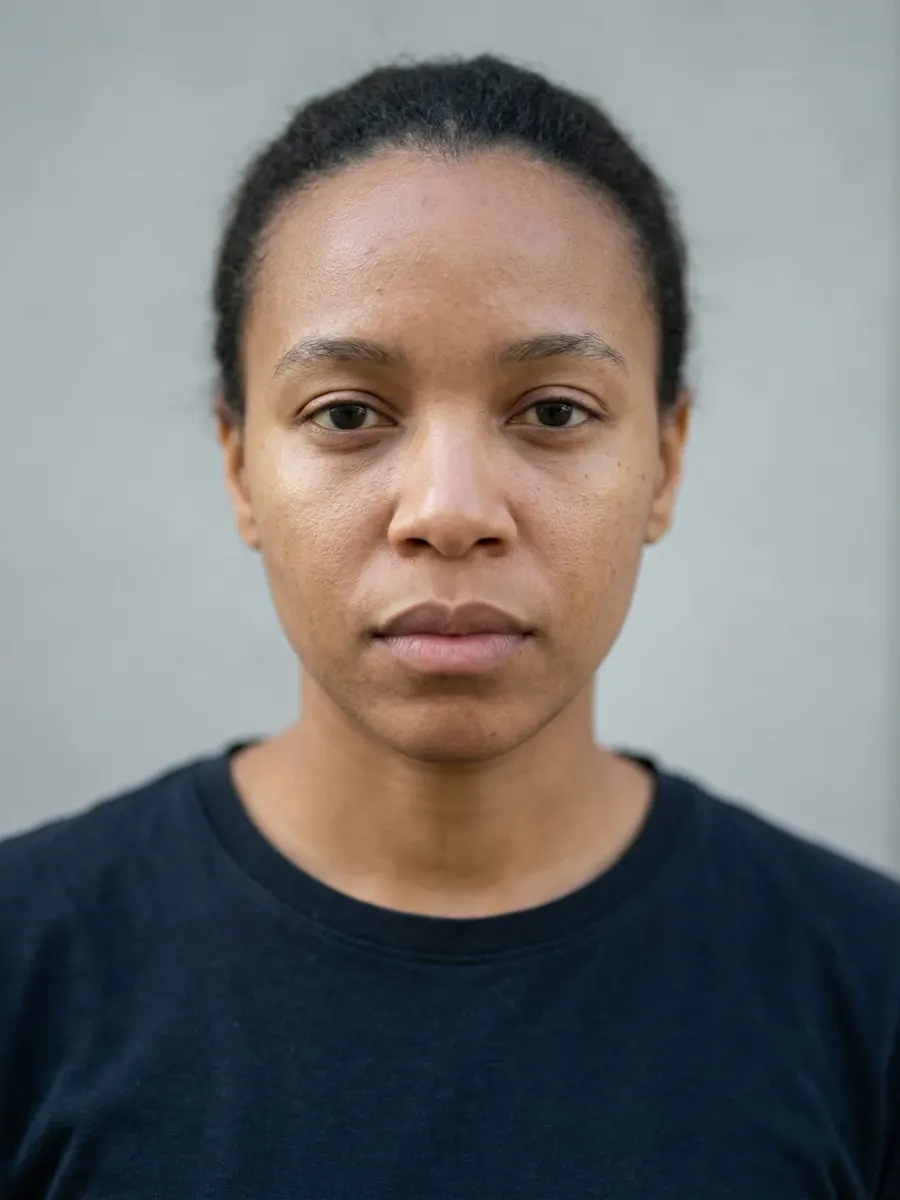
02Veja
Seu conceito de estilo
Visualizado na sua própria foto. Só estilo — nunca uma mudança nos seus traços.
Leitura dos traços
Cada região lida a partir da sua foto — e um honesto “sem nota” quando uma foto de frente não sustenta a conclusão.
- Formato do rosto
- Oval92% de correspondência
- Inclinação dos olhos
- +3.9°levemente para cima
- Distância entre os olhos
- 0.46da largura do rosto
- Projeção do nariz
- Sem notaprecisa de foto de perfil
Onde você está
Sua posição dentro da faixa de referência — não uma nota seca de 0 a 100.
03Aja
O plano priorizado
Siga seus primeiros passos priorizados e um plano de quatro semanas.
Moldura das sobrancelhas
Foco na simetria das sobrancelhas
As pontas falhadas encerram a moldura antes da hora — a menor nota da região.
Agende um design de sobrancelhas profissional mantendo as pontas no comprimento total.
- Baixo
- $25–60
- 1 dia
A mudança visível mais rápida do relatório — e ela eleva a sua região mais forte.
Cada recomendação priorizada, com manutenção, custo e tempo até o primeiro resultado visível.
Mais testes grátis
478 · x · y · z
Pronto para ver seu rosto medido?
Análise grátis em segundos. Seu relatório completo com plano priorizado e prévias com IA custa US$ 17,49, uma única vez.